In-wall mounted Android digital signage for office conference scheduling
In today’s fast-paced business environment, efficient scheduling and resource management are essential to maintaining productivity and organization. One of the most effective ways to streamline this process in office environments is by using in-wall mounted Android digital signage for conference scheduling. These innovative systems offer seamless, real-time scheduling, enabling companies to optimize meeting room usage, improve collaboration, and ensure smooth operations.
An in-wall mounted Android digital signage system provides a user-friendly, intuitive platform that allows employees to check room availability, book meetings, and manage schedules directly from the conference room. These systems are designed to fit seamlessly into the modern office environment, offering a clean, professional look while providing robust functionality for organizations of all sizes.
Key Features of In-Wall Mounted Android Digital Signage for Conference Scheduling
1. Seamless Integration with Office Scheduling Systems
The in-wall mounted Android digital signage is designed to integrate effortlessly with popular office scheduling software such as Microsoft Outlook, Google Calendar, or custom scheduling systems. This seamless integration ensures that the digital signage display shows up-to-date availability and allows users to book rooms directly from the touchscreen interface. Whether it’s for a quick meeting or an all-day conference, employees can easily check the status of the room and make bookings on the spot, reducing the chances of double-booking or scheduling conflicts.
This integration ensures that the system is always synced with the organization’s scheduling software, providing a reliable and real-time booking experience.
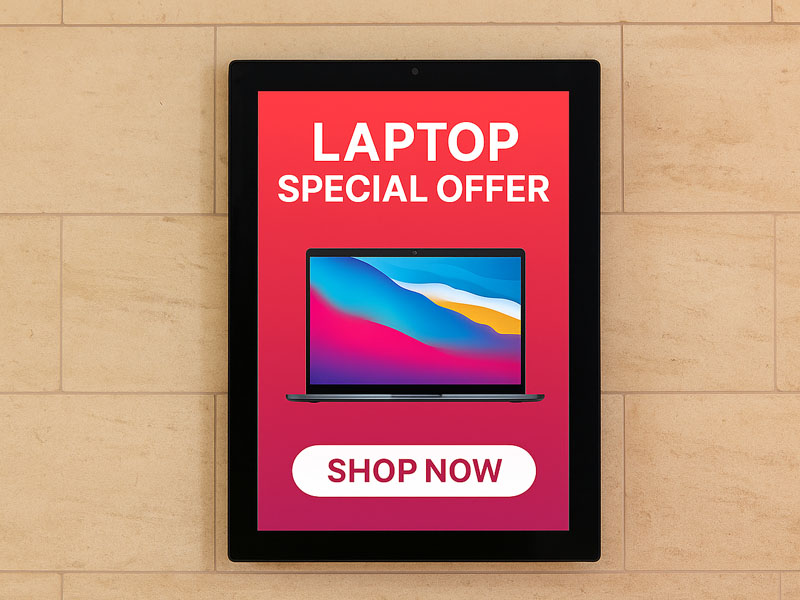
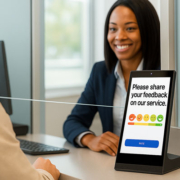
digital signage solutions-1
2. User-Friendly Touchscreen Interface
The heart of an in-wall mounted digital signage system is its interactive touchscreen interface. Employees and visitors can quickly navigate through the scheduling interface, with a simple tap or swipe, to view available rooms, see upcoming meetings, and reserve a space for their own sessions. The touch interface is intuitive and easy to use, making it simple for even non-tech-savvy users to manage room bookings.
A color-coded display typically shows the status of rooms (available, reserved, or in use) along with the meeting schedule for the day, making it easy to find an open meeting space at a glance.
3. Real-Time Updates and Notifications
One of the most important advantages of using digital signage for conference scheduling is the ability to receive real-time updates. If a meeting is extended, canceled, or rescheduled, the changes are immediately reflected on the digital display. This ensures that the information displayed is always accurate, preventing confusion and reducing the need for manual adjustments.
Additionally, push notifications can be sent to the meeting organizer or team members, reminding them of their upcoming meeting and helping keep everyone on track. These notifications can be tailored to fit the specific needs of the office, with options for email, text, or pop-up alerts.
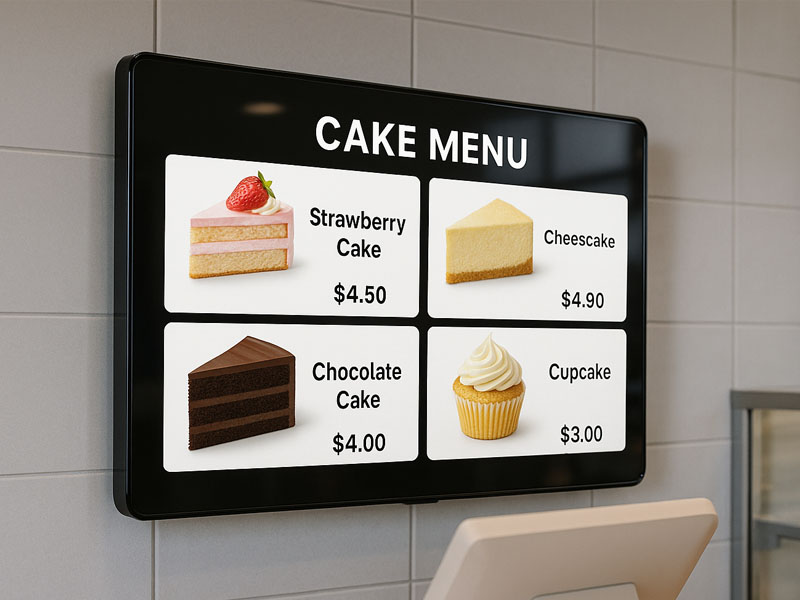
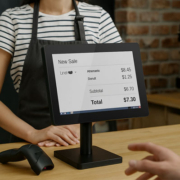
digital signage display
4. Space Optimization and Clean Design
An in-wall mounted Android digital signage system eliminates the clutter associated with traditional paper-based schedules and room signage. Its sleek, space-saving design integrates directly into the wall, keeping the office environment clean and professional. The system’s compact form factor means that it doesn’t take up valuable desk or counter space, and it blends in seamlessly with the decor of modern office spaces.
For organizations that want a uniform look throughout the building, these digital signage solutions can be installed in various conference rooms, meeting areas, and communal spaces, providing a consistent and professional appearance across all rooms.
5. Real-Time Room Availability and Customization
The digital signage system allows for quick and easy updates to room availability. If a meeting room becomes available or is booked unexpectedly, employees can see the updated availability in real time. This allows employees to quickly find alternative rooms and schedule their meetings accordingly.
Moreover, many of these systems come with customizable features such as:
- Personalized branding for company logos and colors to match the office environment.
- Customizable templates for displaying meeting details, event names, and company-specific messages.
- Multiple language options for international teams or multi-location organizations.
6. Remote Management and Monitoring
Remote management is a key feature of in-wall mounted Android digital signage systems. Administrators or IT personnel can monitor and manage the digital signage displays remotely through a web-based platform or mobile app. This means that any issues with the system—whether it’s a software update or display issue—can be resolved without needing to physically interact with the devices.
Additionally, businesses can update the signage content or make scheduling adjustments remotely, ensuring that the digital signage system is always operating optimally. This feature is particularly useful for organizations with multiple offices or locations.
7. Energy Efficiency and Cost-Effectiveness
In-wall mounted digital signage solutions are typically energy-efficient, using low-power consumption displays and being powered via PoE (Power over Ethernet), eliminating the need for separate power cables and adapters. This reduces installation costs and simplifies the setup process, making it easier to integrate the system into existing office infrastructure.
The low energy consumption also contributes to cost savings over time, as the system runs efficiently without draining excessive electricity.
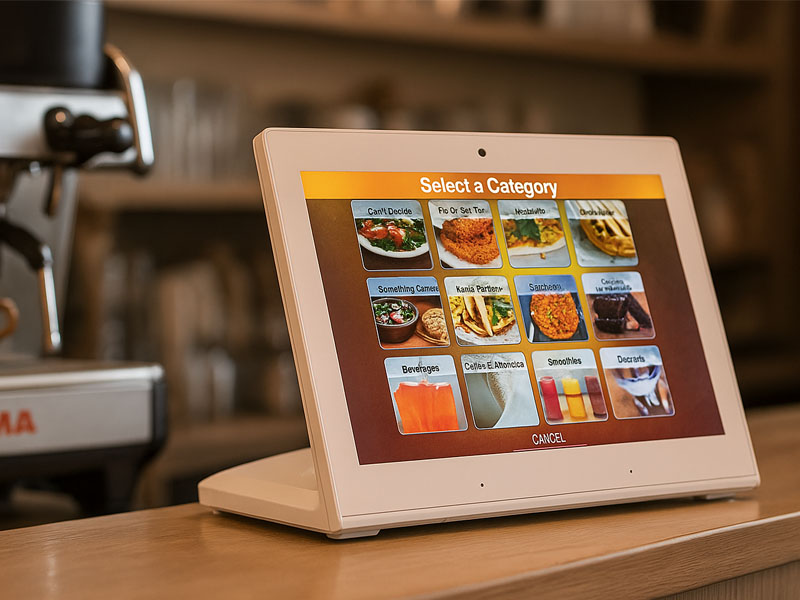
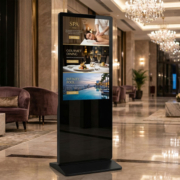
pos digital siganage display
8. Enhanced Professionalism and Branding
With in-wall mounted Android digital signage, businesses can create a more polished and modern environment in their office spaces. The display screens can be customized with company branding, ensuring that the digital signage system aligns with the company’s corporate image. This can include logos, color schemes, and specific brand messaging that enhances the overall professionalism of the workplace.
In high-profile spaces like executive offices or boardrooms, using digital signage for conference scheduling adds a layer of sophistication and modernity that reflects well on the company.
Ideal Environments for In-Wall Mounted Android Digital Signage for Conference Scheduling
- Corporate Offices: Keep meeting rooms organized with real-time booking, reducing scheduling conflicts and improving internal communication.
- Co-Working Spaces: Provide tenants with a simple and efficient way to book shared conference rooms or private offices.
- Educational Institutions: Streamline scheduling for classrooms, meeting spaces, and seminar rooms, making it easier for students and staff to manage room availability.
- Corporate Campuses: With multiple buildings and floors, managing room bookings through an integrated digital signage system helps maintain smooth operations across larger premises.
- Event Venues: In venues that host large conferences, exhibitions, or events, digital signage ensures that the room schedules are clear and accessible for event organizers and participants.
In-wall mounted Android digital signage for conference scheduling offers a streamlined, efficient, and modern approach to managing meeting room bookings in corporate, educational, or co-working environments. By eliminating paper-based systems, offering real-time updates, and providing easy-to-use touchscreen interfaces, businesses can enhance productivity and ensure smooth operations. The sleek, space-saving design of these systems integrates seamlessly into modern office spaces, while their customizable features allow businesses to tailor the displays to meet specific needs.