Wall Mounted Smart Home Control Panel Touch Screen
In the modern world of smart homes, technology continues to evolve to create a more connected and automated living environment. A wall-mounted smart home control panel with a touchscreen is one such innovation that brings convenience, functionality, and style into your living space. These sleek, user-friendly devices offer a central hub for managing various smart devices, enhancing both the aesthetic and functionality of your home.
This article explores the benefits, features, and installation process of a wall-mounted smart home control panel with a touchscreen, along with how it can transform the way you interact with your home.
What is a Wall Mounted Smart Home Control Panel with a Touch Screen?
A wall-mounted smart home control panel with a touchscreen is an integrated device that allows you to control and monitor various smart home systems and devices. These systems typically include lighting, heating, security, entertainment, and other connected devices within your home. Unlike traditional switches, which require manual operation, these control panels provide a more modern and intuitive interface, often featuring a large touchscreen for easy navigation.
With just a few taps or swipes, you can adjust the lighting, lock doors, set the thermostat, or even view security camera feeds—all from one centralized point.
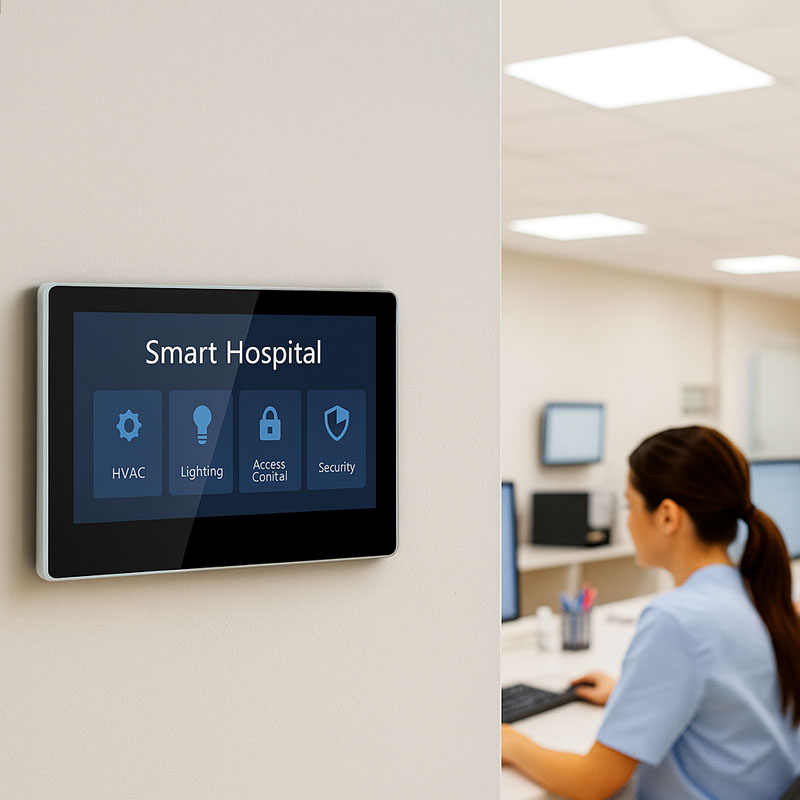
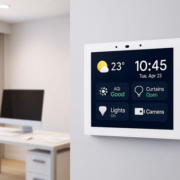
YC-SM10P Smart Home Wall Mount POE Tablet-3
Key Features and Benefits of Wall Mounted Smart Home Control Panels
1. Centralized Control Hub
A wall-mounted touchscreen control panel serves as the central hub of your smart home. It consolidates all the control features of your various connected devices into one location. Whether you need to adjust the thermostat, dim the lights, or activate your home security system, everything is accessible through a single, easy-to-use interface.
- Efficient Home Automation: Control lighting, temperature, music, curtains, locks, and even appliances, all from one touchscreen panel.
- Smart Scheduling: Set routines and automation schedules. For example, set the lights to dim at bedtime or the thermostat to adjust when you leave for work.
2. Easy-to-Use Touch Interface
One of the biggest advantages of a wall-mounted smart control panel is the touchscreen interface. Unlike traditional control panels or remotes, which can be complicated and cumbersome, a touchscreen provides a much more intuitive way to interact with your home automation system.
- Intuitive Navigation: The touch interface is designed for ease of use, making it simple for everyone in the household to interact with the system, even those who may not be tech-savvy.
- Visual Feedback: The display shows real-time updates and feedback, such as temperature readings, lighting levels, and system statuses, so you always know what’s going on in your home.
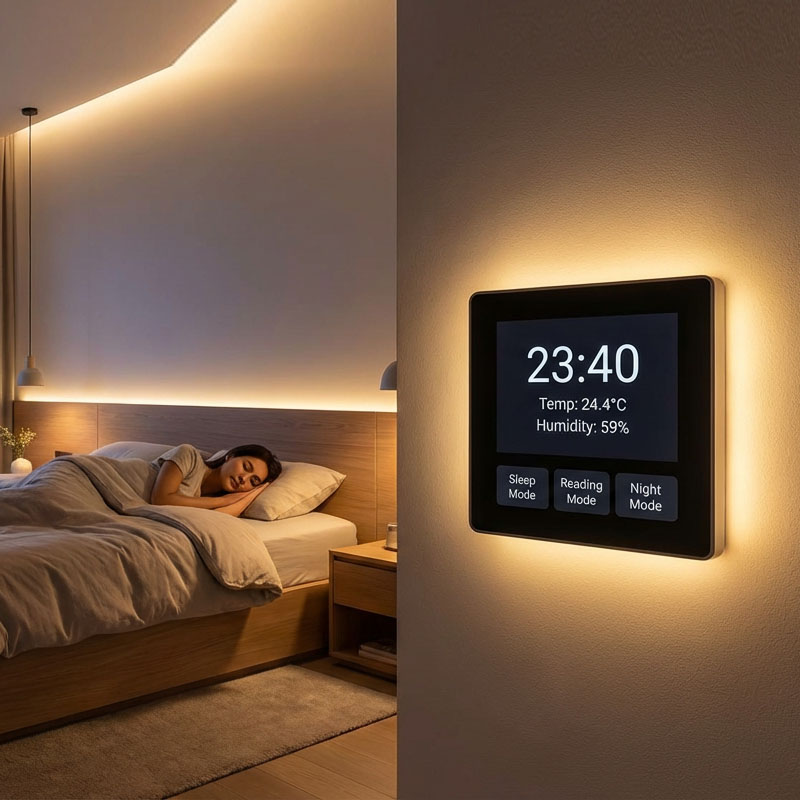
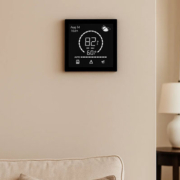
YC-SM41P (Black)4” Smart Home Touch Control Panel
3. Sleek, Modern Aesthetic
A wall-mounted smart home control panel with a touchscreen adds an element of sophistication and elegance to your home. The sleek design blends seamlessly with modern home décor, offering a minimalist yet functional feature that enhances the overall look of your living space.
- Space-Saving: Mounted directly onto the wall, these panels do not take up valuable space on countertops or tables, making them ideal for smaller rooms or areas where space is limited.
- Customizable Display: Choose from different interface themes, wallpapers, or even integrate your control panel with home artwork or photos for a personalized touch.
4. Integration with Other Smart Devices
Most wall-mounted touchscreen smart home panels are designed to integrate with a wide range of smart home devices. This makes them highly adaptable and future-proof, allowing you to add new devices and features as your smart home ecosystem grows.
- Universal Compatibility: Control devices from different brands and ecosystems, such as lighting, HVAC, security cameras, and entertainment systems.
- Voice Assistant Integration: Many models are compatible with voice assistants like Amazon Alexa, Google Assistant, or Siri, offering an even more convenient and hands-free way to control your home.
5. Security and Monitoring Features
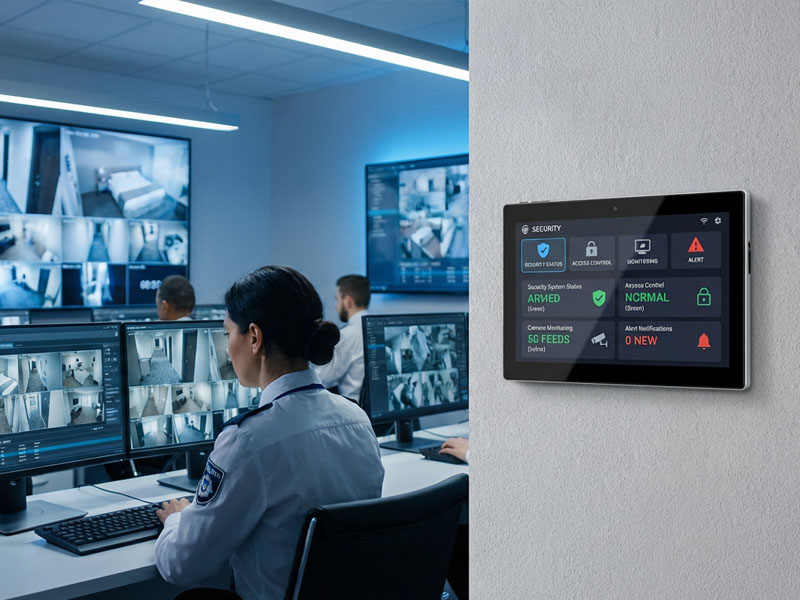
The wall-mounted smart control panel can double as a security hub, allowing you to monitor your home’s security system with ease. Some models even come with integrated cameras or allow you to view live feeds from other security cameras installed throughout your home.
- Live Camera Feeds: View live footage from security cameras, check doorbell camera footage, or monitor other cameras in the home, all directly from the touchscreen panel.
- Security Alerts: Receive notifications and alerts about security events, such as doors left unlocked, motion detected, or if any system malfunctions.
Installation Process for Wall Mounted Smart Home Control Panels
Installing a wall-mounted smart home control panel is a straightforward process, especially with Portworld’s smart home solutions. Here’s how you can integrate one of these panels into your home:
1. Choose the Right Panel
Portworld offers a variety of smart home control panels with different screen sizes and features. Whether you’re looking for a small, 4-inch screen for a cozy bedroom or a larger, 10.1-inch panel for the living room, you’ll find a model that suits your needs. The YC-SM10P and YC-SM08P models, for example, offer seamless integration with smart devices and are perfect for central control.
2. Mounting and Power Setup
The control panel is designed for wall-mount installation, making it easy to install in any room. Most models come with Power over Ethernet (PoE) support, meaning you only need one Ethernet cable for both power and data transmission, simplifying the installation process.
- Simple Installation: The wall-mount system ensures a secure and stable setup, with minimal drilling and no need for complicated wiring.
- PoE Support: With PoE (Power over Ethernet), you can reduce the number of cables needed, making the installation process quicker and tidier.
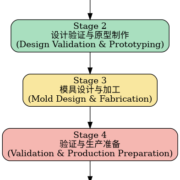
smart panel factory
3. System Integration
Once installed, integrate the control panel with your existing smart home system. This may involve connecting the panel to your Wi-Fi network and linking it to other smart devices like lights, thermostats, security systems, and entertainment units.
- Smart Device Pairing: Pair the control panel with devices using Wi-Fi or Zigbee protocols to enable full functionality across your entire smart home.
- Personalization: Customize the display to fit your preferences, from adjusting the home screen to integrating voice control features.
4. Testing and Calibration
Once everything is set up, test the panel by controlling various devices to ensure everything is functioning as expected. Adjust settings and calibrate the system to fine-tune the experience.
Why Choose Portworld’s Wall Mounted Smart Control Panels?
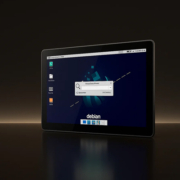
Portworld offers an extensive range of smart control panels perfect for wall-mount installation in homes and offices. Our models, including the YC-SM10P (10.1-inch) and YC-SM08P (8-inch), offer seamless integration with Android or Linux systems, PoE support for easy installation, and excellent performance for a variety of smart home needs.
Key Features:
- Seamless Integration with Android, Linux, and other smart home platforms
- Customizable Interface and branding options
- PoE Support for simplified installation
- High-Resolution Displays for sharp and vibrant visuals
- Wide Compatibility with other smart devices and home automation systems
Transform Your Home with a Wall-Mounted Smart Control Panel
A wall-mounted smart home control panel with a touchscreen brings convenience, style, and efficiency to your smart home. By centralizing the control of your home automation systems in one easy-to-use interface, these panels simplify daily tasks, increase energy efficiency, and enhance security.