
Smart building lobby command center display 43 inch
In the modern era, smart buildings are becoming increasingly common, offering advanced technologies that enhance efficiency, security, and comfort for building occupants. The central hub for managing a building’s systems, whether it be lighting, HVAC, security, or access control, is typically the command center. A 43-inch smart building lobby command center display plays a crucial role in this, offering building managers, staff, and tenants easy access to real-time data, controls, and alerts in a sleek, user-friendly interface.
In this article, we’ll explore the key features, benefits, and applications of a 43-inch smart building lobby command center display, and how it can enhance building operations, improve tenant experiences, and increase energy efficiency.
What is a Smart Building Lobby Command Center Display?
A smart building lobby command center display is typically a large-format touchscreen display used in the central command hub of a smart building. It is designed to showcase important building information, such as:
- Security status (e.g., surveillance camera feeds, access control logs)
- Energy usage (e.g., power consumption, HVAC data)
- Building systems status (e.g., lighting, elevators, and fire safety systems)
- Real-time notifications for events, maintenance issues, or emergency alerts
- Wayfinding or building directory for visitors and tenants
The 43-inch size strikes the right balance between visibility and integration, offering a large enough display for multiple data points to be shown simultaneously while remaining compact enough to fit in the often limited space of a lobby or hallway.

Digital Signage Kiosk Floor Standing Outdoor Poster Advertising Display-1
Key Features of a 43-Inch Smart Building Lobby Command Center Display
1. High-Resolution Display
A 43-inch display typically offers Full HD (1920×1080) or 4K resolution, providing clear, sharp visuals for the information that needs to be displayed. Whether it’s security feeds, energy usage stats, or wayfinding, high resolution ensures all content is easily readable, even from a distance.
- Vibrant Colors: The display’s vibrant colors and contrast ratios ensure content is clear and easy to understand.
- Wide Viewing Angles: The IPS panel ensures that viewers can clearly see the content from different angles, making it ideal for public spaces.
2. Touchscreen Functionality
Many smart building command center displays come equipped with interactive touchscreen functionality, enabling staff and visitors to interact with the display directly.
- User Interactivity: Staff can access real-time data, control building systems, or adjust settings with a simple touch.
- Interactive Wayfinding: Tenants and visitors can easily navigate the building or find directions to specific rooms or floors.
3. Integration with Building Management Systems (BMS)
The display can be seamlessly integrated with a building’s BMS to show real-time data from different systems, such as HVAC, lighting, security, and fire safety systems.
- Energy Monitoring: Managers can track energy consumption and optimize settings to improve energy efficiency.
- Security Integration: Displaying security camera feeds and alerts, such as unauthorized access or potential security breaches.
4. Remote Management
Remote management capabilities allow building managers to control and monitor the display from any location via the cloud or a central management system.
- Real-Time Updates: Content can be remotely updated or changed, ensuring the display always shows the most relevant information.
- System Diagnostics: Technicians can remotely diagnose and troubleshoot the systems displayed on the screen, reducing the need for on-site intervention.
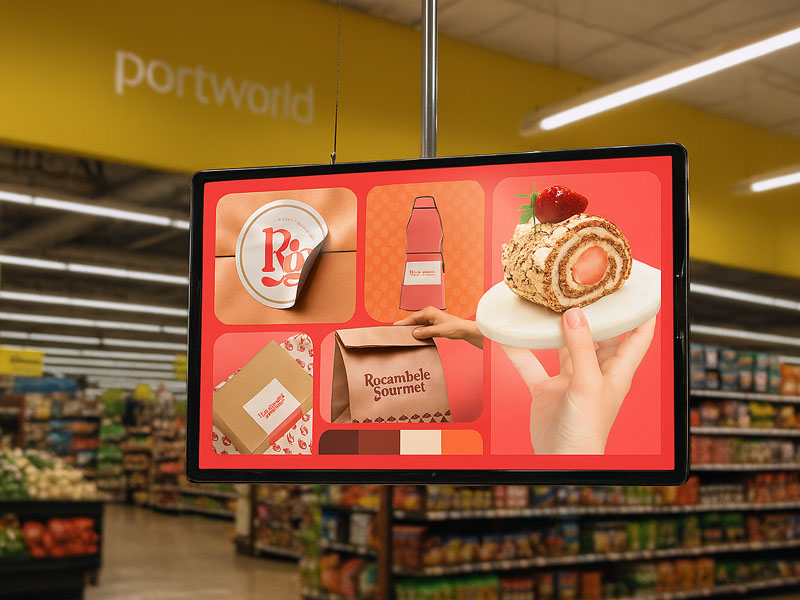
digital signage display
5. Durable and Vandal-Resistant
For a display placed in a public or high-traffic area, durability is crucial. A 43-inch smart building display is typically built with hardened glass and a rugged frame to withstand wear and tear, accidental impacts, and potential vandalism.
- Scratch-Resistant Surface: The touch surface is scratch-resistant, ensuring the display remains clean and in excellent condition.
- Sturdy Construction: The display is built with industrial-grade materials to withstand the stresses of continuous operation.
6. Energy Efficient
Given that the display will likely be operating 24/7, energy efficiency is essential. Many 43-inch smart displays feature low-power LED technology, reducing power consumption without sacrificing brightness or image quality.
-
Energy-Saving Features: Some models come with auto-dimming features, adjusting brightness based on ambient light conditions to save energy.
7. Enhanced Connectivity
A smart building display is designed to connect with a wide range of systems and devices.
- Multiple Inputs: Supports HDMI, DisplayPort, and VGA inputs for easy integration with various devices and systems.
- Wi-Fi and Ethernet: Wireless and wired connections allow for easy access to the cloud and remote data feeds.
Benefits of a 43-Inch Smart Building Lobby Command Center Display
1. Centralized Control and Monitoring
A 43-inch display provides building managers with a centralized interface to monitor the health of all building systems from a single screen. Real-time alerts, notifications, and visualizations allow for quick decision-making and rapid responses to any issues that arise.
-
Real-Time Data: With the ability to view multiple data streams on one screen, managers can address problems immediately, improving response times and minimizing downtime.
2. Improved Building Efficiency
By tracking key data such as energy usage and occupancy patterns, building managers can optimize building operations, reduce waste, and enhance energy savings.
- Energy Monitoring: Managers can see how much energy is being consumed by different systems (lighting, HVAC, etc.), allowing for more efficient energy use.
- Maintenance Alerts: The display can show real-time alerts related to system performance or maintenance needs, helping prevent major issues.
3. Enhanced User Experience
The interactive touchscreen interface allows for a seamless user experience, allowing visitors and tenants to access important information such as wayfinding, visitor registration, or events.
- Interactive Maps: A 43-inch touchscreen can be used to display interactive maps of the building, helping visitors find their way around the property.
- Event Schedules: Display event or conference schedules, room availability, and other important notices.
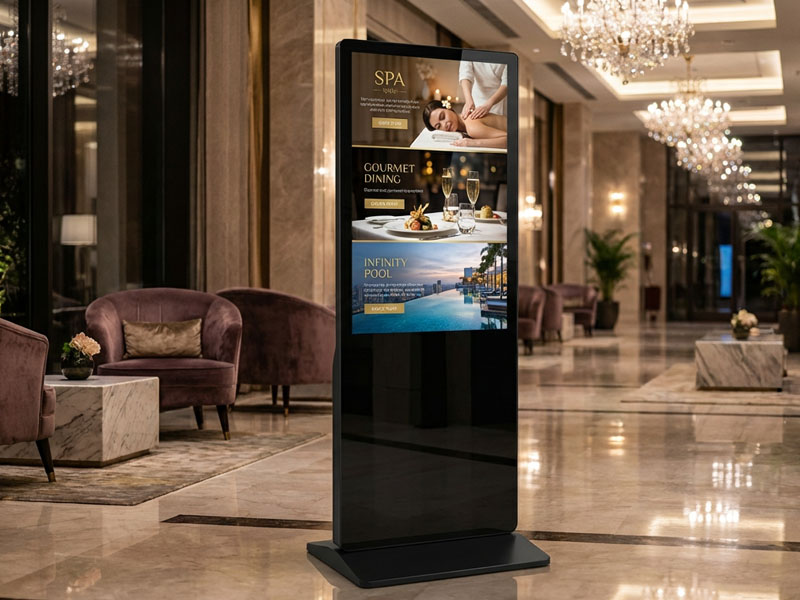
Kiosk Digital Signage Display
4. Increased Security
Integration with the building’s security systems can turn the display into a real-time surveillance tool. Managers can view security feeds and receive immediate notifications if a security issue arises.
- Live Camera Feeds: Integrate live feeds from surveillance cameras and show them directly on the display.
- Security Alerts: Real-time alerts for unauthorized access or critical security issues can be shown on the display to keep building personnel informed.
5. Future-Proof Technology
Smart building technologies are evolving rapidly, and a 43-inch display that integrates with IoT devices and cloud services ensures your building management system remains future-proof. As new technologies are adopted, the display can easily be upgraded or modified to accommodate new functionalities.
Applications of a 43-Inch Smart Building Lobby Command Center Display
- Building Management: Monitor and control HVAC, lighting, security, and other systems from one central display.
- Wayfinding: Provide visitors with interactive maps and directions throughout the building or campus.
- Energy Efficiency: Track energy consumption in real-time and optimize usage for better sustainability.
- Security: Display live security feeds and receive real-time alerts for potential security threats.
- Event Scheduling: Show schedules for events, meetings, or conferences within the building.
Why Choose Portworld’s 43-Inch Smart Building Lobby Command Center Display?
At Portworld, we offer a range of smart building solutions designed to enhance building management, improve energy efficiency, and create a more connected experience for tenants and visitors.
Key Products:
- YC-43FL 43-inch Floor-Mounted Smart Display – Ideal for integration with smart building systems, offering real-time data monitoring and management.
A 43-inch smart building lobby command center display is an essential tool for modern building management. Offering real-time monitoring, energy tracking, security integration, and interactive features, this display helps improve operational efficiency, enhance the user experience, and contribute to sustainable building management. With Portworld’s advanced smart building solutions, you can ensure that your building is at the forefront of technology, efficiency, and tenant satisfaction.

