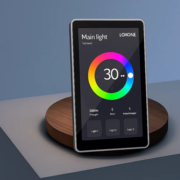
PoE Android touch panel for office lighting control
In the modern office, creating a comfortable, productive, and energy-efficient environment is crucial. Lighting plays a key role in setting the tone and enhancing the work atmosphere. Whether it’s adjusting the brightness for focus, dimming lights for presentations, or turning them off when rooms are unoccupied, having seamless control over office lighting can significantly improve both comfort and efficiency.
A PoE Android touch panel designed specifically for office lighting control provides a centralized, intuitive, and smart solution to manage the office lighting system. Powered by Power over Ethernet (PoE), these panels integrate seamlessly with existing infrastructure while offering easy control and automation of lighting systems, along with additional features for managing other connected devices.
In this article, we’ll explore the advantages of using a PoE Android touch panel for office lighting control, its key features, and how it can enhance your office’s automation, efficiency, and sustainability.
What is a PoE Android Touch Panel?
A PoE Android touch panel is a smart control device that uses Power over Ethernet (PoE) technology to deliver both data and power over a single Ethernet cable. This eliminates the need for separate power cables, simplifying installation and maintenance. The panel operates on Android OS, which allows for flexible integration with various office systems, apps, and devices.
When used for office lighting control, these panels provide a touchscreen interface that enables users to control lighting levels, create lighting scenes, set schedules, and monitor energy usage—all from one intuitive interface.
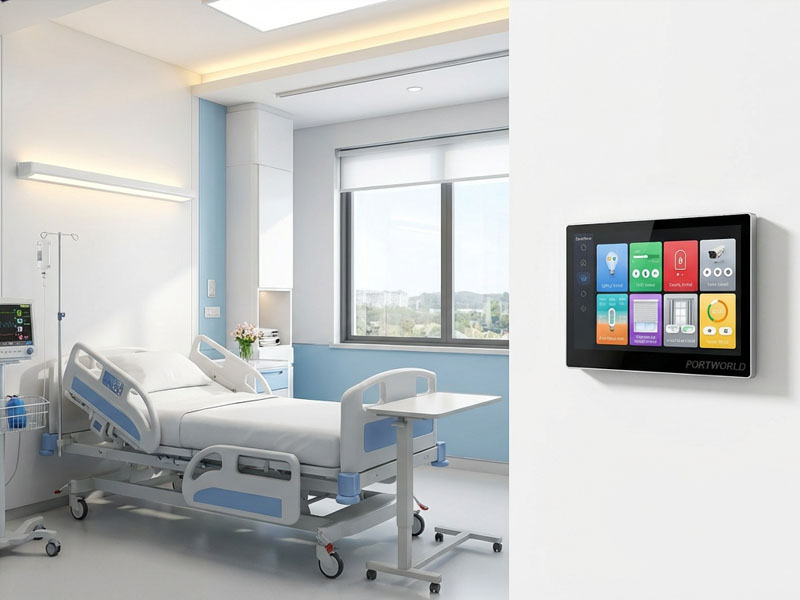
smart touch control panel
Key Features of PoE Android Touch Panel for Office Lighting Control
1. Seamless Integration with Office Lighting Systems
One of the most significant advantages of a PoE Android touch panel is its seamless integration with office lighting systems. Whether you have traditional lighting or smart lighting fixtures, the panel can be connected and configured to manage and control the entire lighting setup. With just a few taps, you can control individual lights, adjust brightness levels, or switch between pre-set lighting scenes tailored to different office tasks (e.g., focus mode, meeting mode, or relaxation).
2. Energy Efficiency and Cost Savings
Energy efficiency is a key consideration in modern office spaces. With the help of a PoE Android touch panel, office managers can reduce energy waste by automating the lighting system based on occupancy, time-of-day schedules, or ambient light levels.
- Occupancy Sensors: The control panel can be connected to motion sensors to automatically turn off lights in unoccupied areas, ensuring that no energy is wasted when rooms or spaces are not in use.
- Lighting Scheduling: Office managers can set up lighting schedules to ensure that lights are only on when needed. For example, lights can be automatically turned on in the morning when employees arrive and off after work hours.
- Brightness Adjustment: The panel can be programmed to adjust the lighting based on ambient light levels, optimizing energy consumption during the day by using natural light whenever possible.
This level of automation helps to reduce energy consumption and lower electricity costs, contributing to a more sustainable and eco-friendly office environment.
3. Centralized Control Interface
The PoE Android touch panel provides a centralized interface for managing all lighting-related functions across the office. With an easy-to-use touchscreen, employees can control the lighting in their personal workspace or shared areas like meeting rooms, lobbies, or hallways.
Moreover, the panel allows for grouping lights by rooms or zones, enabling more efficient control. For example, the lighting in a conference room or break room can be adjusted independently of the general office lighting, allowing for precise control of different zones in the office.
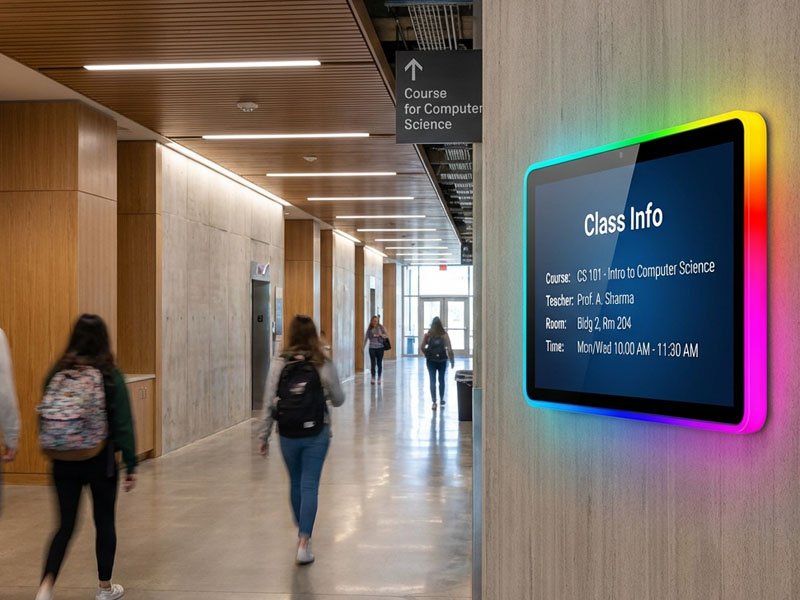
Meeting Room Display Panels
4. Touchscreen Convenience and User-Friendly Design
A touchscreen interface makes it easy for users to interact with the control panel. The system is intuitive, allowing users to tap, swipe, zoom, and adjust settings with ease.
A well-designed interface ensures a simple and smooth experience. Users can quickly switch between different lighting modes, adjust brightness levels, and even create custom lighting scenes tailored to specific activities or moods in the office.
Additionally, gesture control can be implemented, making the interaction even more fluid and convenient. Whether it’s a quick swipe to dim the lights or a tap to switch between modes, the touchscreen panel ensures a responsive and enjoyable user experience.
5. PoE (Power over Ethernet) for Simplified Installation
The use of PoE technology eliminates the need for separate power lines to the panel. Both data and power are delivered over a single Ethernet cable, making installation much simpler and cost-effective. This reduces wiring complexity and cuts down on the need for electricians or extensive infrastructure changes.
With PoE, the panel can easily be embedded into wall-mounted setups, offering a clean, professional look and ensuring that there is no visible clutter or excessive wiring.
6. Remote Control and App Integration
In addition to direct control through the touchscreen interface, a PoE Android touch panel can be integrated with a mobile app or cloud-based platform for remote management. This feature is particularly useful for office managers or facility managers who need to monitor and control lighting from outside the office.
With remote access, managers can check the status of lights, change settings, and schedule lighting adjustments from anywhere, using a smartphone or computer.
7. Integration with Other Smart Devices
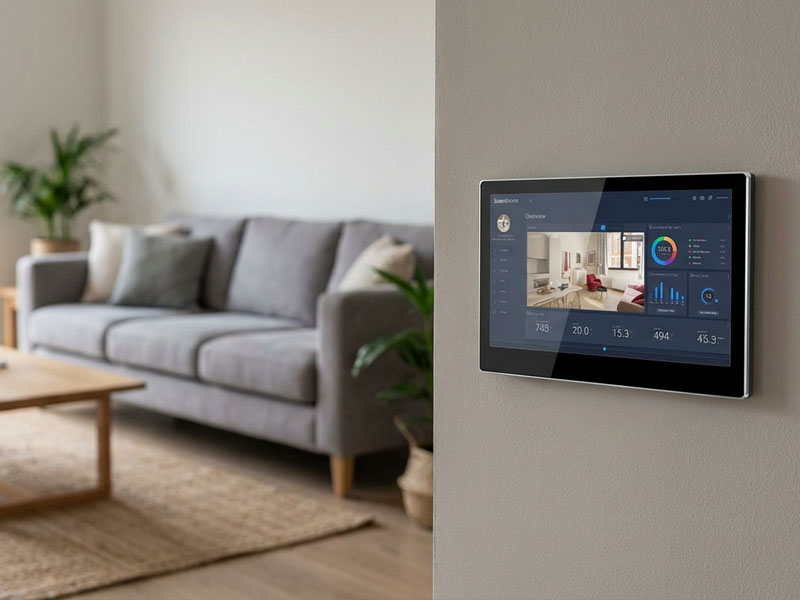
The PoE Android touch panel offers integration with other smart building systems, enabling comprehensive control of not only lighting but also HVAC, shading, and security systems. With the ability to manage all systems from a single platform, office managers can streamline operations and ensure that all systems work together harmoniously for optimal comfort and efficiency.
smart home control panel
Benefits of Using PoE Android Touch Panel for Office Lighting Control
- Simplified Setup and Reduced Wiring Costs
- PoE technology reduces installation complexity by combining both data and power over a single Ethernet cable. This results in lower setup costs and a quicker, more streamlined installation process, especially for offices that already have Ethernet infrastructure in place.
- Enhanced Employee Comfort
- With easy control over the lighting system, employees can create an ideal environment for work and collaboration. The ability to adjust lighting based on tasks, time of day, or mood helps improve comfort and can even contribute to better productivity.
- Improved Energy Management
- The integration of smart lighting controls allows for the automation of lighting systems based on usage patterns, ensuring that lights are only on when needed. This results in significant energy savings, lower operational costs, and a greener office space.
- Centralized and Efficient Management
- With a centralized control system, office managers and employees can efficiently manage lighting settings across various office zones. This eliminates the need for multiple controls and provides better oversight of lighting usage throughout the office.
- Scalable and Future-Proof
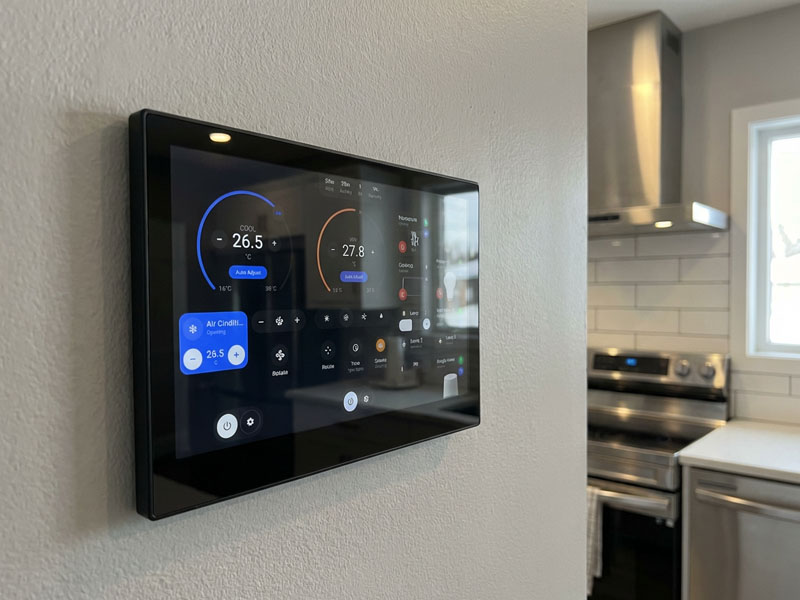
- As the needs of the office evolve, a PoE Android touch panel is scalable and can easily integrate with additional devices, sensors, and smart systems. Whether it’s expanding the lighting network or integrating more advanced features like voice control, the panel ensures that your office’s smart control system remains flexible and future-proof.
smart touch control panel8
Applications of PoE Android Touch Panel for Office Lighting Control
- Corporate Offices: Control the lighting in open-plan spaces, meeting rooms, and individual offices to enhance productivity and reduce energy consumption.
- Conference Rooms: Easily adjust lighting for presentations, video calls, and brainstorming sessions, with pre-set lighting scenes to suit different activities.
- Lobbies and Common Areas: Manage lighting in shared spaces like hallways, kitchens, and break rooms, ensuring they are always appropriately lit for comfort and safety.
- Remote Offices: Using remote control capabilities, manage office lighting even from outside the building, perfect for facility managers or IT personnel.
Smart Control for the Modern Office
The PoE Android touch panel for office lighting control is an indispensable tool for modern office environments. With energy efficiency, intuitive touchscreen controls, centralized management, and seamless integration with other smart devices, it offers unparalleled flexibility and convenience for office lighting automation.
By adopting this technology, companies can optimize energy consumption, enhance employee comfort, and streamline building operations, all while creating a more productive and sustainable workplace.