
Linux meeting room display with calendar integration
In the modern workplace, efficient room scheduling is crucial to optimize resources and enhance collaboration. Traditional methods like paper schedules or manually updated spreadsheets can lead to confusion and double bookings. To solve these issues, more organizations are adopting Linux-based meeting room displays with calendar integration, which offer seamless, real-time scheduling solutions. These displays enhance workflow, improve meeting room utilization, and contribute to a more organized, productive work environment.
In this article, we will explore the features and benefits of Linux-powered meeting room displays, their role in calendar management, and how they can streamline office space usage.
What is a Linux Meeting Room Display with Calendar Integration?
A Linux meeting room display is a digital display mounted outside or inside a meeting room to show real-time information about the room’s booking schedule. The display is powered by the Linux operating system, which provides reliability, security, and flexibility. With calendar integration, the system syncs with an organization’s digital calendar (e.g., Google Calendar, Microsoft Exchange, or Outlook), ensuring that the room’s schedule is always accurate and up to date.
These displays can show a variety of information, such as:
- Upcoming meetings
- Meeting participants
- Room availability (indicated by colors such as green for available and red for booked)
- Room details like seating capacity, equipment, and amenities
The system’s real-time syncing feature ensures that all information is up-to-date, helping avoid conflicts and enabling employees to efficiently manage their meeting schedules.
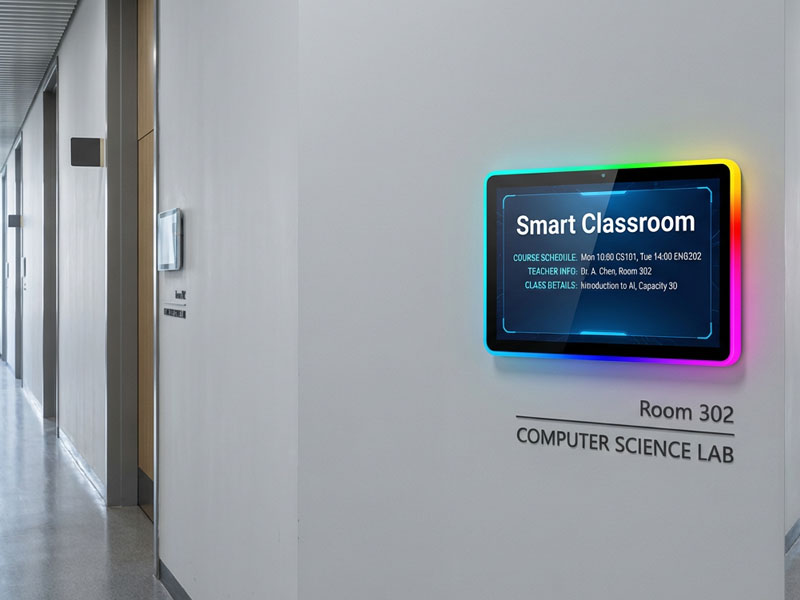
Meeting Room Display Panels
Key Features of Linux Meeting Room Displays with Calendar Integration
1. Real-Time Calendar Synchronization
One of the standout features of Linux-based meeting room displays is the ability to sync with an organization’s digital calendar system in real time. This means any changes made to a meeting’s time, location, or participants are instantly reflected on the display.
- Instant Updates: If a meeting is canceled, rescheduled, or moved, the information on the display is automatically updated, avoiding confusion and double bookings.
- Integration with Calendar Tools: These displays seamlessly integrate with popular calendar systems like Google Calendar, Microsoft Office 365, and Outlook. Users can easily book a room, view available slots, and update events directly from the calendar interface.
2. User-Friendly Touchscreen Interface
Many Linux meeting room displays come equipped with a touchscreen interface, making it easy for employees to interact with the system. This functionality allows users to directly book, cancel, or modify meetings without needing to access a computer or phone.
- Quick Booking: Employees can reserve rooms for spontaneous meetings without the need for pre-booking through email or a central system.
- Detailed Information: Users can tap on the display to access more information about the meeting, such as participants, agenda, and any special requirements like video conferencing tools or projectors.
3. Availability Status Indicators
Meeting room displays often feature status indicators that show whether a room is currently available, in use, or reserved. These indicators use a color-coding system (e.g., green for available, red for in use) to make it easy to spot an available room at a glance.
- Visual Clarity: This helps reduce confusion, allowing employees to quickly find an available room when needed.
- Easy to Spot: At a glance, users can understand the status of a meeting room, saving time and preventing scheduling conflicts.
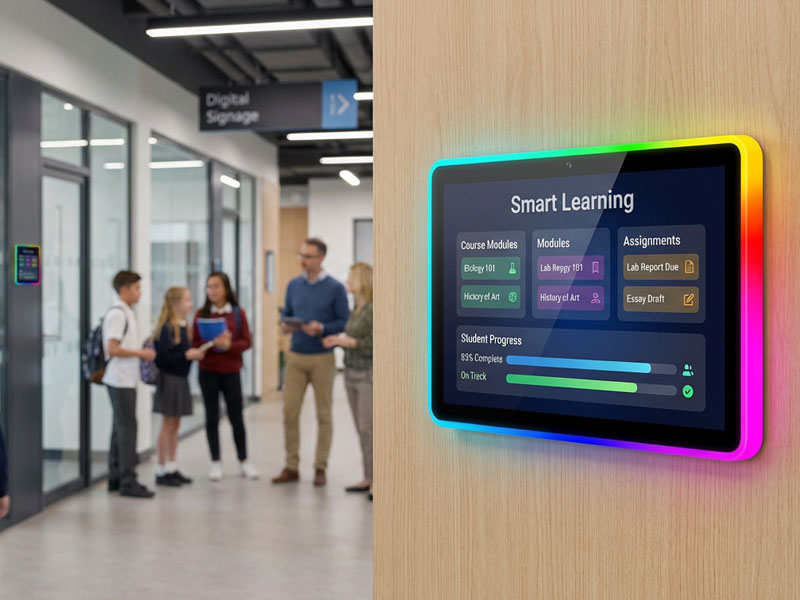
Meeting Room Display Panels
4. Remote Management and Monitoring
Linux meeting room displays are often equipped with remote management capabilities. Administrators and IT teams can monitor, update, and manage the displays remotely, ensuring the system runs smoothly and is up-to-date.
- Cloud-Based Management: Many of these displays can be connected to cloud-based systems, enabling remote access and updates.
- Real-Time Alerts: If there’s an issue, such as an overbooking or technical glitch, administrators receive real-time notifications to resolve the issue promptly.
5. Customizable Content and Branding
Linux-powered displays offer high customization, allowing organizations to tailor the appearance of the screen to fit their brand and requirements. From room names and logos to the layout and content displayed, businesses can make the display truly their own.
- Branded Interface: Customize the display to match your company’s color scheme, logo, and overall aesthetic.
- Additional Information: Besides meeting details, businesses can add other relevant information, such as office announcements, company news, or employee recognition.
6. Energy Efficiency
Because they are powered by Linux, these displays are designed to be energy-efficient, consuming minimal power without compromising performance. Many systems also come with features like automatic sleep modes and brightness adjustments based on the time of day, further reducing energy consumption.
-
Lower Operating Costs: The low energy usage of Linux systems helps businesses reduce operational costs, making them an ideal solution for companies focused on sustainability.
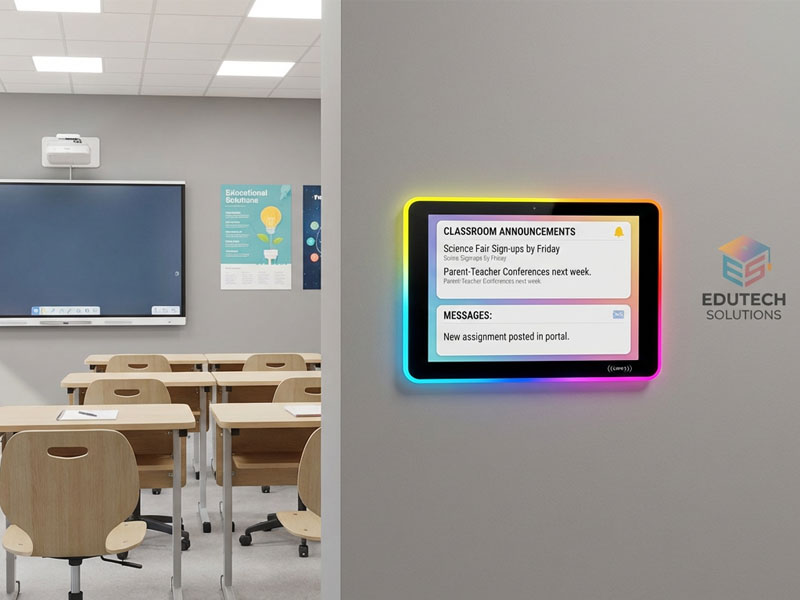
smart home control panel
Benefits of Using Linux Meeting Room Displays with Calendar Integration
1. Enhanced Scheduling Efficiency
With a Linux-based display and calendar integration, scheduling becomes far more efficient. Employees can instantly view room availability and book a meeting with just a few taps. With calendar integration, the meeting room display shows real-time updates, ensuring that there are no conflicts or double-bookings.
- Time-Saving: Employees no longer need to check multiple systems or wait for approvals to book meeting rooms, improving overall efficiency.
- Reduced Administrative Work: Administrative staff no longer need to manually update schedules, as the digital display syncs automatically with the calendar system.
2. Improved Resource Management
By using Linux-powered meeting room displays, organizations can more effectively utilize their office space. Real-time booking information allows businesses to allocate resources better, ensuring that rooms are used efficiently and available when needed.
- Better Space Utilization: Monitor and optimize meeting room usage, ensuring spaces are being used appropriately.
- Room Usage Analytics: Many systems provide analytics on meeting room usage, helping facilities managers understand peak usage times and plan accordingly.
3. Increased Productivity
The ease of booking and managing meetings in real-time boosts overall productivity. Employees are able to quickly find available rooms, reserve them, and get back to work without disruption.
- No More Scheduling Conflicts: The system prevents double bookings and the confusion of overlapping meetings.
- Seamless Meetings: Since the meeting room display is integrated with your calendar, there’s no need to manually check the schedule or make unnecessary adjustments.
4. Professional Image and Convenience
The use of digital displays to manage meeting rooms projects a professional image to employees and clients. It also adds a level of convenience that enhances the overall experience for meeting participants, who can easily check the room’s status and meeting details at a glance.
- Easy Access: A simple, user-friendly interface ensures that anyone can interact with the system easily, regardless of their technical expertise.
- Sleek Design: These displays add a modern, tech-savvy element to your office, giving it a clean and organized look.
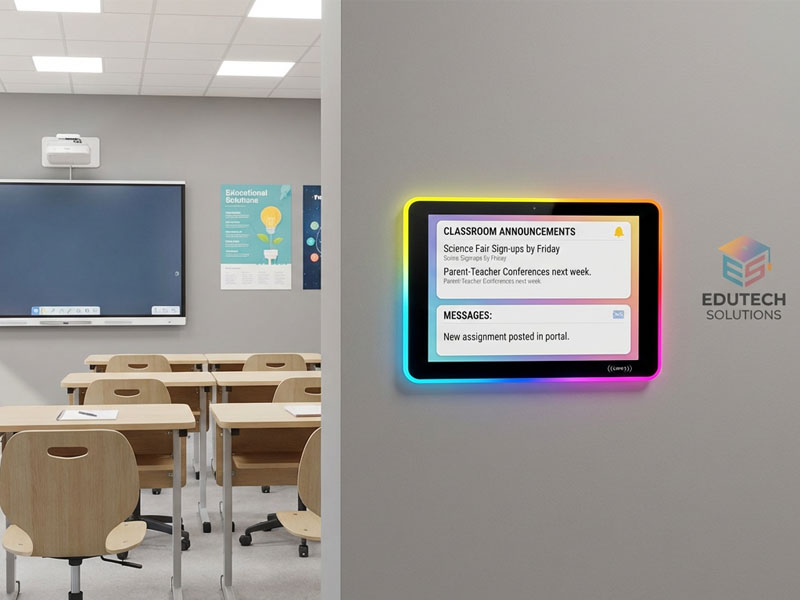
Meeting Room Display Panels
How to Implement Linux Meeting Room Displays with Calendar Integration
- Step 1: Choose the Right Hardware
- To implement a Linux-based meeting room display, you need to choose the right display screen size and mount type (e.g., wall-mounted, tabletop). Consider factors such as the size of the meeting room, the amount of space available in the lobby, and the desired screen size.
- Step 2: Integrate with Your Calendar System
- Make sure the display is integrated with your company’s digital calendar system (such as Google Calendar, Outlook, or Microsoft Office 365). This integration ensures that all meeting schedules are synced in real-time.
- Step 3: Customize the Display
- Once the hardware is in place, customize the display to match your company’s branding and functional requirements. Add features like meeting agendas, company news, or wayfinding information for guests.
- Step 4: Set Up Remote Management
- To ensure the display runs smoothly, set up cloud-based management and remote access. This allows IT teams to monitor, update, and manage the displays from anywhere.
Linux-based meeting room displays with calendar integration are a highly effective solution for modern offices seeking to streamline their meeting room management. These systems provide real-time scheduling updates, improved booking efficiency, and an overall better experience for both employees and visitors. With customizable interfaces, energy-efficient operation, and seamless calendar integration, they not only simplify scheduling but also enhance the productivity and professionalism of any office environment.

