Lightweight Linux distro for low-power smart panels
In the world of smart panels and embedded systems, performance and energy efficiency are key factors that dictate the usability and sustainability of the device. Whether you’re building smart home control panels, industrial HMIs, or digital signage, selecting the right operating system (OS) can significantly impact the overall performance and power consumption of the device.
For low-power smart panels, a lightweight Linux distribution (distro) is a perfect choice to strike a balance between efficient performance and energy efficiency. In this article, we explore the best lightweight Linux distros for low-power smart panels and how they help optimize device performance, making them ideal for embedded systems and IoT devices.
Why Choose a Lightweight Linux Distro for Smart Panels?
When it comes to smart control panels or any embedded device, the key challenges are resource optimization, performance and power consumption. Traditional desktop operating systems like Ubuntu Desktop or Fedora are often too heavy for embedded systems, consuming more resources than necessary and draining power quickly. This is where lightweight Linux distros come into play.
Benefits of Lightweight Linux Distros:
- Lower Power Consumption: Lightweight distros are designed to consume minimal resources, which is essential for low-power smart panels that need to run continuously without overloading power supplies or overheating.
- Faster Boot Times: With less overhead and fewer background processes, lightweight distros boot quickly, allowing your smart control panel to start up almost instantly.
- Optimized Resource Usage: These distros are specifically designed to optimize memory and CPU usage, which means your smart panel can run smoothly even with low-end hardware and low-power processors.
- Customizability: Many lightweight Linux distributions are highly customizable, allowing you to tweak the system according to the specific needs of your smart home control panel or HMI system.
- Stability and Security: Linux is known for its stability and security, making it a great choice for embedded devices that require reliable, uninterrupted operation.
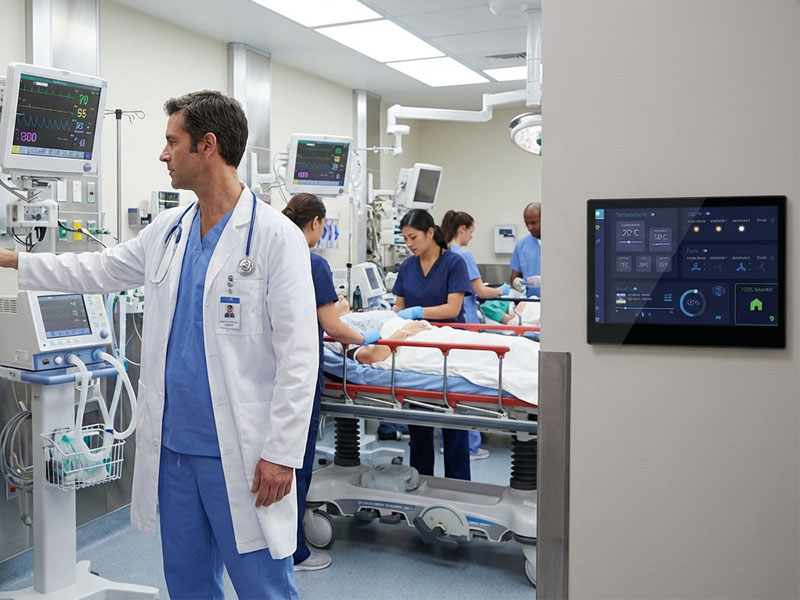
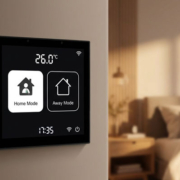
smart control panel
Top Lightweight Linux Distros for Low-Power Smart Panels
Here’s a look at some of the best lightweight Linux distros that can be used to optimize the performance of low-power smart panels:
1. Raspberry Pi OS (formerly Raspbian)
Raspberry Pi OS is one of the most widely used lightweight Linux distros for single-board computers like the Raspberry Pi. It’s designed specifically for low-power devices, offering a bare minimum installation to run applications efficiently.
-
Key Features:
- Optimized for Raspberry Pi hardware.
- Low resource usage, making it ideal for embedded systems.
- Minimal system requirements, supporting low-power processors.
- Easy to set up for touch-based HMI systems.
- Long-term support from the Raspberry Pi Foundation.
-
Why It’s Ideal: The lightweight nature of Raspberry Pi OS ensures it won’t drain excessive power from devices while offering support for smart home control, automation, and digital signage applications. It’s perfect for Raspberry Pi-based smart panels.

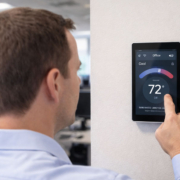
smart touch control panel-71
2. Ubuntu Server (Minimal Install)
While Ubuntu is often seen as a heavier distribution, the Ubuntu Server version provides a minimal install that is lightweight and well-suited for embedded applications.
-
Key Features:
- Minimal server-based installation without a graphical interface.
- Flexible customization, allowing you to install only the necessary packages.
- Strong support for hardware compatibility and a wide array of IoT tools.
-
Why It’s Ideal: If you’re looking for a robust Linux distro with extensive hardware support for your smart control panel, the minimal Ubuntu Server install gives you a solid foundation without excess features or GUI overhead. It’s ideal for customized HMI systems that require precise control and minimal resource consumption.
3. DietPi
DietPi is another excellent lightweight Linux distribution designed for low-resource devices. It’s extremely lightweight and optimized for minimal power consumption.
-
Key Features:
- Optimized for low-power devices such as Raspberry Pi and Odroid.
- Extremely small footprint, using only about 2GB of storage.
- Offers multiple pre-configured applications for IoT systems, including smart home controls and monitoring solutions.
- Low memory and CPU usage, ensuring your smart panel operates efficiently.
-
Why It’s Ideal: DietPi is specifically designed for devices with limited resources, making it an ideal choice for low-power smart panels that need to run lightweight apps. It provides an intuitive setup for users looking to integrate smart home systems with minimal overhead.
4. Alpine Linux
Alpine Linux is a security-oriented, lightweight Linux distro that is perfect for resource-constrained devices. It is known for its small size and low power consumption, which makes it an excellent choice for embedded applications like smart control panels.
-
Key Features:
- Extremely small footprint (less than 200MB).
- Built around the musl libc and BusyBox, which makes it highly efficient.
- Strong focus on security, with built-in AppArmor support.
-
Why It’s Ideal: Alpine Linux is one of the smallest Linux distros available, making it perfect for smart panels and IoT devices that need to minimize system overhead. Its security features also make it a great choice for smart home systems that handle sensitive data.
5. Linux Mint (XFCE Edition)
While Linux Mint is known as a user-friendly desktop distro, its XFCE edition is lightweight enough to be used in embedded systems. The XFCE desktop environment is well-known for being resource-efficient, making it suitable for devices that need to run smart control panels or multimedia systems.
-
Key Features:
- Lightweight XFCE environment ensures fast performance on low-power devices.
- Minimal system requirements, with easy-to-use interface.
- Full compatibility with third-party applications like Home Assistant and openHAB.
-
Why It’s Ideal: If you’re building a smart control panel that will benefit from a full desktop environment, Linux Mint XFCE offers a balanced approach between usability and lightweight performance.
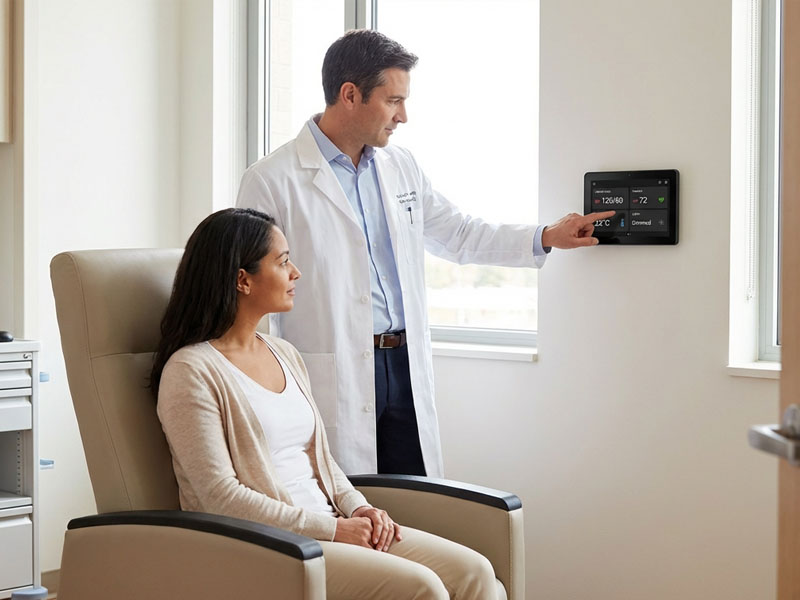
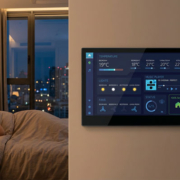
smart home control panel6
How to Choose the Right Linux Distro for Your Smart Panel
When selecting a lightweight Linux distro for your low-power smart control panel, consider the following factors:
- Hardware Compatibility: Make sure the distro is compatible with the hardware platform you are using (e.g., Raspberry Pi, NVIDIA Jetson, Intel NUC, or custom embedded boards).
- Resource Requirements: Evaluate your smart panel’s resource needs, including CPU, RAM, and storage. Lighter distros like Alpine Linux or DietPi are perfect for low-resource devices, while distros like Ubuntu Server provide flexibility for more powerful systems.
- Application Support: Choose a distro that supports the smart home software and automation tools you intend to use, such as Home Assistant, openHAB, or Node-RED.
- Security and Stability: For commercial or critical applications, ensure that the distro provides strong security features and long-term support (such as Ubuntu Server or Raspberry Pi OS).
smart touch control panel-71
Optimal Power Efficiency with Lightweight Linux Distros
Choosing the right lightweight Linux distro for your low-power smart control panel is crucial for maximizing both performance and energy efficiency. Distros like Raspberry Pi OS, DietPi, Alpine Linux, and Ubuntu Server offer the perfect balance of minimal resource consumption, customizability, and reliability.
By selecting the right distro based on your specific use case—whether it’s home automation, industrial control, or digital signage—you can ensure that your smart control panel delivers a responsive, secure, and power-efficient experience while optimizing hardware usage.