
In-Wall Android Touchscreen for Home Assistant Dashboard
In the modern era of smart homes, centralized control is crucial for efficiently managing various devices and systems within your home. Whether you’re adjusting the thermostat, controlling lights, managing security systems, or checking energy usage, having all these functions at your fingertips provides convenience and peace of mind. One of the best ways to achieve this centralized control is with an in-wall Android touchscreen integrated with your Home Assistant dashboard.
In this article, we’ll explore the benefits of using an in-wall Android touchscreen for your Home Assistant system and how it can significantly enhance your smart home experience.
What is a Home Assistant Dashboard?
A Home Assistant dashboard is a customizable interface that allows you to control and monitor all the connected smart devices in your home. Whether it’s lights, locks, HVAC systems, cameras, or entertainment devices, Home Assistant provides an all-in-one solution to manage your smart home ecosystem from one platform.
Using an Android touchscreen as a control interface for the Home Assistant dashboard makes managing your entire system easy, intuitive, and visually appealing. The touchscreen provides a user-friendly interface that allows you to interact with the system, check real-time data, and control various devices with just a touch.
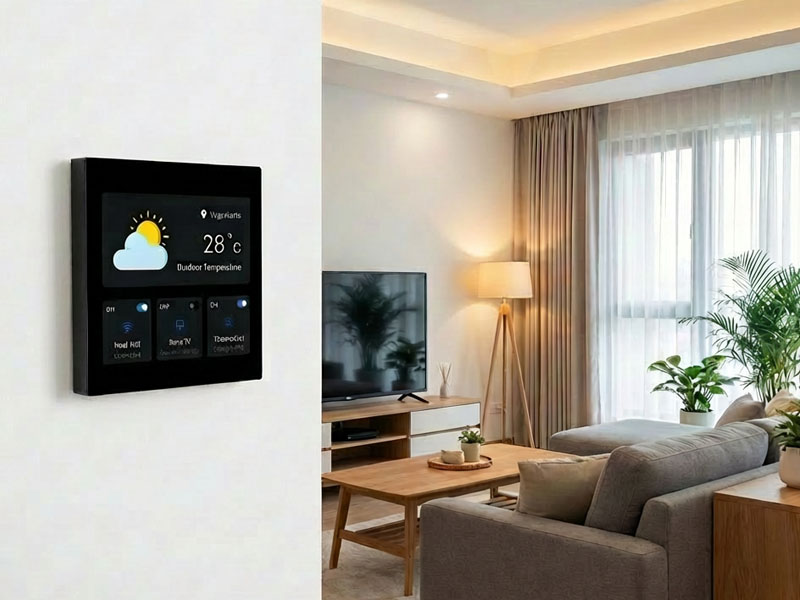
smart home control panel
Why Choose an In-Wall Android Touchscreen for Home Assistant?
Here are several reasons why an in-wall Android touchscreen is the perfect choice for your Home Assistant dashboard:
- Seamless Integration with Home Assistant
- An Android touchscreen is the ideal interface for Home Assistant because the Android OS supports a wide range of apps and integrations. Using an Android tablet or panel, you can install the Home Assistant app or access the web interface directly to control all your smart devices.
- With Android’s flexibility, you can easily customize the dashboard to fit your needs. You can create buttons for quick access to your favorite scenes, like “Good Morning” or “Good Night,” or automate certain tasks with shortcuts for smart devices like lights, thermostats, or security systems.
- Clean and Professional In-Wall Installation
- One of the main advantages of using an in-wall Android touchscreen is its ability to blend seamlessly into your home. By embedding the touchscreen into the wall, you can achieve a sleek, professional look that integrates with the interior design of any room.
- An in-wall mount keeps the device neatly out of the way, eliminating the need for cluttered counters or visible wires. This is especially important for smart homes that prioritize clean aesthetics, where a wall-mounted touchscreen acts as both a control center and a decorative piece.
- Centralized Control for All Smart Home Devices
- An in-wall Android touchscreen can serve as the centralized hub for your entire smart home. Whether you’re controlling your lighting, security cameras, thermostats, or smart locks, you can manage all these devices from a single screen.
- By having a fixed, always-accessible control panel on the wall, you no longer need to use multiple devices or apps to control your home. With Home Assistant running on an Android touchscreen, you get a single-point interface for all your smart home devices, eliminating the need for separate apps for each device or brand.
- User-Friendly Interface for the Entire Family
- Android-based control panels provide a familiar user interface for anyone accustomed to using Android devices. Its intuitive touchscreen interface makes it easy for family members of all ages to control the house. From adjusting the temperature to checking security cameras, an Android touchscreen offers a simple, accessible, and easy-to-navigate experience for everyone.
- Moreover, Android OS supports voice assistants like Google Assistant and Amazon Alexa, which further enhances usability. For instance, voice commands can be used in conjunction with touch control, allowing for hands-free operation of devices or systems, making it easier for elderly family members or guests to use.
- Customizable Features and Displays
- One of the best features of using an Android-based Home Assistant dashboard is the ability to fully customize the interface. You can choose themes, change colors, add custom widgets, and set up shortcuts to frequently used features, making it easy to create a personalized smart home control panel.
- Additionally, Android allows for integration with third-party apps and services, so you can even include live weather reports, news feeds, or energy consumption details right on your dashboard.
- Remote Access and Control
- An in-wall Android touchscreen provides local control but can also be configured for remote access. Using the Home Assistant mobile app or a web interface, you can monitor and control your smart home from anywhere, even when you’re not at home.
- For example, you can use your smartphone to lock doors, adjust the thermostat, or check security cameras while away on vacation. The Android touchscreen installed at home serves as the primary hub, and remote access ensures that you’re always in control of your home, no matter where you are.
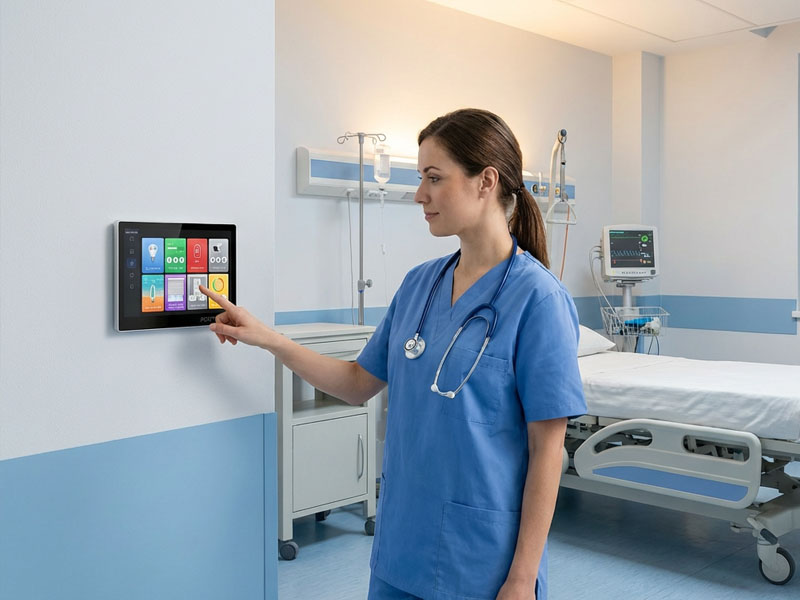
smart control panels-1
Portworld’s In-Wall Android Smart Control Panels
Portworld provides a range of Android-based smart control panels that are perfect for use with Home Assistant. Our panels, such as the YC-SM10P and YC-SM41P, are designed to offer seamless integration with smart home automation systems like Home Assistant.
Key Features of Portworld’s Smart Control Panels:
- Android OS: Our control panels run on Android 11 or Android 12, providing access to all Android apps, including Home Assistant and smart home apps.
- High-Resolution Display: Our touch panels come with high-resolution displays (e.g., 1280×800 for YC-SM10P) that offer clear, vibrant visuals for your dashboard.
- Customizable UI/UX: With Android, you can fully customize the Home Assistant interface, adding widgets, shortcuts, and even voice control features to make smart home management easier.
- Versatile Installation: Our panels support embedded wall installation for a sleek and modern look that blends seamlessly into your home decor.
- Multiple Connectivity Options: Wi-Fi, Bluetooth, and PoE (Power over Ethernet) options ensure stable connections for your devices, allowing you to integrate everything from smart lighting to security cameras into the control panel.
- Voice Assistant Integration: Built-in Google Assistant and Amazon Alexa compatibility means you can control your home with just your voice.
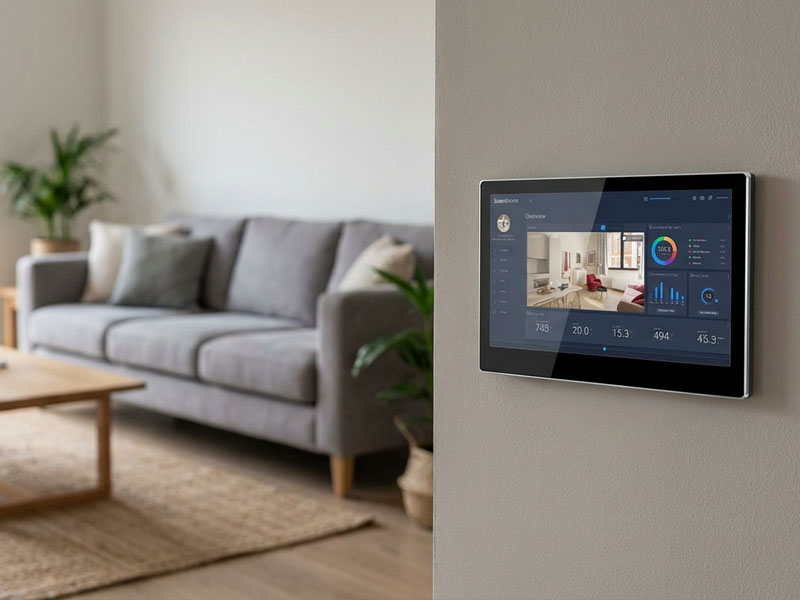
smart home control panel
Upgrade Your Smart Home with Portworld’s
An in-wall Android touchscreen for Home Assistant is the perfect solution for creating a centralized control hub for your smart home. It’s not only an elegant and space-saving addition to your home but also offers intuitive and customizable control over all your smart devices.
With Portworld’s Android smart control panels, you can integrate seamlessly with Home Assistant, manage all your connected devices from one central interface, and create a personalized smart home experience for your family. Our products provide the ideal blend of advanced technology, flexibility, and user-friendly interfaces, making smart home automation simpler and more accessible than ever before.
Upgrade your smart home today with Portworld’s in-wall Android touchscreen panels, and experience the future of home automation at your fingertips.
