How to Integrate PoE Smart Control Panels into KNX Building Systems
In the world of building automation, the need for more intelligent, efficient, and seamless control solutions has never been greater. KNX has emerged as one of the most widely adopted standards for building management systems (BMS), enabling the integration of various subsystems like lighting, HVAC, security, and shading into a centralized control platform.
To enhance the functionality of these systems and provide a user-friendly interface, the use of PoE (Power over Ethernet) smart control panels has become increasingly popular. These panels offer powerful features such as touchscreen control, remote monitoring, and multi-platform integration, all while simplifying installation by using a single Ethernet cable for both power and data.
In this article, we’ll explore how to integrate PoE smart control panels into KNX building systems, the benefits of this integration, and the steps to set up an efficient and effective automation environment.
What is KNX and Why Integrate It with PoE Smart Control Panels?
KNX is a global standard for building automation, offering a unified communication protocol for a variety of devices within a building. From lighting control and heating systems to security, shading, and energy monitoring, KNX enables a comprehensive and highly customizable system for managing all aspects of a building.
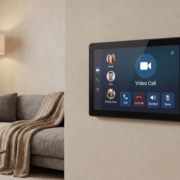
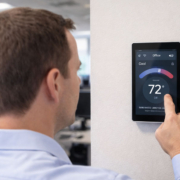
On the other hand, PoE smart control panels provide a versatile, centralized touch interface that simplifies the management of these systems. These panels allow users to control various devices, monitor energy usage, and even automate processes like turning lights on/off or adjusting the HVAC system, all from a single device.
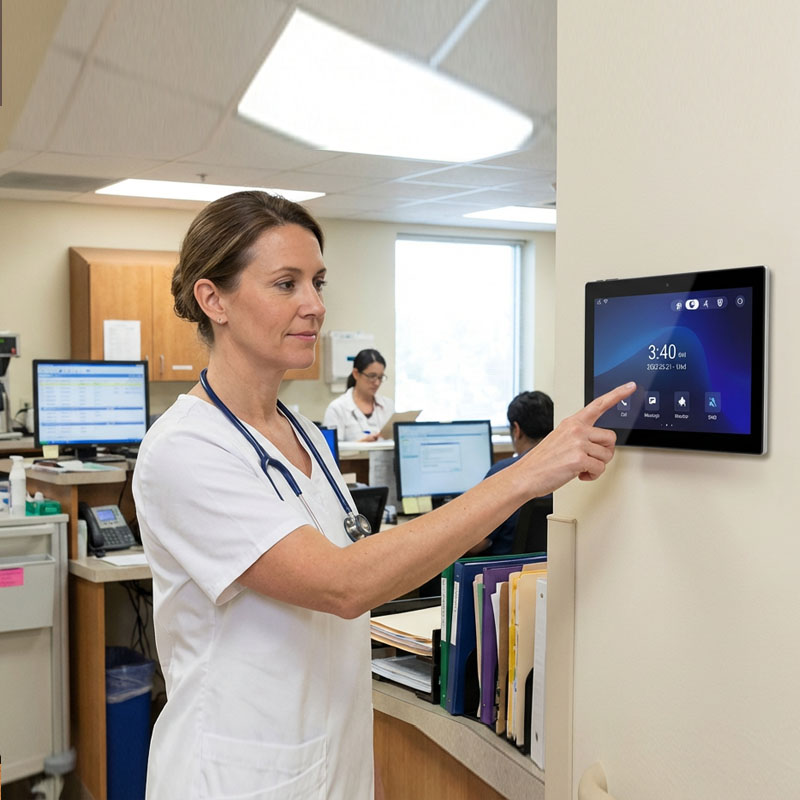
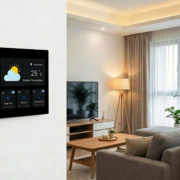
YC-SM10P Smart Home Wall Mount POE Tablet-3
Benefits of Integrating PoE Smart Control Panels with KNX Systems
1. Simplified Installation
One of the biggest advantages of integrating PoE smart control panels into KNX building systems is the ease of installation. PoE allows both data and power to be transmitted through a single Ethernet cable, reducing the need for additional wiring and simplifying the installation process. This minimizes installation time and costs while ensuring reliable data transmission and power delivery.
2. Centralized Control and Monitoring
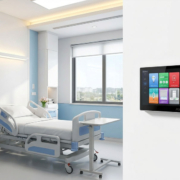
By integrating PoE smart control panels with a KNX system, you provide a single, intuitive centralized interface for managing all building systems. Whether it’s adjusting lighting, setting the thermostat, controlling shading, or viewing security camera feeds, everything can be managed from one place. The control panel simplifies the user experience, making it more efficient and reducing the complexity of managing multiple devices.
3. Multi-Platform Compatibility
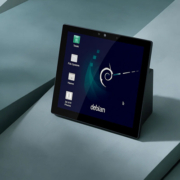
KNX offers compatibility with a wide range of devices from different manufacturers. By using a PoE smart control panel that supports Android or Linux platforms, users can take advantage of this compatibility, easily integrating with Zigbee, Matter, Bluetooth, and other IoT protocols. This ensures that your KNX system can work seamlessly with third-party devices and allows for future-proof scalability.
4. Real-Time Monitoring and Reporting
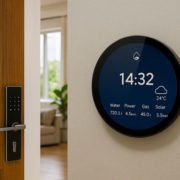
With a PoE smart control panel, you can gain real-time insights into the performance of your KNX system. You can monitor parameters such as energy consumption, system performance, and device status directly from the panel’s interface. This helps building managers make informed decisions about resource usage, energy efficiency, and operational performance, ultimately leading to cost savings.
5. Enhanced User Experience
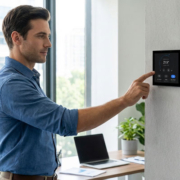
The touchscreen interface of PoE smart control panels offers easy interaction and an intuitive way to manage a KNX system. Users can control all systems from a single interface, making it simpler for both residents and building managers to manage everything from lighting scenes to temperature control. Furthermore, the integration of voice assistants such as Google Assistant and Amazon Alexa can provide hands-free control for an enhanced user experience.
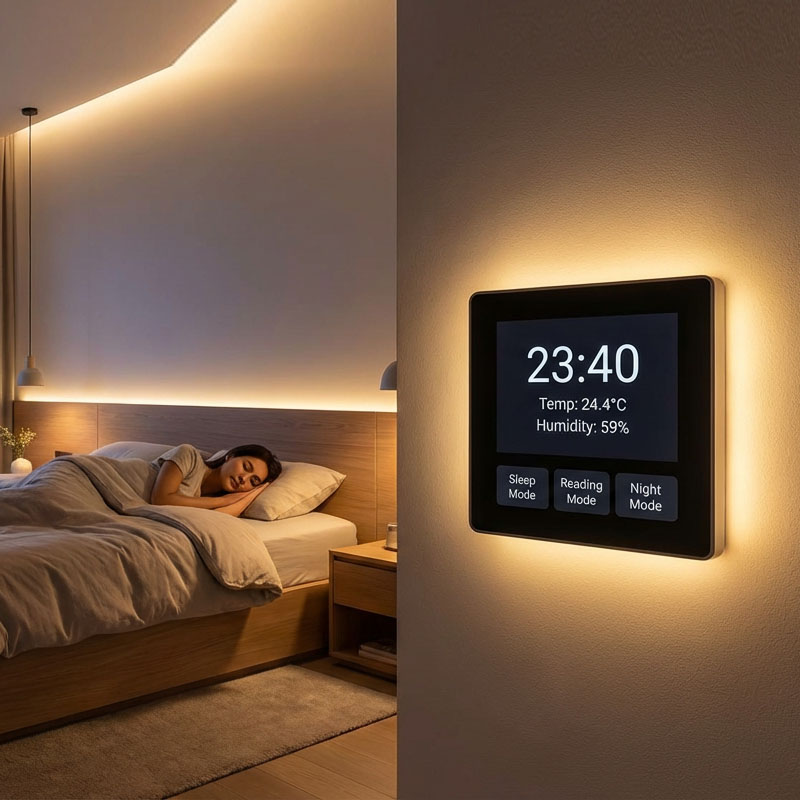
YC-SM41P (Black)4” Smart Home Touch Control Panel
How to Integrate PoE Smart Control Panels with KNX Systems
Step 1: Choose the Right PoE Smart Control Panel
The first step in the integration process is selecting the right PoE smart control panel that is compatible with KNX protocols. For a smooth integration, look for panels that support the following:
- PoE support for simplified wiring and installation
- Ethernet connectivity for reliable data transfer
- KNX compatibility (either directly or via a KNX gateway)
- Multi-protocol integration for communication with other smart home systems (Zigbee, Bluetooth, etc.)
- Customizable user interfaces to meet your building’s unique control requirements
Portworld offers a variety of PoE smart control panels designed to be compatible with KNX systems. These panels run on Android or Linux platforms and can be customized to support specific building automation needs.
Step 2: Integrate with KNX Gateway
If your PoE smart control panel doesn’t natively support KNX, you will need a KNX gateway to bridge the communication between the control panel and the KNX system. The gateway acts as a translator, converting the communication signals from the KNX protocol into a format that the control panel can understand.
- KNX/IP Gateway: This type of gateway allows the PoE smart control panel to communicate with KNX devices over the IP network.
- KNX TP (Twisted Pair) Gateway: If you’re using traditional KNX devices that communicate over twisted pair wiring, you can use this gateway to connect the control panel to the KNX system.
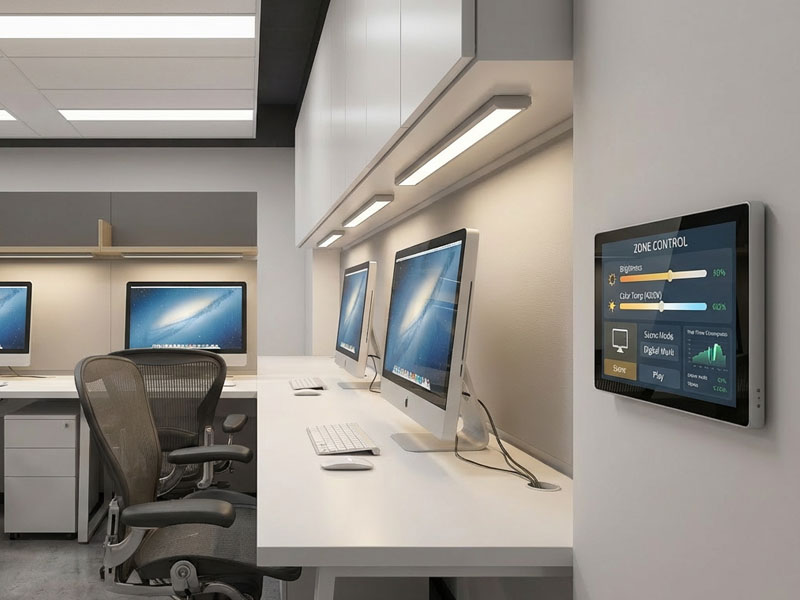
Step 3: Configure the Control Panel’s Interface
Once the hardware is in place, the next step is to configure the PoE smart control panel’s interface. This typically involves:
- Setting up the KNX network by assigning addresses to KNX devices and configuring communication parameters.
- Customizing the user interface of the control panel to match the building’s automation requirements. For instance, you can add controls for lighting, climate, security, and other systems. Some panels, like those from Portworld, offer OEM/ODM customization for creating unique control dashboards tailored to your building’s needs.
- Testing the communication between the panel and the KNX system to ensure smooth interaction.
Step 4: Monitor and Automate Systems
With the integration complete, you can now use the PoE smart control panel to monitor and control the KNX systems in your building. From the panel’s intuitive touchscreen interface, you can:
- Control lighting: Adjust brightness, create lighting scenes, and automate schedules.
- Control HVAC systems: Set temperatures, manage air quality, and monitor energy usage.
- Control blinds and shutters: Automate window treatments to improve energy efficiency.
- Monitor security systems: View live feeds from security cameras, lock/unlock doors, and control alarm systems.
- Schedule automation: Set routines for lighting, HVAC, and other systems to operate based on time or occupancy.
Integrating PoE smart control panels into KNX building systems offers significant advantages, including simplified installation, centralized control, real-time monitoring, and enhanced user experience. By selecting the right PoE-enabled smart panel, using the appropriate KNX gateway, and customizing the interface to meet specific building automation needs, you can create a highly efficient and user-friendly smart environment.
With Portworld’s customizable PoE smart control panels, you can streamline your building automation systems and ensure long-term scalability and integration with a variety of smart devices and protocols, including Zigbee, Matter, and Bluetooth.
Transform your building into a smart, connected space by leveraging the power of KNX integration with PoE smart control panels.