Customizable Dashboard Smart Control Panel
In the modern era of smart homes and businesses, control and customization have become essential. The ability to manage various systems—lighting, climate control, security, and entertainment—via a single interface is a game changer. But what if that interface could be tailored to your exact needs, preferences, and brand? Enter the Customizable Dashboard Smart Control Panel.
In this article, we’ll explore the benefits of having a customizable dashboard on a smart control panel and how Portworld’s solutions provide flexibility and functionality for homes, offices, hotels, and commercial spaces. Whether you’re managing a smart home or a hotel room, Portworld’s customizable dashboard can enhance your automation system.
What is a Customizable Dashboard Smart Control Panel?
A smart control panel is a centralized hub designed to manage multiple systems within a smart space. It acts as the command center, giving you control over devices such as:
- Lighting (adjust brightness, color, or scenes)
- HVAC (control temperature and humidity)
- Security systems (monitor cameras, alarms, and access control)
- Entertainment systems (manage sound and video setups)
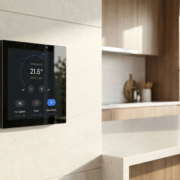
A customizable dashboard on a smart control panel allows users to adjust the layout, design, and functionalities of the interface to suit their specific needs. Instead of being restricted to a generic, one-size-fits-all layout, a customizable dashboard provides flexibility to personalize the control panel according to your preferences or the branding needs of your space.
Benefits of a Customizable Dashboard Smart Control Panel
1. Tailored User Experience
One of the key advantages of a customizable dashboard is that it allows for a highly personalized user experience. Instead of scrolling through generic options and menus, you can set up your panel to focus on the functions that are most important to you.
For example:
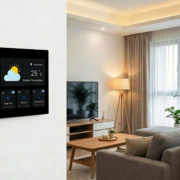
- Homeowners can prioritize lighting, climate control, and entertainment systems on the main screen for quick access.
- Hotel operators can emphasize features like room temperature, lighting, and check-in/check-out systems for easy room management.
This level of customization not only enhances the overall user experience but also reduces the learning curve, making it easier to operate the smart space.
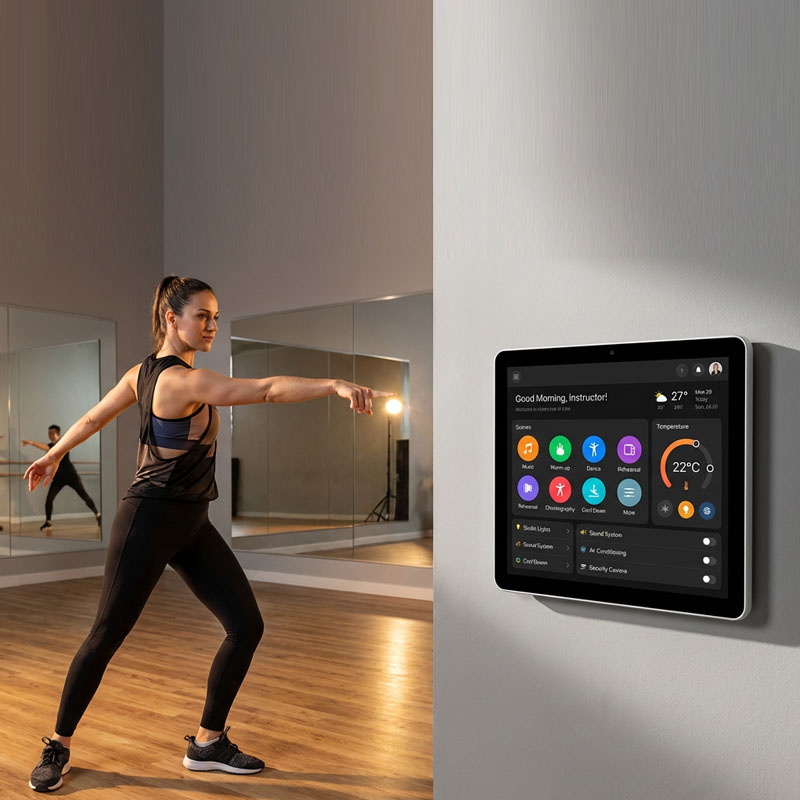
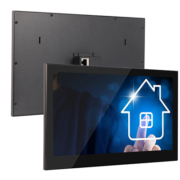
YC-1011 10.1” Wall Mount Android Smart Home Touch Panel
2. Branding and Visual Identity
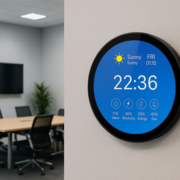
For businesses, Portworld’s customizable dashboard smart control panels offer the opportunity to integrate branding elements directly into the interface. Whether it’s a hotel, restaurant, or office, the dashboard can be personalized with your brand’s colors, logos, and style to create a consistent visual identity across all touchpoints.
- Add logo or splash screen during boot-up.
- Customize UI elements (buttons, menus, and icons) to match your brand guidelines.
This ensures that your control panels don’t just work efficiently—they also reinforce your brand image and contribute to a seamless customer experience.
3. Multi-Functionality and Integration
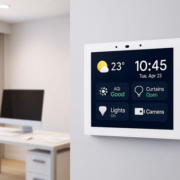
Customizable dashboards allow you to integrate multiple smart systems into one intuitive interface. With Portworld’s smart control panels, you can combine devices from various categories (lighting, HVAC, security) and create a unified view. You can even set up different panels for different functions in your space, each with a tailored dashboard.
For example:
- In a hotel, you could have one dashboard for room management (lighting, temperature, entertainment) and another for hotel-wide functions (check-ins, maintenance requests, etc.).
- For home automation, the panel could be configured to manage lighting scenes, thermostats, security cameras, and even integration with Alexa or Google Home for voice control.
The versatility of Portworld’s customizable smart control panels makes them ideal for a wide variety of use cases, from smart homes to commercial and industrial spaces.
4. Enhanced Control and Accessibility
By customizing the dashboard layout, you can ensure that key functions are easily accessible at all times, without having to navigate through multiple screens or menus. For example:
- Put the most-used controls (like light dimmers or climate settings) right on the main screen.
- Organize functions into intuitive categories for quick access.
- Group related functions together, such as placing all security controls (door locks, cameras, alarms) in one area for easy monitoring.
This type of customization ensures faster access to frequently used features, making everyday interactions with your smart space more efficient.
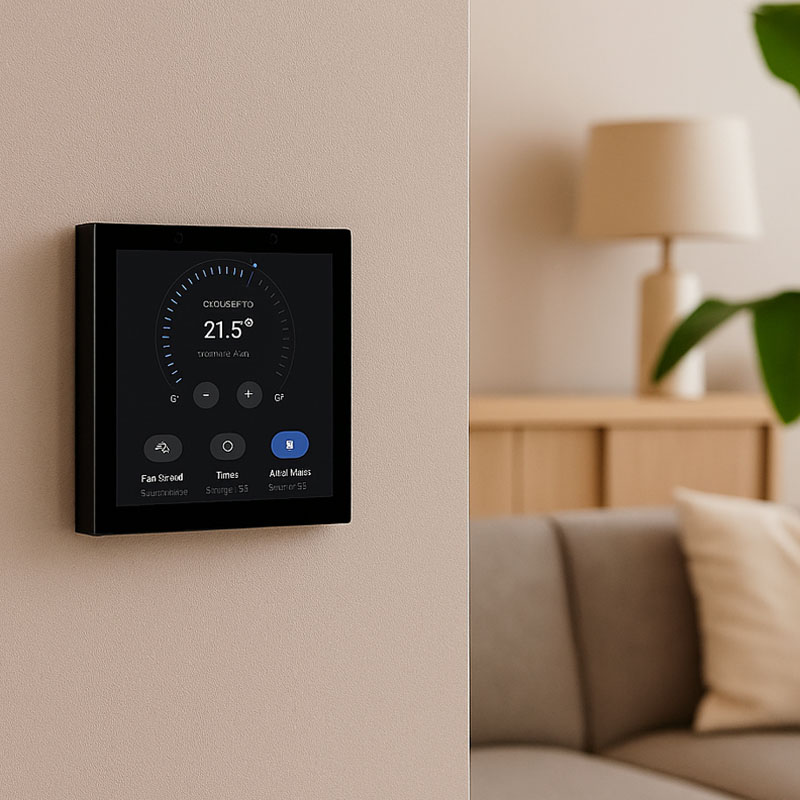
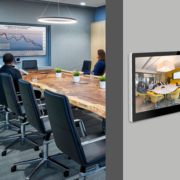
KNX smart control panel
5. Advanced Security Features
When it comes to security, a customizable dashboard can give you more control over how you monitor and manage sensitive systems. You can set up multi-layered security features such as:
- Access control—allowing only authorized personnel to interact with certain parts of the system.
- Customizable permissions for different users, ensuring that only specific people have access to certain features or settings.
With Portworld’s smart control panels, you can configure password protection, multi-factor authentication, or integrate biometric verification (such as facial recognition or fingerprint scanning) for additional layers of security.
How Portworld’s Smart Control Panels Enable Customization
Portworld offers a wide range of smart control panels that are designed to fit diverse needs, from home automation to commercial applications. Here’s how Portworld enables customizable dashboards:
1. Android-Based OS
Most of Portworld’s smart control panels, such as the YC-1011 and SM41P, run on Android OS, which allows for full customization. You can easily tweak the interface, design, and functionality of the dashboard to suit your space.
2. Flexible Integration with Smart Devices
Portworld’s smart control panels integrate seamlessly with a range of smart devices, from lighting systems and thermostats to security cameras and smart locks. You can display these devices in a way that makes sense for your space, organizing them by function, frequency of use, or priority.
3. PoE (Power over Ethernet) Support
Portworld’s PoE-enabled control panels reduce installation complexity by providing both power and data over a single Ethernet cable. This also ensures a stable, high-performance connection, making it easier to customize the panel without worrying about power issues or unreliable connections.

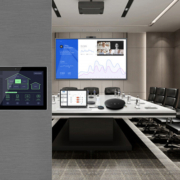
poe android smart control panel
4. Branding Customization
Portworld’s panels allow for extensive branding customization, which means you can adjust the interface to display your company’s logo, colors, and personalized icons. Whether you are running a hotel or a smart office, these small touches ensure your smart space reflects your brand.
5. Remote Access and Control
Portworld’s smart control panels can be remotely accessed and controlled, meaning you can update the interface or make adjustments without needing to physically interact with the panel. This remote access is particularly useful in large-scale commercial or multi-location settings.
A customizable dashboard smart control panel is the heart of any modern smart space. Whether you are enhancing the user experience in a home, hotel, or office, or looking to align the panel’s interface with your brand identity, the ability to fully personalize the dashboard offers unmatched flexibility and convenience.
Portworld provides highly customizable smart control panels that integrate seamlessly with your existing systems, offering a tailored solution for all your smart space needs. Whether it’s for personal use or commercial applications, Portworld’s smart control panels empower you to create a smart environment that works the way you want it to.