
conference room automation touch panel
In the modern business world, where collaboration, efficiency, and seamless communication are paramount, managing conference rooms has become more complex than ever. Companies are seeking ways to optimize their meeting spaces, ensuring that each room is utilized efficiently, meetings start on time, and collaboration is as smooth as possible. One of the most powerful tools in achieving these goals is the conference room automation touch panel.
These advanced systems integrate with existing office infrastructure to provide a user-friendly interface for managing everything from meeting scheduling and room controls to video conferencing and presentation tools. In this article, we’ll explore how conference room automation touch panels are transforming the way businesses manage their meeting spaces and improving overall productivity.
What is a Conference Room Automation Touch Panel?
A conference room automation touch panel is a digital interface designed to control and manage the functionality of a conference room. It combines scheduling systems, room controls, and audio-visual integration into a single touch-enabled device. These panels are typically installed on the wall outside meeting rooms or on the conference table, providing easy access to all of the room’s features at the touch of a button.
Key features of these panels include:
- Room Scheduling: Syncs with calendar applications (Google Calendar, Outlook, etc.) to display real-time availability and allow users to book or modify meetings directly from the touch panel.
- Environmental Controls: Controls the room’s lighting, blinds, heating/cooling, and other environmental settings to create the perfect meeting atmosphere.
- Audio-Visual Integration: Allows users to control projectors, displays, microphones, and video conferencing systems, making it easy to start presentations or join virtual meetings with one touch.
- Status Indicators: Displays real-time room status (available, in-use, reserved), helping avoid conflicts and optimizing room utilization.
- Integration with Other Office Systems: Can be linked to building management systems, security systems, and other smart devices for holistic control.
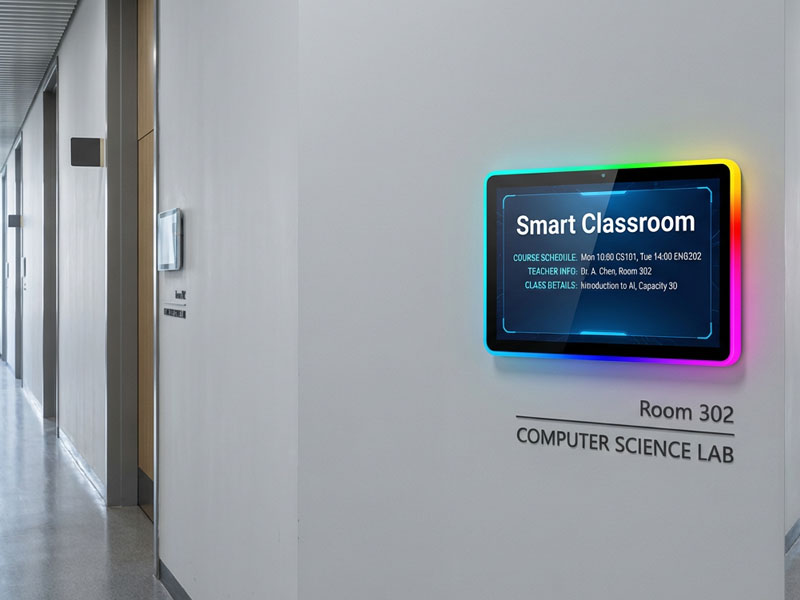
Meeting Room Display Panels
Benefits of Conference Room Automation Touch Panels
1. Efficient Meeting Scheduling and Room Management
One of the primary challenges for businesses, especially those with multiple meeting rooms, is room scheduling. A conference room automation touch panel integrates with digital calendars (Google Calendar, Microsoft Outlook, etc.) to display real-time availability, ensuring that employees can quickly find and book a room.
- Instant Booking: Users can book or cancel a meeting right from the panel, with availability updated in real-time.
- Room Availability Status: The panel displays whether the room is available, in use, or reserved, with color-coded indicators for easy identification.
- Conflict Prevention: By syncing with the calendar system, the panel prevents double-booking and scheduling conflicts, improving efficiency across the workplace.
2. Streamlined Audio-Visual Control
In most modern conference rooms, users need to interact with multiple devices such as projectors, microphones, video conferencing systems, and digital displays. A conference room automation touch panel simplifies this process by consolidating all these controls into one easy-to-use interface.
- One-Touch Control: Users can easily start presentations, adjust volume, connect to a video conferencing system, or even change screen settings—all with one touch.
- Improved Collaboration: With an intuitive interface, users can focus on collaboration instead of dealing with complex technology setups.
- Remote Troubleshooting: IT teams can monitor and troubleshoot devices remotely, ensuring that everything works seamlessly before and during the meeting.
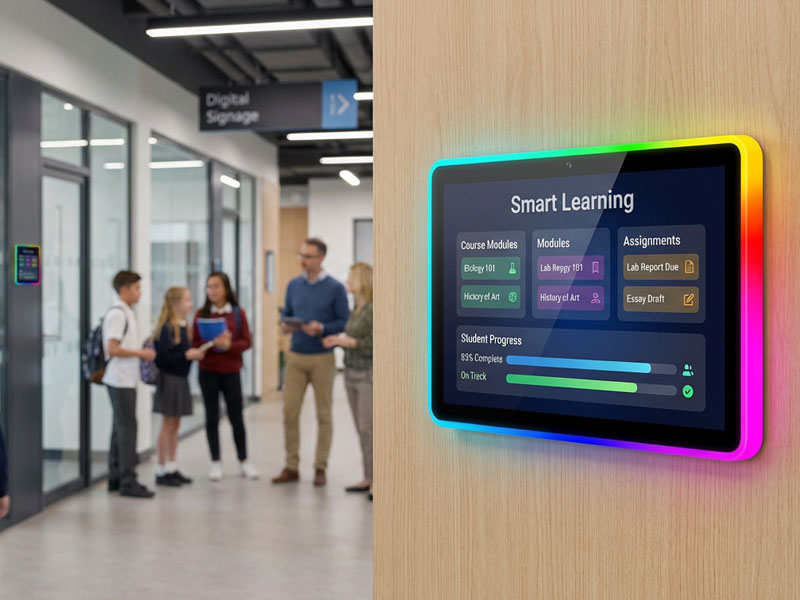
Meeting Room Display Panels
3. Enhanced Meeting Productivity
The effectiveness of a meeting can be heavily impacted by how quickly it gets started and how well the technology supports the meeting’s needs. Conference room automation touch panels help eliminate delays caused by technical issues and setup time.
- Quick Setup: With preset configurations for lighting, temperature, and audio-visual settings, meetings can start on time without wasting time adjusting settings.
- Meeting Duration and Notifications: Panels can display the meeting duration, so attendees can be mindful of time. Additionally, meeting reminders or notifications can be sent to participants to ensure everyone is prepared and on time.
- Efficiency Tools: Integrated tools like time tracking, agenda displays, and real-time document sharing allow attendees to stay focused and organized.
4. Room Customization for Different Needs
Every meeting room has unique requirements. For example, a small brainstorming session may require different settings than a large video conference. A conference room automation touch panel allows for custom configurations that cater to different types of meetings.
- Customizable Presets: The panel can be programmed with room presets for various types of meetings (e.g., video calls, team presentations, brainstorming sessions). This ensures that room settings are optimized for each specific use case.
- Flexible Control: Adjust environmental settings, display layouts, and more, depending on the nature of the meeting. Whether it’s adjusting the lighting for a presentation or dimming it for a video conference, the touch panel ensures the environment is set up accordingly.
5. Integration with Building Management Systems
Many conference room automation touch panels can integrate with smart building systems to offer holistic control. These systems can manage lighting, temperature, air quality, and even security features. For example:
- Lighting and Temperature Control: Adjust the ambient lighting and room temperature to ensure a comfortable environment for meetings.
- Blinds and Shades: Control window blinds or shades for privacy and optimal lighting.
- Security and Access: Integrated security systems can be used to control access to meeting rooms, ensuring that only authorized personnel can enter sensitive areas.
6. Cost Savings and Efficiency
By automating meeting room management, businesses can significantly reduce wasted resources and improve efficiency. For example:
- Energy Savings: Automated control of lights, HVAC systems, and other devices ensures that power is only used when needed. This reduces energy waste and lowers operating costs.
- Optimized Room Utilization: With clear visibility of room schedules and availability, companies can avoid underused spaces and optimize their meeting room resources.
Features to Look for in a Conference Room Automation Touch Panel
When choosing a conference room automation touch panel, there are several important features to consider:
- Compatibility: Ensure the panel is compatible with your calendar system, audio-visual equipment, and other smart office devices.
- User-Friendly Interface: The panel should have an intuitive interface that is easy for employees to use, even those who aren’t tech-savvy.
- Customization Options: Look for a system that allows you to tailor settings to your specific meeting room needs, such as lighting presets, room layouts, and AV configurations.
- Security and Access Control: The ability to secure sensitive rooms with access controls and to track who enters and exits the meeting rooms is an important consideration for corporate environments.
- Remote Management and Monitoring: Having the ability to monitor room usage, troubleshoot devices, and push updates remotely is crucial for smooth operations and IT support.
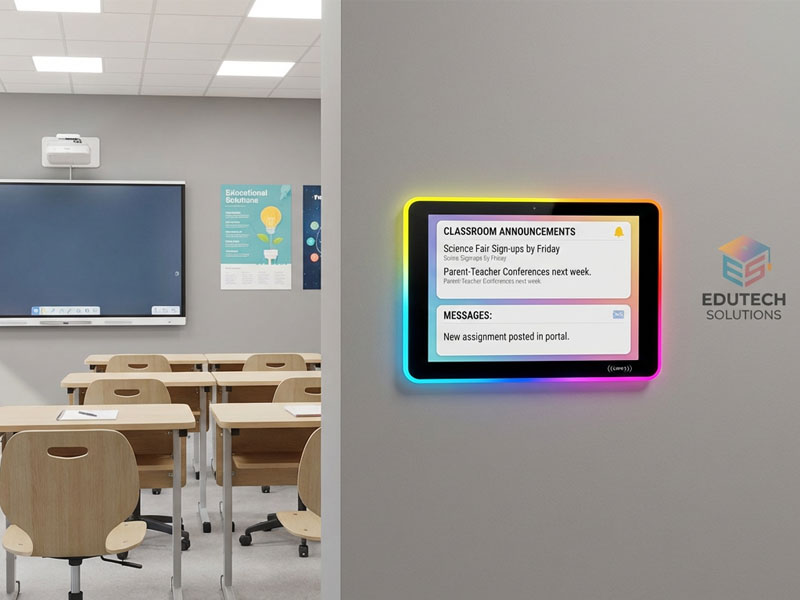
smart home control panel
Applications of Conference Room Automation Touch Panels
- Corporate Offices: Automating meeting room management makes scheduling, presentation setup, and room controls easy and efficient in corporate environments.
- Co-Working Spaces: Shared workspaces benefit from automated meeting room systems by enabling efficient space management and optimizing room usage.
- Educational Institutions: Universities and training centers can use automation to streamline classroom scheduling, resource management, and learning environments.
- Hospitality and Event Venues: Hotels and conference centers can improve customer service by automating the booking process, AV equipment management, and room environmental controls for guests.
Conference room automation touch panels are revolutionizing the way businesses manage their meeting rooms, providing streamlined scheduling, easy AV controls, and enhanced productivity. By integrating room management with scheduling systems, environmental controls, and audio-visual tools, these panels create an intelligent, efficient, and highly productive meeting environment.
Whether you are looking to optimize meeting room usage, improve collaboration, or enhance the overall experience of your office spaces, a conference room automation touch panel is an essential tool. By adopting this technology, businesses can foster more productive, organized, and professional environments that drive success.
For more information on conference room automation solutions, and to explore how these systems can be customized to fit your business needs, Portworld offers a range of advanced solutions that can take your office management to the next level. Contact us today to learn how we can help transform your meeting rooms.

