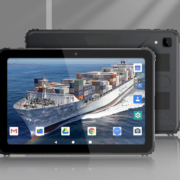
Commercial Grade Tablet PC for Digital Signage and Kiosks
In today’s fast-paced, technology-driven world, digital signage and interactive kiosks are becoming indispensable tools for businesses across industries. From retail and hospitality to education and healthcare, commercial-grade tablet PCs are revolutionizing the way businesses engage with customers, streamline processes, and deliver content. With the rise of touchscreen technology, the need for high-performance and durable tablets is more prominent than ever. Let’s explore why commercial-grade tablet PCs are the go-to solution for digital signage and kiosks, and how they can transform your business.
Why Choose a Commercial Grade Tablet PC for Digital Signage and Kiosks?
Commercial-grade tablet PCs are designed specifically to withstand the rigors of constant use and deliver top-tier performance for digital signage and kiosk applications. Unlike consumer-grade tablets, which may not be built for 24/7 operation, commercial tablets are engineered to provide reliability, durability, and seamless integration for various business needs.
- Durability and Performance
- One of the most important considerations when selecting a tablet for digital signage or kiosk applications is durability. Commercial-grade tablet PCs are built to handle continuous operation, environmental factors, and frequent use. These devices often feature rugged enclosures, impact-resistant screens, and long-lasting components, making them ideal for use in busy, high-traffic environments such as retail stores, airports, or public transportation hubs.
- With high-performance processors, RAM, and storage, commercial tablets can run demanding software applications, display high-definition content, and ensure smooth, uninterrupted user interactions—essential for both content management and customer engagement.
- Touchscreen Capability and Customization
- Touchscreen tablets are a critical part of both digital signage and interactive kiosks. The multi-touch capabilities of commercial-grade tablets allow users to interact with content intuitively, making them ideal for applications like wayfinding, product browsing, and self-service ordering.
- Commercial tablets often come with customizable options such as larger screen sizes, high-brightness displays, and adaptive touch sensitivity, which ensure that the tablet can operate in varied lighting conditions, from dim indoor settings to bright outdoor spaces.
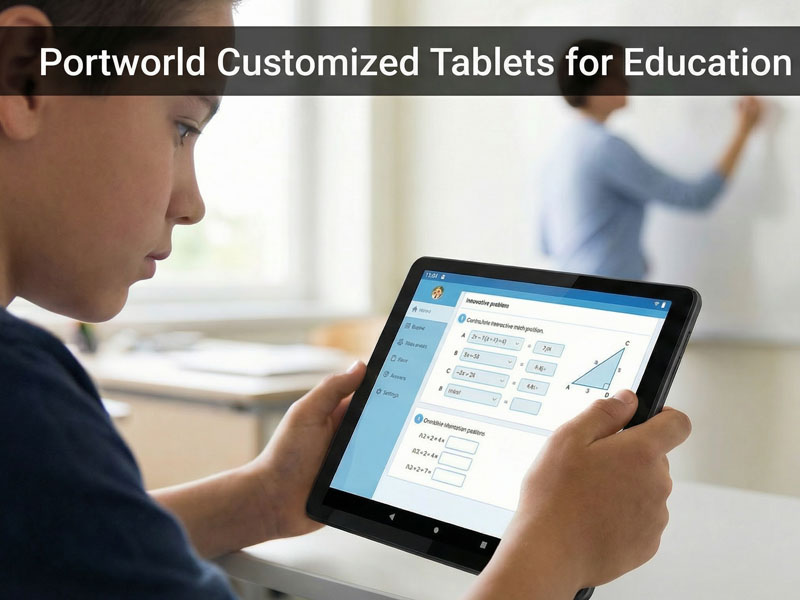
tablet pcs
- Additionally, custom software interfaces can be designed to meet the specific needs of the business. Whether you need to create an immersive brand experience, display product information, or offer self-service options, commercial tablets can be tailored with custom apps, branded skins, and user-friendly layouts.
- Seamless Connectivity
- In order for digital signage and kiosks to function effectively, they must be able to stay connected with the cloud, external devices, and servers. Commercial-grade tablet PCs are equipped with a wide range of connectivity options, including Wi-Fi, Bluetooth, 4G LTE, and even Ethernet, allowing seamless integration with other digital systems.
- Whether you’re running a POS system, displaying live updates, or linking the device to a centralized content management platform, commercial tablets offer the flexibility and reliability needed to keep everything running smoothly. These devices can also be integrated with other hardware such as printers, scanners, and payment terminals for enhanced functionality.
- Multi-Display Support
- In many cases, businesses need to extend content across multiple screens, such as when running digital signage in a retail store or public space. Commercial tablets often support multi-display capabilities, allowing businesses to display the same content across several devices simultaneously, improving engagement and outreach.
- For kiosks, multiple tablets can be used in tandem to create a cohesive system that provides seamless interaction across different touchpoints, whether for ordering systems, information kiosks, or interactive advertisements.
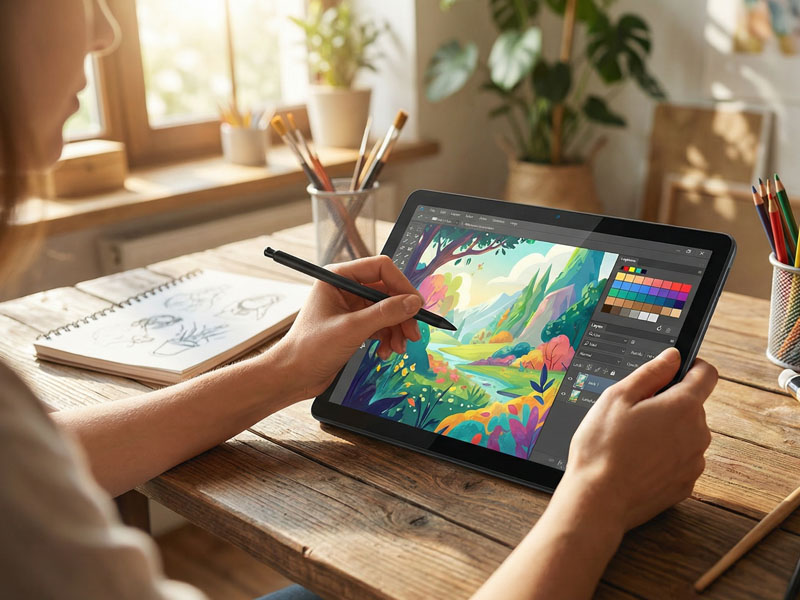
tablets pcs-1
Key Features of a Commercial Grade Tablet PC for Digital Signage and Kiosks
- Large High-Resolution Display: Commercial tablets typically feature large screens with high-definition resolution to showcase vibrant, clear visuals. Screens range from 10 inches to 20 inches or larger, depending on the application.
- Bright and Anti-Glare Displays: These tablets are equipped with high-brightness displays and anti-glare coatings to ensure optimal visibility, even in well-lit or outdoor environments.
- Rugged Design: Often with IP-rated enclosures, these tablets can withstand dust, moisture, and impacts, making them perfect for use in public spaces and high-traffic areas.
- Long Battery Life: Many commercial tablets are designed to last for extended periods, with long-lasting batteries that can keep your digital signage or kiosk running throughout the day. Additionally, some models support PoE (Power over Ethernet), which allows for continuous power supply over a single Ethernet cable.
- Secure Mounting Options: Commercial tablets come with secure mounting solutions that make them suitable for wall mounting, countertop installations, or self-standing kiosks.
- Customizable Interfaces: Businesses can customize the tablet’s user interface (UI) to suit the needs of their application, from branding to functionality.
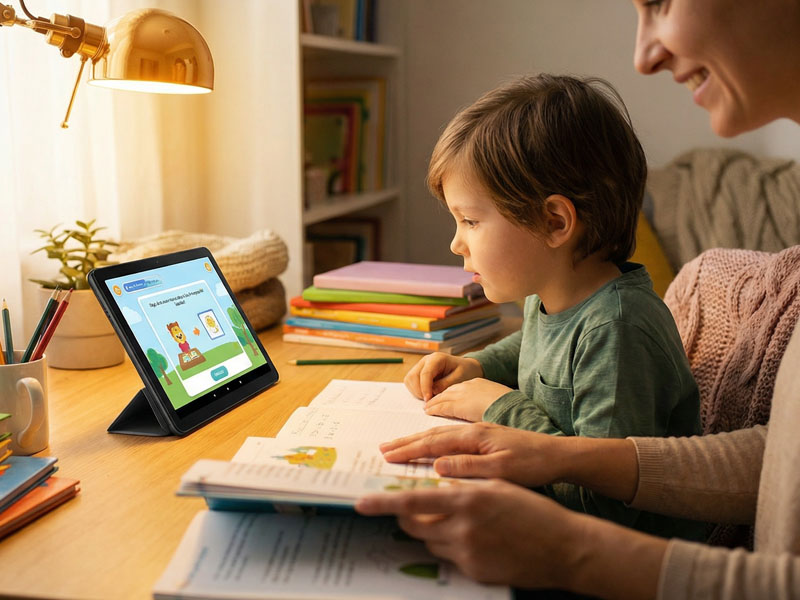
tablet pcs
Applications of Commercial Grade Tablet PCs in Digital Signage and Kiosks
- Retail Digital Signage
- Commercial tablets are ideal for retail digital signage, where they can be used to display dynamic content such as product promotions, ads, and store maps. Tablets with interactive touchscreens allow customers to browse products, view specifications, and even make purchases directly from the tablet. This enhances the shopping experience and reduces the need for human assistance.
- Self-Service Kiosks
- Tablets are increasingly used in self-service kiosks in restaurants, airports, hotels, and shopping malls. These kiosks allow customers to place orders, check-in for flights, or find information on nearby attractions. The intuitive touchscreen interfaces make these kiosks user-friendly, while customization options allow businesses to tailor the software to their specific needs.
- Wayfinding and Information Kiosks
- Commercial tablets can be deployed in wayfinding and information kiosks, providing users with maps, directions, and real-time information. For example, at museums, universities, or corporate buildings, users can easily access information about exhibits, locations, or meeting rooms.
- Digital Menus in Restaurants
- Tablets are being used as digital menus in restaurants and cafes, allowing customers to browse food and drink options, place orders, and even pay directly from the tablet. This not only enhances the customer experience but also reduces labor costs and improves order accuracy.
- Event Displays
- At trade shows or events, commercial-grade tablets can be used to display event schedules, speaker profiles, interactive maps, or attendee information, allowing attendees to navigate the event seamlessly.
As digital signage and kiosks become integral components of the modern business landscape, commercial-grade tablet PCs offer an all-in-one solution for businesses looking to engage customers, streamline processes, and enhance their brand presence. With their durability, customizable features, seamless connectivity, and robust performance, these tablets can help businesses deliver innovative, high-quality experiences for customers in a variety of environments.