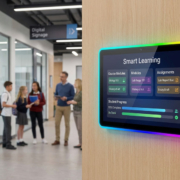
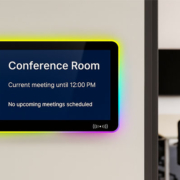
Classroom scheduling panel with status LED light bar (Red/Green)
Managing classroom schedules can be a daunting task, especially in educational institutions with multiple rooms and a large volume of bookings. Efficient classroom scheduling is vital to ensure seamless transitions between classes, avoid double bookings, and optimize the use of available resources. One of the most effective solutions for streamlining this process is the classroom scheduling panel integrated with status LED light bars. These panels offer a clear, easy-to-understand indication of room availability, allowing educators, staff, and students to quickly identify if a classroom is in use or available for booking.
In this article, we will explore how the classroom scheduling panel with a status LED light bar (Red/Green) can enhance the scheduling process, improve efficiency, and support smoother daily operations in educational environments.
What is a Classroom Scheduling Panel with LED Light Bar?
A classroom scheduling panel is a digital display system mounted outside a classroom that shows the current status of room usage. The status LED light bar is a key feature of this panel, providing a visual indication of whether the room is available (Green) or in use (Red). This solution offers both convenience and real-time information, making it easier for faculty and staff to manage classroom schedules effectively.
In many modern educational settings, these panels are integrated with digital scheduling systems and can sync with room booking software to update the room status in real time. The LED light bar provides an at-a-glance status, allowing anyone passing by the room to see whether it’s open or occupied.
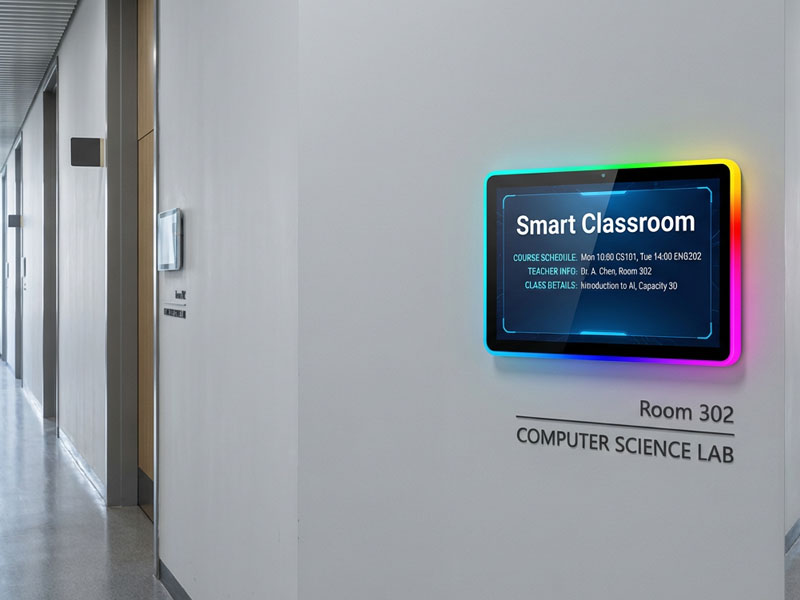
Meeting Room Display Panels
Key Features of Classroom Scheduling Panels with Status LED Light Bars
1. Real-Time Room Status Updates
The status LED light bar provides immediate feedback about room availability. A green light indicates that the classroom is free for booking, while a red light signals that the room is in use. This color-coded system makes it easier for staff and students to make quick decisions, reducing confusion and saving time.
- Quick Decision Making: The status bar ensures that users can determine if a room is available without needing to consult a booking system or ask staff members.
- Real-Time Syncing: Integrated with digital scheduling systems, these panels update in real time, reflecting any changes to room bookings immediately.
2. Seamless Integration with Digital Scheduling Systems
A classroom scheduling panel is typically part of a larger room management system. It can be integrated with existing booking software, making it easier for administrators to manage reservations and avoid conflicts.
- Online and Offline Sync: Whether the scheduling system is cloud-based or local, the classroom panel can receive instant updates, ensuring the room status is always accurate.
- Automatic Updates: Changes made in the booking system, such as cancellations or new bookings, are automatically reflected on the scheduling panel, ensuring consistency.
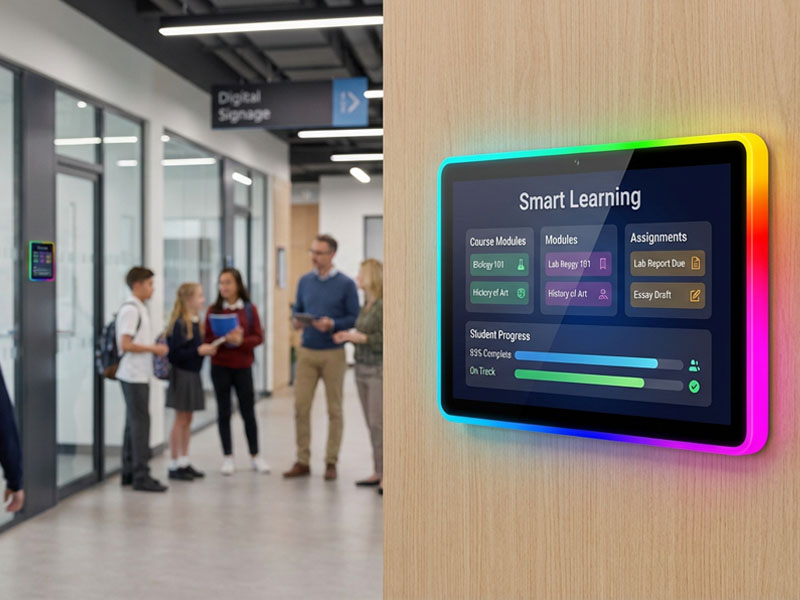
Digital Scheduling Systems-1
3. Enhanced Visibility and Communication
The status LED light bar is designed to be highly visible, even from a distance. Whether you’re walking through a busy hallway or entering a common area, the panel provides clear visual cues, reducing the need for constant check-ins or direct communication with administrative staff.
- Clear Visual Feedback: The red/green LED light bar provides clear and unmistakable feedback, so anyone in the vicinity can quickly identify the availability of the room.
- Customizable Indicators: Some systems even allow for additional colors (e.g., yellow or blue) to represent different statuses, such as maintenance or scheduled breaks.
4. Energy-Efficient and Durable
Classroom scheduling panels are designed to be energy-efficient, operating with low power consumption while providing consistent performance. The LED light bars are not only energy-efficient but also have a long lifespan, minimizing the need for frequent maintenance or replacement.
- Low Power Consumption: These panels are designed to use minimal electricity, ensuring cost-effectiveness over time.
- Long Lifespan: The LED light bars have a longer life compared to traditional bulbs, reducing maintenance costs.
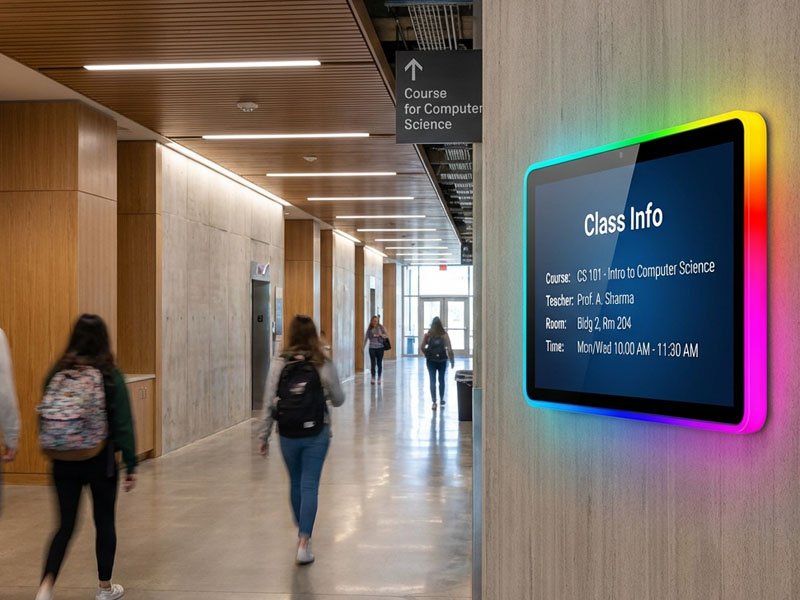
Meeting Room Display Panels
5. Easy Installation and Customization
Installing classroom scheduling panels with LED light bars is a straightforward process, requiring minimal setup. The panels can be mounted outside of classrooms, on walls, or in hallways for easy accessibility.
-
User-Friendly Setup: Most scheduling panels are designed for quick and easy installation, with intuitive interfaces for system configuration.
-
Customization Options: Panels can be customized in terms of size, layout, and appearance to match the school’s branding or aesthetic preferences.
Ideal Applications for Classroom Scheduling Panels
Classroom scheduling panels with status LED light bars are versatile and can be applied in various educational environments, from universities to high schools and training centers. Some common use cases include:
- University Campuses
- In large campuses with multiple classrooms and lecture halls, having a clear visual indicator of room availability is crucial for preventing scheduling conflicts. Portworld’s classroom scheduling panels, equipped with a status LED light bar, ensure that students and faculty can easily see if a room is available or occupied, reducing downtime between classes.
- High School Classrooms
- High schools often have crowded schedules with multiple classes taking place in the same room. A classroom scheduling panel mounted outside each classroom helps teachers and administrators keep track of room usage and reduces the chances of booking errors or overbooked rooms.
- Training Centers
- In training centers or conference facilities, where rooms are frequently reserved for short sessions, scheduling panels with LED light bars help keep everything organized. Clients can easily see when rooms are available, streamlining their access to resources.
- Corporate Offices or Executive Suites
- Corporate training rooms or executive suites in business offices also benefit from classroom scheduling panels. These panels help optimize room usage by providing immediate feedback on room availability, ensuring smooth transitions between meetings.
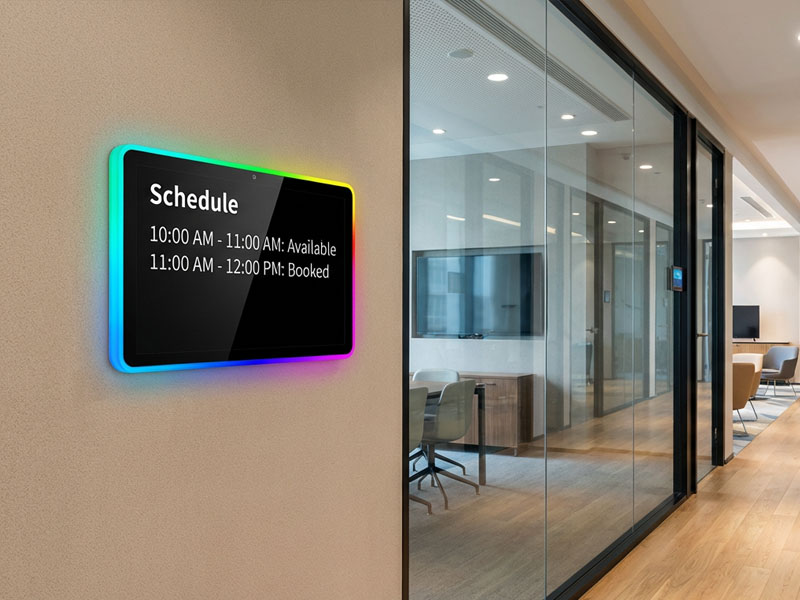
Meeting Room Display Panels
Portworld’s Classroom Scheduling Panel Solutions
Portworld offers high-quality classroom scheduling panels designed for educational institutions and corporate environments. These solutions incorporate status LED light bars for real-time room availability updates and are fully customizable to fit the specific needs of your space.
1. YC-LE156 15.6″ Meeting Room Display Panels
Features:
- Display: 15.6″ Full HD IPS screen, 1920×1080 resolution
- Brightness: Standard 300cd/m² (Optional 500nits or 1000nits for bright environments)
- Touchscreen: 10-point capacitive touch for responsive multi-touch gestures
- Power: POE (Power over Ethernet) optional – simplified cabling with power and data over a single line
- Camera: Optional 2MP or 5MP front camera for facial recognition or video calls
- NFC/RFID (Optional): Enables card-based access, payments, and identification
- Speakers: Dual 3W stereo speakers
2. YC-LE101 10 inch Meeting Room Display Panel
Features:
- Display: The 10.1-inch IPS screen provides clear and vibrant visuals with wide viewing angles. With a brightness of 300 cd/m² (optional 500nits and 1000nits versions), it ensures clear readability in various lighting conditions, making it suitable for a wide range of indoor environments.
Ambient Lighting: The full-border RGB LED strip enhances the aesthetic appeal of the display, offering customizable lighting effects through an Open API. The lighting can be adjusted to match branding or the specific atmosphere of the room.
The classroom scheduling panel with a status LED light bar offers a simple yet effective solution to streamline classroom management and enhance overall operational efficiency. By providing real-time, visual feedback on room availability, these panels help reduce confusion and improve the flow of classroom usage. Whether you’re managing a university campus, high school classrooms, or corporate training facilities, the LED light bar scheduling panels from Portworld will help keep things organized and optimize the use of your resources.