Centralized MDM (Mobile Device Management) for 100+ smart panels
In today’s fast-paced business and commercial environments, managing a large fleet of smart devices can be a daunting task. Whether you’re dealing with smart home control panels, industrial touch panels, or digital signage solutions, the complexity increases exponentially when you’re managing 100+ smart panels. That’s where Mobile Device Management (MDM) comes into play.
With Centralized MDM, businesses can efficiently manage and monitor a vast network of smart panels, ensuring smooth operations, consistent performance, and high-level security. In this article, we’ll explore how MDM technology can be applied to 100+ smart panels and the key benefits it offers for businesses and organizations.
What is Mobile Device Management (MDM)?
Mobile Device Management (MDM) refers to a comprehensive set of tools and policies used to remotely manage, monitor, and secure mobile and smart devices. Traditionally associated with smartphones and tablets, MDM has now expanded to cover a range of smart devices, including smart panels.
For smart panels, an MDM solution can provide businesses with the ability to:
- Remotely configure and update device settings
- Monitor device health and performance
- Enforce security policies and restrictions
- Deploy apps and software updates
- Track device locations (in some cases)
- Collect data on usage patterns and device performance
When managing 100+ smart panels, these capabilities are invaluable for streamlining operations, reducing manual interventions, and ensuring a consistent user experience across all devices.
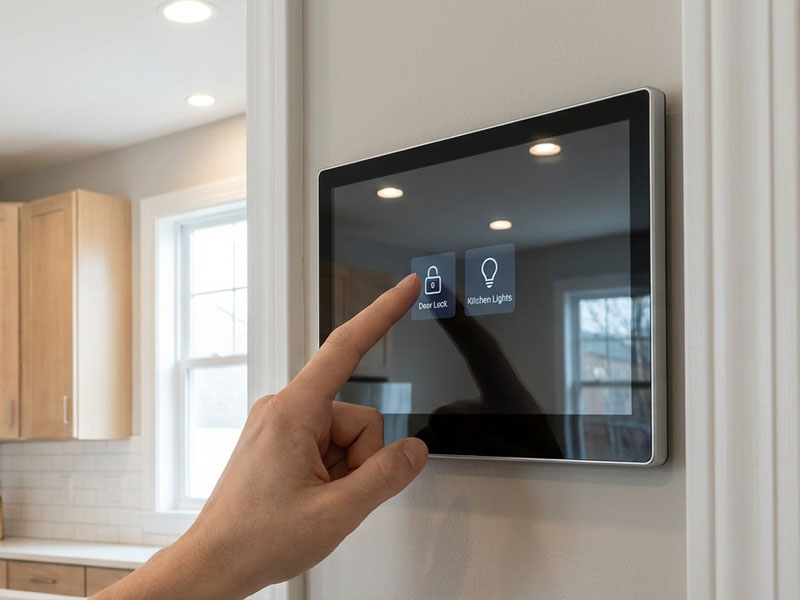
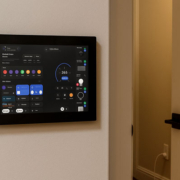
smart home control panel
Why Use Centralized MDM for 100+ Smart Panels?
1. Simplified Device Management
Managing 100+ smart panels manually can be time-consuming, error-prone, and inefficient. With Centralized MDM, all devices can be controlled from a single platform, allowing IT teams to remotely configure, update, and monitor devices without physically interacting with each one.
- Bulk configuration: Apply device settings or network configurations to all panels at once.
- Remote troubleshooting: Address issues, perform diagnostics, and even troubleshoot remotely, saving time and reducing downtime.
- Software updates: Ensure that all smart panels are running the latest versions of the operating system, apps, and security patches automatically.
2. Streamlined Security Management
When you’re managing multiple smart panels, security becomes a significant concern. MDM solutions allow businesses to enforce security policies on all devices, such as password protection, encryption, and access control.
- Remote wipe: In case of theft or loss, you can remotely wipe all sensitive data from a smart panel to protect against unauthorized access.
- Access control: Set restrictions on which apps and services can be used, preventing unauthorized modifications or software installations.
- Secure communication: Ensure that all data exchanged between devices is encrypted and secure, particularly important for smart home or office applications.
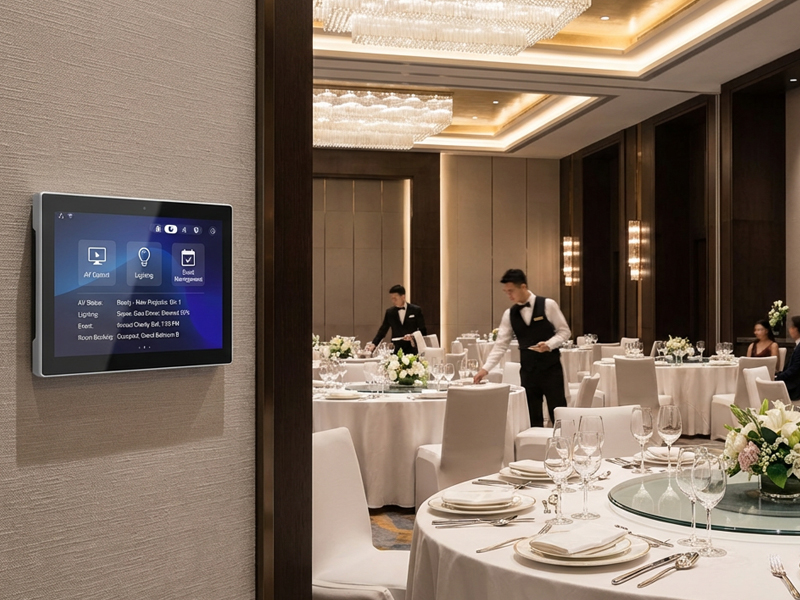
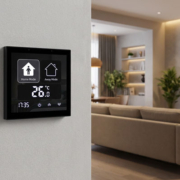
smart home control panel6
3. Improved User Experience
With Centralized MDM, businesses can ensure a consistent experience for users across all devices, whether it’s a smart home control panel in a living room or a digital signage display in a conference room. This uniformity helps improve the end-user experience, creating a seamless environment where users can expect the same functionality and interface no matter which panel they interact with.
- Consistent UI/UX: Ensure that all devices have the same user interface and functionality across multiple locations or installations.
- Custom branding: Use MDM to deploy custom branding or skins to all devices, ensuring a unified look and feel for the brand.
- Optimized performance: Automatically update software, fix bugs, and improve features without disrupting the user experience.
4. Analytics and Reporting
Another benefit of using Centralized MDM for managing 100+ smart panels is the ability to gather analytics on device usage and performance. MDM solutions can track device health, battery life, network connections, and other key metrics, providing you with real-time insights into your fleet of smart panels.
- Device health monitoring: Keep track of panel status, such as connectivity, battery levels, or system errors.
- Usage data: Gather information about how and when devices are being used, helping inform decisions on future deployments and configurations.
- Error reporting: Quickly identify recurring issues and proactively address them before they become widespread problems.
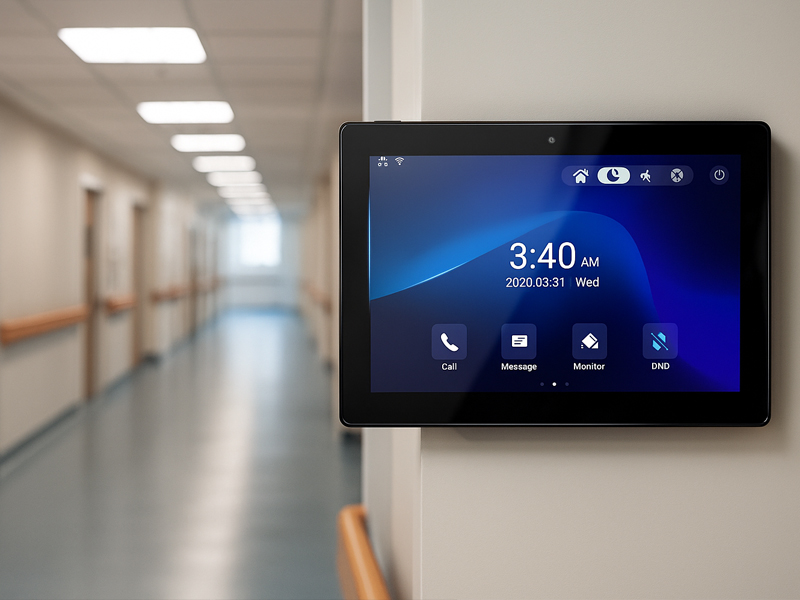
smart home control panel2
5. Scalable Management
As your smart panel network grows, it becomes increasingly important to have a system in place that can scale with your business needs. Centralized MDM allows businesses to scale effortlessly, managing thousands of devices without requiring additional resources.
- Bulk deployment: Add new smart panels to your network and configure them with ease, without needing to individually set up each device.
- Role-based access: Assign different access levels and permissions to different users or administrators, ensuring that the right people have the right level of control over the devices.
- Automated tasks: Set up tasks or rules that automatically configure or update devices based on specific criteria, reducing manual work.
How to Implement MDM for 100+ Smart Panels
Step 1: Choose the Right MDM Solution
There are various MDM solutions available in the market, ranging from general-purpose platforms to those specifically designed for smart panel management. When selecting an MDM solution, ensure that it supports:
- Cross-platform compatibility (Android, Linux, or other smart panel OS).
- PoE (Power over Ethernet) support for smart panels.
- Customization options for branding, UI/UX, and security features.
Portworld’s smart control panels are compatible with a wide range of MDM systems, offering a customizable solution for businesses looking to manage their fleet of smart panels seamlessly.
Step 2: Set Up and Configure Devices
Once the MDM solution is in place, begin by configuring the smart panels for remote management. This typically involves:
- Installing the MDM agent on each panel.
- Connecting the panels to a central management platform.
- Setting up predefined configurations, security policies, and app installations.
For Portworld smart panels, this process is streamlined, and users can rely on customized settings and software development services offered by Portworld’s OEM/ODM solutions.
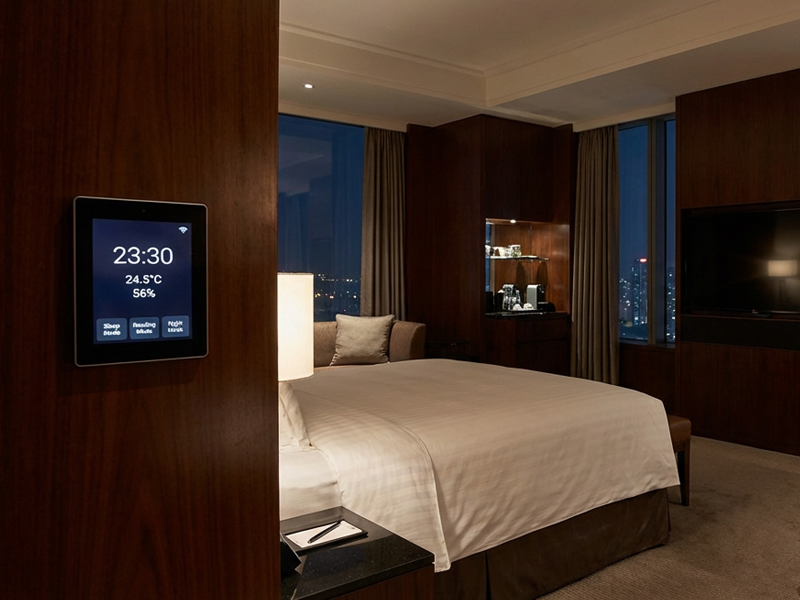
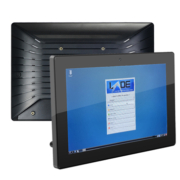
smart control panel
Step 3: Monitor and Update Devices
Once your devices are connected, use the MDM dashboard to monitor device performance, view analytics, and deploy software updates.
- Use the dashboard to push updates across the fleet, ensuring that all devices are up to date.
- Set alerts for performance issues or security breaches.
Step 4: Scale as Needed
As your network grows, the Centralized MDM platform should allow you to easily add new devices, set up additional users or administrators, and maintain control over the system.
Managing 100+ smart panels can be a challenge without the right tools in place. By adopting Centralized MDM (Mobile Device Management), businesses can streamline operations, enhance security, and improve the overall user experience. MDM solutions allow businesses to manage, update, and monitor smart panels remotely, ensuring that all devices perform optimally and remain secure throughout their lifecycle.
With Portworld’s PoE-enabled smart control panels and customizable solutions, you can take advantage of the latest MDM technologies to maintain a reliable, efficient, and secure network of smart devices, no matter the scale of your operations.