Android Central Control Panel Solution
In today’s smart home, office, and industrial environments, the need for centralized control of various devices and systems is more crucial than ever. Whether it’s managing lighting, security systems, HVAC, or entertainment systems, having a single interface to control everything makes the experience much more seamless and efficient. This is where an Android Central Control Panel comes into play — a powerful, versatile, and user-friendly solution that allows for unified control of smart devices through a central hub.
In this article, we’ll explore what an Android Central Control Panel is, its key features, how it works, and how companies like Portworld are providing tailored Android-based solutions for modern automation needs.
What is an Android Central Control Panel?
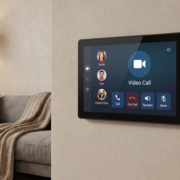
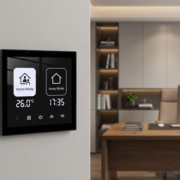
An Android Central Control Panel is a touchscreen-based device that serves as the primary interface for managing and controlling all the smart devices in a specific environment. It runs on the Android operating system, making it highly flexible, user-friendly, and compatible with a wide range of apps and services. This type of control panel integrates seamlessly with smart home automation systems, commercial building management solutions, and industrial control systems, enabling centralized management of connected devices.
Typically, an Android-based central control panel features a high-resolution capacitive touchscreen, which is responsive to touch gestures like tapping, swiping, and zooming. Users can control smart devices, monitor their statuses, adjust settings, and automate various functions directly through the panel’s interface.
Key Features of an Android Central Control Panel
- User-Friendly Touchscreen Interface
Android-based central control panels provide an intuitive and easy-to-use interface that allows users to control various devices with just a few taps. The high-resolution touchscreens provide clear, sharp visuals, making it easy to navigate between devices and control systems in real-time. - Seamless Integration with Smart Devices
One of the primary advantages of using an Android central control panel is its compatibility with a wide range of smart devices. Whether it’s smart lights, thermostats, security cameras, smart locks, or motorized blinds, Android control panels can integrate seamlessly with devices using protocols like Wi-Fi, Zigbee, Z-Wave, and Bluetooth. This allows for unified management of all connected systems from a single device. - Versatility with Multiple Control Options
Android central control panels can often support a variety of control methods. These may include:
- Touchscreen control: Direct control via the panel’s interface.
- Voice control: Integration with voice assistants like Amazon Alexa, Google Assistant, or Apple Siri.
- Mobile app control: Full control via a dedicated mobile app, allowing users to manage their devices remotely.
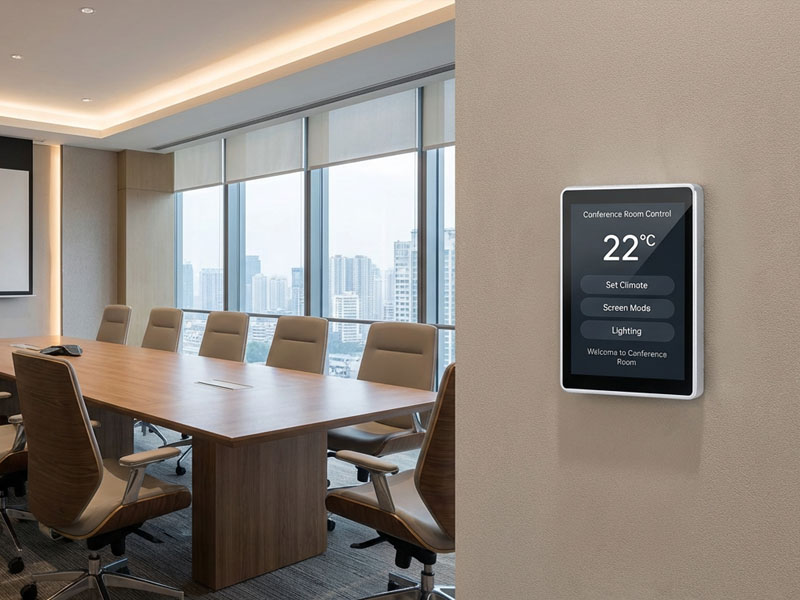
smart home control panel factory
- Real-Time Monitoring and Feedback
These control panels allow users to monitor their systems in real time. You can check the status of your lights, adjust the thermostat, lock or unlock doors, or view security camera feeds all in one place. Notifications can also be set up for alerts on critical events such as system failures, intrusions, or environmental changes. - Cloud Integration
Android-based panels often support cloud connectivity, which allows users to access and control their smart systems from anywhere in the world. Whether you are at work, traveling, or on vacation, you can monitor and adjust your devices remotely, ensuring your home or business stays optimized. - Customizable Automation Rules
With Android central control panels, users can set up automation routines or rules to perform actions based on specific conditions. For example, you can set the lights to turn off automatically when no motion is detected or adjust the heating when the temperature drops below a certain threshold. These panels often come with customizable options to cater to different needs, improving convenience and energy efficiency. - Security and Access Control
A central control panel can also play a crucial role in security management. It allows users to monitor security cameras, lock doors, and set up alarms or alerts for unusual activity. With integration into a smart security system, an Android-based control panel can act as the nerve center for your home or office’s security.
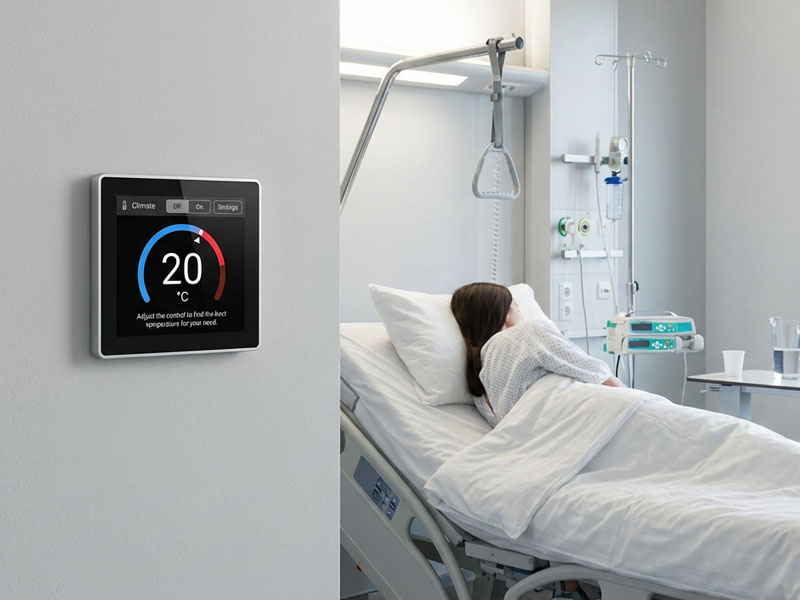
Android Central Control Panel
How Does an Android Central Control Panel Work?
The Android central control panel typically connects to a variety of smart devices and systems within the environment using a combination of wireless (Wi-Fi, Bluetooth) and wired (Ethernet, PoE) communication protocols. The panel communicates with these devices to provide real-time status updates and allows users to control them through the intuitive touchscreen interface.
- Integration with Smart Devices
The panel is usually pre-configured to support integration with a variety of smart devices. Devices like smart bulbs, thermostats, security cameras, sensors, and even complex systems like HVAC, blinds, and motorized doors can be linked to the central control panel. - User Interaction
Once the panel is set up, users can interact with the system by navigating through the touch interface. This might involve adjusting settings, turning devices on or off, creating automation rules, or setting schedules. The panel’s interface is designed to be highly intuitive, providing clear options for controlling devices and monitoring system performance. - Automation and Scheduling
Users can define automation scenarios (e.g., lighting schedules, security system automation) directly on the control panel. For example, the panel might be set to activate the security system when everyone leaves the house, or to adjust the heating before you return home. These rules and actions can be easily programmed and customized via the panel’s interface. - Real-Time Feedback and Notifications
The control panel continuously updates to show the status of all connected devices. It might show a “green” status for devices that are functioning properly or “red” for devices that need attention. Notifications can also be pushed to the panel or linked devices (such as smartphones) for events like door openings, sensor activations, or system malfunctions. - Voice Control and Integration
The Android control panel can integrate with popular voice assistants like Alexa, Google Assistant, or Siri for hands-free control. This makes it even easier for users to interact with their environment without having to physically touch the panel. For example, you can say, “Hey Google, turn off the lights in the living room,” and the Android panel will send the command to the connected smart lights.
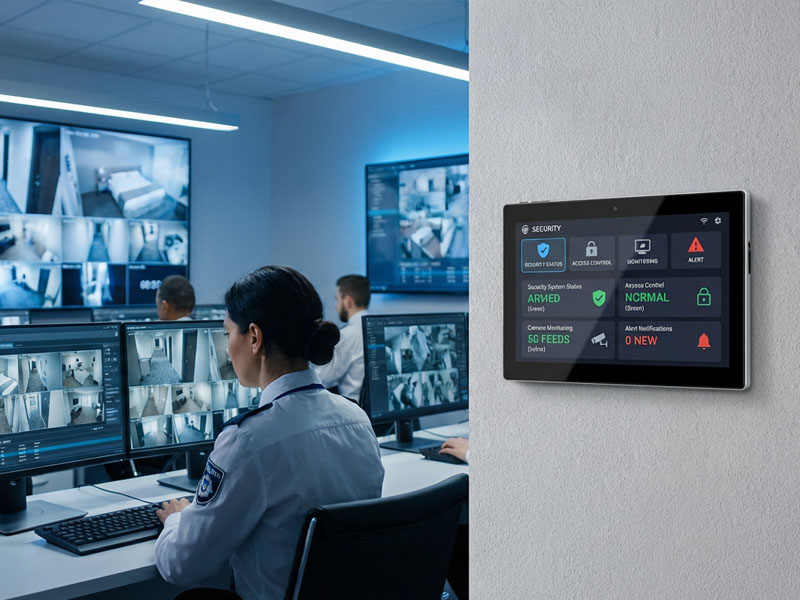
smart panel factory
How Portworld Delivers Android Central Control Panel Solutions
At Portworld, we specialize in providing customized smart control panel solutions, including Android-based central control panels, tailored to meet the unique needs of different environments. Our OEM/ODM solutions allow businesses and consumers to design and brand control panels that are best suited for their use cases, whether it’s a smart home, hotel, office building, or commercial facility.
Some of our featured products include:
- YC-SM1011: A 10.1-inch smart control panel designed for large-scale smart home automation, offering advanced features like multi-touch control, high-resolution display, and seamless integration with smart devices.
- YC-SM10P: A 10.1-inch POE smart control panel ideal for commercial spaces and offices, supporting Ethernet connectivity and offering a streamlined, powerful solution for managing automation systems.
- YC-SM08P: An 8-inch smart control panel with a compact design, ideal for installation in smaller spaces such as residential homes or conference rooms. It features multi-touch support and customizable control options.
Portworld’s control panels are powered by Android and are compatible with a wide range of devices and automation systems, offering flexibility, performance, and scalability for any smart environment.
An Android Central Control Panel is the ultimate solution for centralized management of smart devices and systems, providing users with a powerful, intuitive, and flexible interface to control and monitor their environment. Whether you’re controlling lights, security systems, climate control, or entertainment, an Android-based control panel simplifies the process and enhances the overall smart experience.
At Portworld, we offer customizable Android-based control panels that cater to various smart environments, with features designed to streamline operations, improve efficiency, and increase convenience. From smart homes to commercial buildings, our solutions offer the performance, flexibility, and scalability needed for modern automation systems.