Android 12/13 touch screen panel with Google Play Store support
In today’s world, smart control panels are at the heart of home automation, industrial systems, and commercial setups. From lighting and HVAC systems to security and entertainment, these panels offer a central hub for managing all smart devices seamlessly. One of the most advanced options available today is the Android 12/13 touch screen panel, designed to integrate cutting-edge Android OS features with the power of Google Play Store support.
In this article, we’ll dive into the benefits and features of an Android 12/13 touch screen panel, particularly how the Google Play Store support adds a new layer of functionality, making it the ideal choice for various applications.
What is an Android 12/13 Touch Screen Panel?
An Android 12/13 touch screen panel is a powerful user interface embedded in a device running Android’s latest operating systems. These panels are typically designed for smart homes, commercial automation, and industrial applications.
With the integration of Android 12 or 13, these touch panels provide a modern and responsive experience, leveraging the vast app ecosystem and advanced features offered by Google. The added Google Play Store support means users can download and install a wide range of apps to customize the panel’s functionality, turning it into a versatile tool for both personal and professional use.
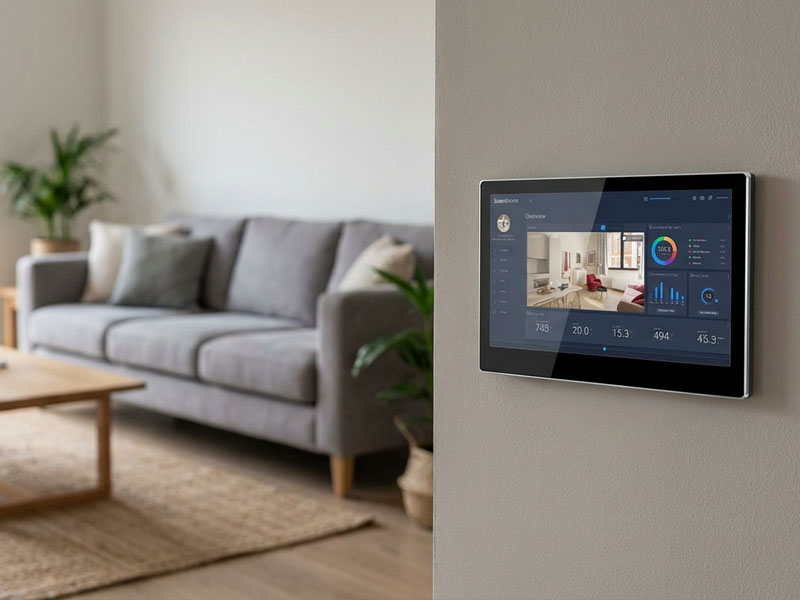
smart home control panel
Key Features of Android 12/13 Touch Screen Panels with Google Play Store Support
1. Seamless Smart Device Integration
One of the standout features of Android 12/13 touch screen panels is their compatibility with various smart home systems. Whether it’s controlling lighting, thermostats, security cameras, or audio systems, Android panels offer easy-to-navigate interfaces for managing everything from a single location.
With Google Play Store support, users can download third-party apps designed for controlling other smart devices or IoT systems. Popular platforms like Amazon Alexa, Google Home, or SmartThings are easily accessible, allowing users to expand the functionality of their panels even further.
2. Access to Google Play Store Apps
The integration of the Google Play Store on these touch screen panels allows users to access the same vast array of apps that they would on their smartphones. From productivity tools and media players to smart home control apps, you can install nearly any app available for Android.
This offers significant flexibility and personalization, as users can tailor the touch screen panel to their specific needs. Whether you want to control lighting, security, or monitor your energy usage, the Google Play Store gives you access to a wealth of apps to ensure seamless operation.
3. High-Resolution Touch Screen Display
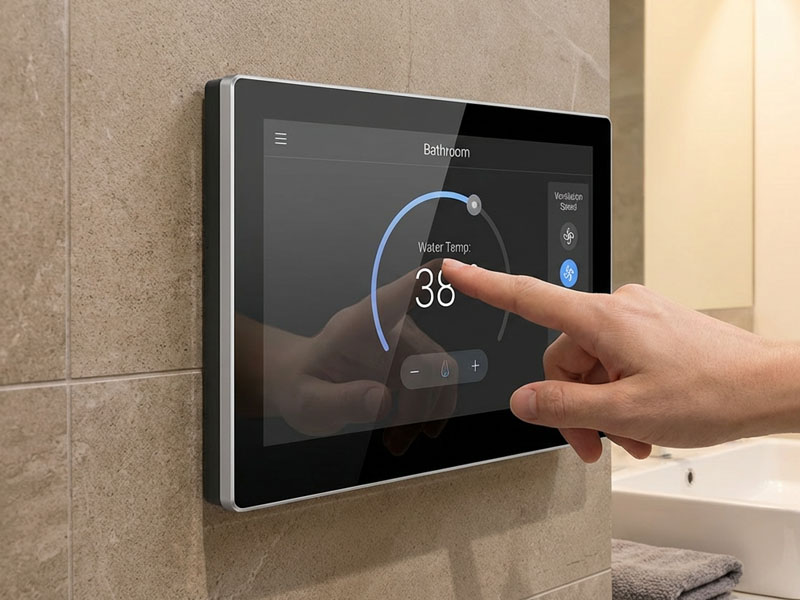
Android 12/13 touch screen panels are designed with high-resolution capacitive touchscreens, providing a responsive and fluid experience. Whether you’re adjusting your lighting system, checking security cameras, or controlling your thermostat, the high-quality display ensures clear visuals and easy interaction.
A typical Android 12/13 panel comes with:
- Vibrant HD display (up to 1920×1080 resolution or higher)
- Multi-touch capability, enabling gestures like swipe, zoom, and tap for an intuitive experience
- Wide viewing angles for clear visuals in any lighting condition
smart home control panel
4. Customizable User Interface (UI)
Android offers great flexibility when it comes to UI customization. With an Android 12/13 touch screen panel, you can customize the layout and appearance of the interface to suit the design of your space and the specific control needs of your users. You can create:
- Custom widgets for controlling lights, temperature, security cameras, and more
- Themed interfaces to match your home’s or office’s decor
- Personalized shortcuts to frequently used apps or settings
This level of customization ensures that your touch screen panel is not only functional but also visually appealing and easy to use.
5. Multi-Application Support
One of the key advantages of an Android 12/13 panel is the ability to run multiple apps simultaneously. Whether you’re using the panel for home automation, digital signage, or business applications, you can easily switch between apps without losing performance.
For example, while controlling your smart lighting system via the Android interface, you can simultaneously check weather apps, stream music, or control your smart appliances, all in one panel. This multi-tasking capability is a huge benefit in commercial applications where several tasks need to be managed at once.
6. Remote Access & Voice Control
With Google Assistant integrated into Android 12/13, the touch screen panel allows you to control devices with voice commands. For instance, you can say “Hey Google, adjust the thermostat to 72°F” or “Hey Google, turn off the lights in the living room.”
Moreover, the panel can often be remotely accessed via smartphones or tablets, allowing users to control home automation systems from anywhere. This is perfect for people who are frequently away from home but still want to manage their devices and systems remotely.
7. Secure and Reliable
Running on Android 12/13, the panels benefit from regular updates, ensuring they remain secure and reliable over time. Google’s ongoing support for Android means that users can benefit from the latest security features, bug fixes, and performance improvements.
Additionally, Android-based panels often have built-in firewall and data encryption features, making them secure for use in both personal and commercial environments.
Applications of Android 12/13 Touch Screen Panels with Google Play Store Support
smart touch control panel8
1. Smart Home Automation
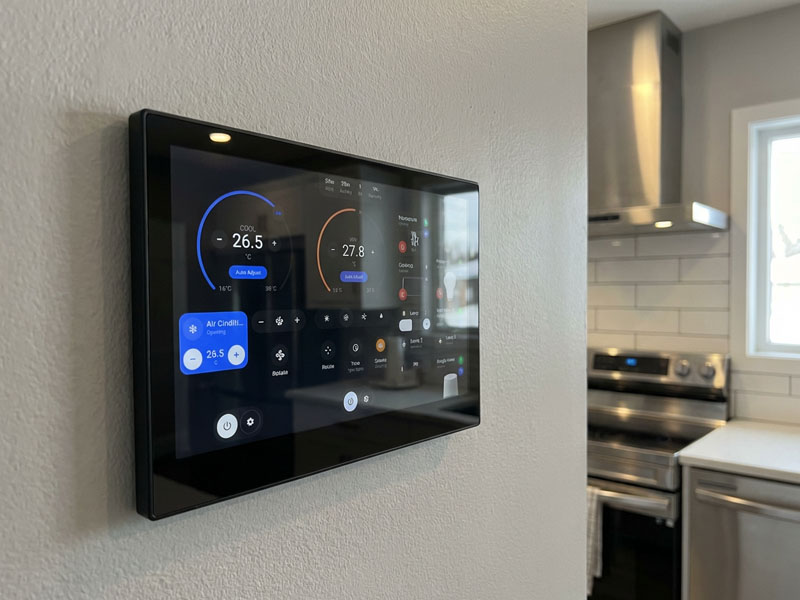
The most popular use of Android touch panels is in smart homes, where they act as a central control hub. From managing lighting and HVAC to controlling security systems, appliances, and entertainment, Android panels allow homeowners to easily control every aspect of their home environment.
With the added benefit of Google Play Store support, users can enhance their control over smart home systems by downloading compatible apps for additional devices.
2. Commercial and Office Environments
In business or office spaces, Android 12/13 touch screen panels can be used to manage conference rooms, meeting scheduling, security, and room control. With access to business applications from the Google Play Store, users can enhance productivity by managing workflows directly from the panel.
For example, an office worker might use an Android panel to adjust the lighting, schedule conference room bookings, control video conferencing software, or even order lunch from an integrated food delivery app.
3. Hotel and Hospitality Management
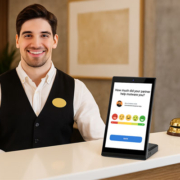
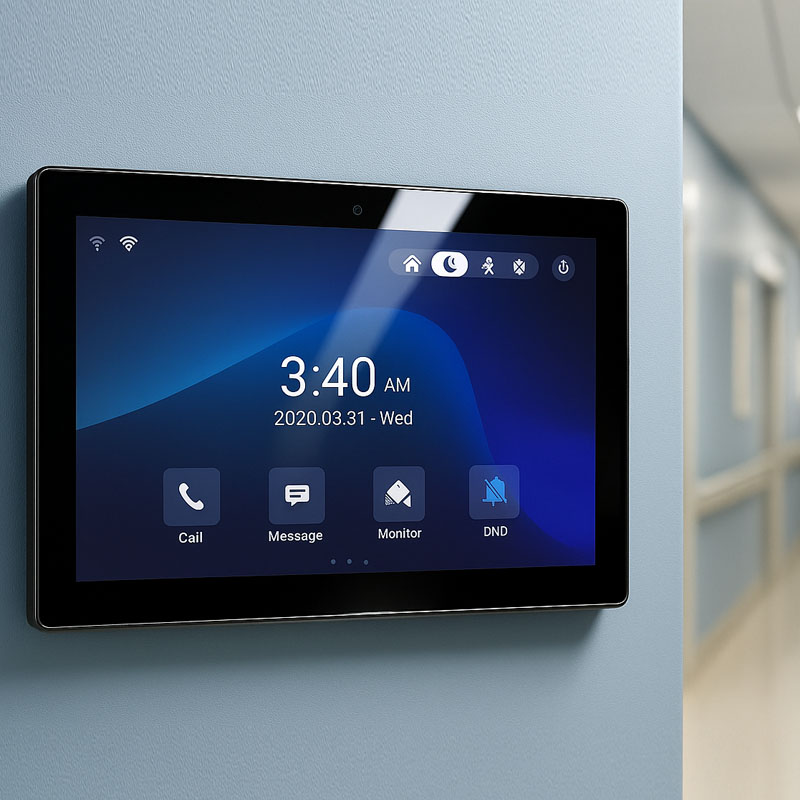
For the hospitality industry, Android 12/13 touch panels serve as guest room control units. Hotel guests can control lighting, temperature, and even curtains, all from the same interface. Staff can also use the same system for room service requests, security monitoring, and guest services, improving both customer experience and operational efficiency.
YC-SM14P-smart control panel
4. Healthcare and Medical Facilities
In healthcare, Android-based touch panels can be used to monitor patients, manage appointments, or control medical equipment. The ability to run apps from the Google Play Store also allows healthcare providers to download specialized applications designed for patient management and medical records.
5. Retail and Digital Signage
Android 12/13 touch panels are widely used in digital signage and interactive kiosks. Retailers can use these panels for product catalog displays, advertising, and customer interaction. With Google Play Store support, apps for content management, advertising, and promotional material can be easily downloaded and managed.
The Android 12/13 touch screen panel with Google Play Store support is a powerful and versatile solution for a wide range of applications, from smart homes to commercial spaces, healthcare, retail, and digital signage. By combining the Android OS with access to millions of apps through the Google Play Store, these panels offer flexibility, functionality, and customization that enhance user experience and ease of use.