Touchscreen vs. Non-Touch Floor Standing Digital Signage: Which Is Right for Your Project?
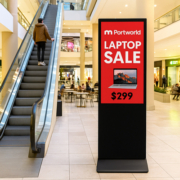
Floor-standing digital signage is extensively utilized in shopping malls, retail outlets, hotels, exhibitions, and various commercial settings. Its independent design facilitates the placement of promotional materials in visible locations for visitors, eliminating the need for permanent wall fixtures.
When embarking on a digital signage initiative, a crucial consideration is whether to opt for a touchscreen or a non-touch display.
At first glance, these two configurations may appear nearly identical. Both can feature large portrait screens, integrated motherboards, and digital signage software. However, the distinction becomes apparent when evaluating how visitors are intended to engage with them.
A non-touch display conveys information through content that plays automatically. In contrast, a touchscreen enables visitors to interact with the display, search for information, browse products, or utilize self-service options.
Selecting the appropriate configuration is contingent upon the project’s objectives, installation context, software needs, and budgetary constraints. This guide offers a comparison of touchscreen and non-touch floor-standing digital signage to assist businesses in making an informed decision.
Floor standing digital signage refers to a self-supporting commercial display that integrates an LCD screen, an embedded media player, and a supporting enclosure into a single unit.
These displays are typically placed in areas where businesses aim to convey information directly to visitors, such as:
- Shopping mall corridors and entrances
- Retail stores and showrooms
- Hotel lobbies and reception areas
- Exhibition halls and trade shows
- Restaurants and commercial buildings
- Corporate offices and public spaces.
Depending on the specific hardware setup, floor standing displays can function as advertising screens, interactive kiosks, information terminals, or self-service systems.
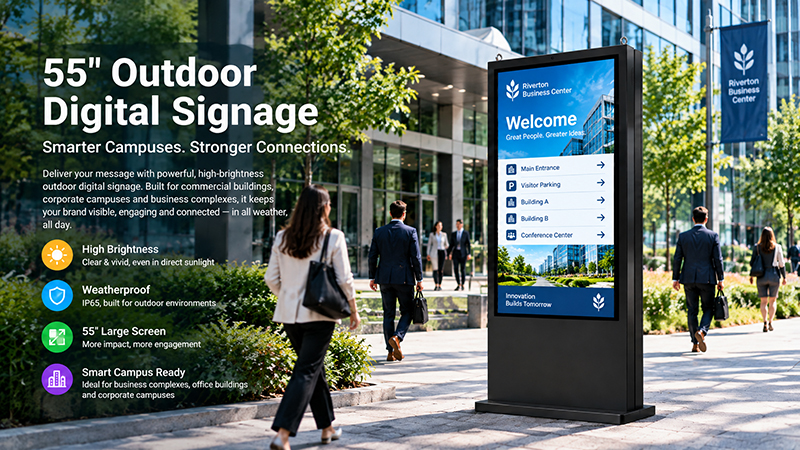
55 inch digital signage display9
The key distinction lies in whether or not visitors are required to engage with the screen.
Non-touch floor standing digital signage is specifically created for the purpose of displaying content rather than gathering user input.
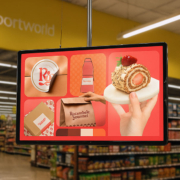
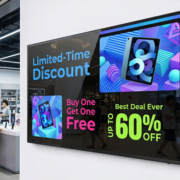
The screen automatically showcases advertisements, videos, images, promotional messages, and various other information. Visitors can observe the content without the need to touch or manipulate the device.
This setup is particularly advantageous in settings where a consistent message must be communicated to a large audience throughout the day.
For instance, a shopping mall might install non-touch displays in high-traffic areas to advertise retail promotions. A hotel could utilize them to present its facilities and services, while a restaurant might display menus and special offers at its entrance.
Due to the absence of a touchscreen layer, the hardware configuration tends to be less complex. The software can concentrate on content playback, scheduling, and remote management, rather than on interactive user interfaces.
Common Uses of Non-Touch Displays
Shopping mall advertising: Showcase brand campaigns, seasonal promotions, retail advertisements, and announcements for events.
Retail product promotion: Feature new products, special deals, and product videos positioned near store entrances.
Hotel and office information: Provide welcome messages, event schedules, company announcements, and details about services.
Restaurant advertising: Present images of food, menu promotions, and offers available for a limited time.
Exhibitions and events: Display advertisements from exhibitors, event schedules, sponsor content, and promotional videos.
In these scenarios, visitors typically need to view the information rather than interact with the screen.
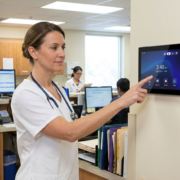
Touchscreen floor standing digital signage integrates a commercial display with touch-input technology, enabling users to engage directly with the content.
Rather than merely viewing an advertisement, visitors have the ability to tap, swipe, select options, and navigate through an application.
A touchscreen display can facilitate various types of interactive experiences, contingent upon the hardware and software utilized.
For instance, a shopping mall might employ a touchscreen kiosk to assist visitors in searching for stores and obtaining directions. A hotel could offer a self-service information terminal, while a showroom may allow customers to explore product specifications and compare different models.
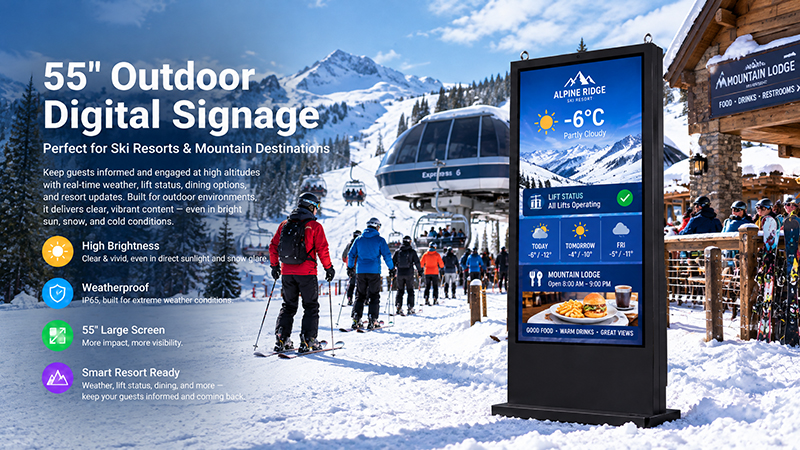
55 digital signage display
Common Uses of Touchscreen Displays
Interactive mall directories: Shoppers can look up stores, dining options, amenities, and services, and subsequently obtain directions.
Product catalogs: Retail consumers can explore product categories, specifications, images, and available choices.
Self-service ordering: Dining establishments can offer interactive menus and ordering systems when linked to a compatible ordering platform.
Hotel self-service terminals: Guests can retrieve information, check in, or utilize other services provided by the hotel’s software.
Exhibition information kiosks: Attendees can search for exhibitors, review event details, and access interactive floor layouts.
Corporate information terminals: Staff and visitors can navigate company information, access directories, or complete supported check-in processes.
A touchscreen proves most beneficial when users have a specific task to accomplish. Merely adding touch hardware does not inherently result in an interactive experience without a suitable application.
Touchscreen vs. Non-Touch Floor Standing Digital Signage: Key Differences
Although both configurations can use similar screen sizes and embedded computing platforms, their hardware and software requirements differ.
| Comparison | Touchscreen Display | Non-Touch Display |
|---|---|---|
| Main purpose | Interactive communication | Advertising and information playback |
| User operation | Tap, swipe, select, and search | View automatically playing content |
| Touch hardware | Required | Not required |
| Software | Interactive application or compatible interface | Digital signage playback software |
| Typical content | Directories, catalogs, menus, forms, maps | Images, videos, advertisements, announcements |
| Hardware configuration | Includes touch input components | Simpler display configuration |
| Maintenance | Requires cleaning and care of touch surface | Generally simpler screen maintenance |
| Initial investment | Usually higher | Usually lower |
| Best suited for | Self-service and information access | Promotional and public-facing content |
The choice should be based on the user’s task rather than the number of features available on the display.
If visitors only need to watch a promotional video, a touchscreen adds little practical value. If they need to search for a store or select a product, a non-touch display may not provide the required experience.
1. Hardware Differences: What Changes When You Incorporate Touch?
The display panel constitutes merely one component of a floor-standing digital signage system. The addition of touch functionality necessitates further hardware specifications.
Touchscreen Hardware
A touchscreen display is equipped with a touch sensor or touch frame that identifies user interactions and transmits the relevant signals to the integrated computing platform.
Common touch technologies encompass:
Projected Capacitive (PCAP) Touch
PCAP is extensively utilized in contemporary interactive displays. It accommodates responsive finger input and multi-touch gestures, rendering it ideal for product exploration, interactive directories, and self-service applications.
Infrared (IR) Touch
Infrared touch technology identifies disruptions in an infrared light grid surrounding the screen. It is appropriate for larger interactive displays and specific public information applications.
The selection is contingent upon screen dimensions, desired interaction, enclosure design, and environmental conditions.
For kiosks intended for public use, it is also essential to consider the protective front glass, scratch resistance, touch precision, and anticipated usage frequency.
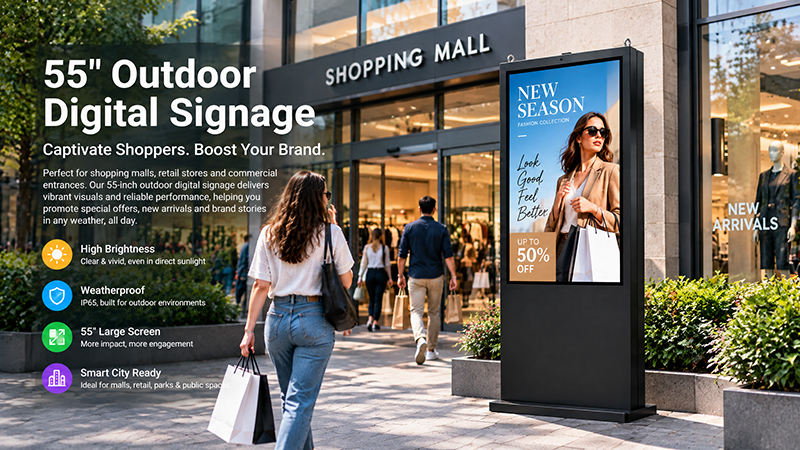
55 inch outdoor digital signage display8
Non-Touch Hardware
A non-touch display operates without the need for a touch sensor or touch controller. This allows its hardware to concentrate on aspects such as image quality, video playback, connectivity, and dependable performance.
This can lead to a more straightforward product design and a decrease in the number of components that require maintenance.
For advertising purposes, an appropriate non-touch display paired with a compatible media player may suffice.
2. Software Requirements: Playback vs. Interaction
The capabilities of a digital signage display are not solely dictated by its hardware. Software is equally crucial.
Software for Non-Touch Displays
Typically, non-touch digital signage employs content management software to arrange and disseminate advertising content.
- Key functionalities include:
- Image and video playback
- Scheduled advertising playlists
- Automatic content switching
- Remote content updates
- Screen grouping and management
- Automatic application startup
For instance, a shopping mall operator can launch a seasonal campaign on selected screens without the need to manually update each display.
The specific features available depend on the chosen CMS and its compatibility with the display’s operating system.
Software for Touchscreen Displays
Touchscreen initiatives necessitate an application tailored for user engagement.
Depending on the specific application, this may encompass:
- Interactive menus and navigation
- Search functionalities
- Product categories and catalogs
- Interactive maps
- Forms and data entry
- Booking or ordering interfaces
- Integration with external business systems.
For instance, an interactive directory for a mall demands more than just a touchscreen panel. It necessitates a directory database, a search interface, location details, and a method for providing directions.
In a similar vein, a self-service ordering kiosk requires an ordering application along with compatible backend services. Additionally, payment capabilities may necessitate supplementary payment hardware and service integration.
Consequently, it is essential for touchscreen projects to establish software requirements prior to finalizing the hardware configuration.
3. Cost Comparison: Is Touchscreen Worth the Extra Investment?
Touchscreen floor standing digital signage generally involves a higher initial investment than a comparable non-touch configuration.
The additional cost may include the touch sensor, controller, protective glass, integration work, and interactive software development.
However, the total project cost depends on more than the display itself.
| Cost Factor | Touchscreen | Non-Touch |
|---|---|---|
| Display hardware | Touch-enabled configuration | Standard display configuration |
| Software development | May require interactive application development | Usually focused on content playback |
| Installation | May require additional calibration or setup | Generally simpler |
| Maintenance | Requires attention to touch surface and input performance | Fewer touch-related maintenance tasks |
| Integration | May need connection to directories, booking, ordering, or other systems | Usually focused on CMS and content delivery |
A non-touch display is frequently a more cost-effective choice for projects focused solely on advertising.
In contrast, a touchscreen may warrant the extra expenditure when it offers valuable services, such as minimizing repetitive inquiries, assisting visitors in navigating expansive buildings, or enabling customers to independently explore products.
Thus, the appropriate comparison extends beyond just the initial purchase price. It encompasses the overall cost of delivering the desired user experience.
4. Which Display Is More Suitable for Various Industries?
The same display setup may not be appropriate for every commercial setting.
Shopping Malls: Advertising or Interactive Wayfinding?
Shopping malls typically require both advertising and visitor information.
Non-touch displays are ideal for promotional campaigns, brand advertisements, and event notifications in hallways and open spaces.
Touchscreen displays prove to be more beneficial near entrances, information kiosks, and key intersections where visitors seek to locate stores, dining options, or amenities.
A large shopping mall might gain advantages from implementing both display types based on their specific location and intended use.
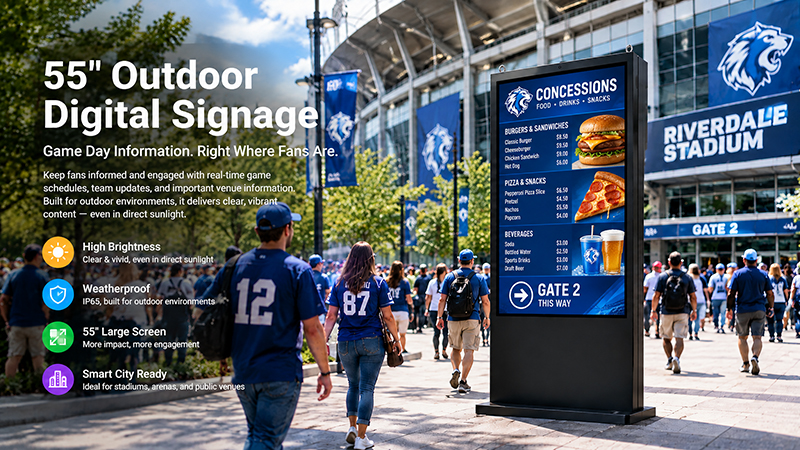
55 inch digital signage display
Retail Stores: Product Promotion or Product Browsing?
Retailers have the opportunity to utilize non-touch displays for the promotion of new products, seasonal campaigns, and special offers.
Touchscreen models prove beneficial when customers wish to navigate a product catalog, compare specifications, review available options, or obtain additional information.
In a showroom that features electronics, furniture, or industrial equipment, interactive product browsing can deliver more comprehensive details than a continuously running advertisement.
Hotels: Brand Communication or Self-Service?
Hotels can implement non-touch floor standing displays to showcase services, present event schedules, and promote restaurants or facilities.
Touchscreen models can facilitate guest information terminals, interactive service directories, and compatible check-in applications.
The decision hinges on whether the hotel aims to convey information or enable guests to perform specific tasks.
Portworld customize floor standing digital signage?
Portworld offers OEM/ODM customization options for commercial digital signage projects. Depending on the product and project requirements, these may include display configuration, embedded motherboard, operating system, touch hardware, software preinstallation, interfaces, enclosure design, and branding.