Floor Standing Digital Signage for Shopping Malls: A Planning Guide
Shopping malls serve as bustling commercial hubs where retailers, property managers, and advertisers vie for the attention of visitors. Every public space, from the main entrance to central atriums, corridors, elevators, and individual store entrances, offers a chance to engage with shoppers.
Floor-standing digital signage has emerged as a favored choice for these environments. Unlike displays mounted on walls, a freestanding digital screen can be strategically placed in high-traffic areas without the need for permanent wall fixtures. It can effectively promote retail brands, advertise seasonal campaigns, showcase mall events, and assist visitors in locating nearby stores.
Nonetheless, executing a successful digital signage project in a shopping mall entails more than merely selecting a large screen. Factors such as installation location, viewing distance, brightness, physical stability, content management, network infrastructure, and adherence to mall regulations all play a crucial role in determining the outcome.
This guide outlines the process of planning floor-standing digital signage for shopping malls, covering everything from choosing the appropriate display to coordinating installation and ensuring long-term operation.
What is Floor Standing Digital Signage?
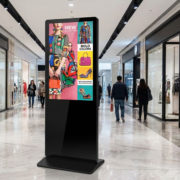
Floor standing digital signage refers to a self-supporting electronic display intended for showcasing digital content in public or commercial environments. It generally consists of an LCD screen, an integrated media player, and a stand or enclosure that is mounted on the floor.
Often referred to as a digital standee or digital advertising kiosk, this type of display is capable of presenting:
- Retail advertisements and promotional videos
- Seasonal campaigns and special offers
- Announcements and events in shopping malls
- Brand introductions and product details
- Directions within stores and promotional messages
- QR codes and interactive content
Depending on the specific hardware and software setup, floor standing displays can function either as passive advertising screens or as interactive touch terminals.
For instance, a shopping mall might deploy non-touch displays along its main walkways to advertise tenant promotions, while utilizing touchscreen kiosks at entrances to assist visitors in finding stores and locating amenities.
These two applications have distinct requirements. Advertising screens primarily necessitate clear content playback and dependable remote management, whereas interactive kiosks demand responsive touch hardware and appropriate wayfinding software.
55 inch digital sigange display
Where Should Shopping Malls Position Floor Standing Digital Signage?
The initial phase in organizing a digital signage initiative for a mall involves determining the locations where the screens will deliver the greatest benefit.
Instead of placing displays wherever there is available floor space, it is essential to consider the flow of visitors throughout the building and identify areas where they are most likely to pause, explore, or make purchasing choices.
1. Main Entrances and Reception Areas
Mall entrances serve as ideal spots for digital advertising since visitors frequently stop to orient themselves before entering the shopping area.
Floor standing displays can greet visitors, showcase seasonal promotions, advertise key tenants, and highlight current events.
A display positioned near an entrance can also relay information regarding operating hours, promotions, or special events. If the screen is situated near windows or exposed to direct sunlight, it is crucial to assess brightness requirements thoroughly.
2. Shopping Corridors
Shopping corridors present opportunities to engage visitors as they navigate between stores.
Freestanding digital screens can advertise nearby retailers, showcase new product launches, and promote time-sensitive offers. Their portrait orientation is particularly effective for displaying full-height product images and promotional videos.
Placement is especially critical in narrow corridors. Displays must not impede pedestrian traffic, emergency access, store entrances, or accessible pathways.
3. Central Atriums
Central atriums frequently enhance visibility as they link various floors and shopping zones.
Floor standing displays can facilitate brand initiatives, event notifications, and promotions throughout the mall. In expansive areas, larger screens may be suitable, allowing visitors to view content from multiple angles.
Nonetheless, a screen that appears sufficiently large when viewed up close may seem relatively small in a high-ceiling atrium. It is essential to consider the viewing distance and the anticipated audience position prior to determining the appropriate display size.
4. Store Entrances
Retailers can utilize floor standing displays outside their shops to draw attention and showcase products.
Typical uses include fashion lines, electronics promotions, restaurant menus, seasonal deals, and new product introductions.
A display at a store entrance should correspond with the available floor area and the overall design of the store. Additionally, some shopping centers impose restrictions on the placement, size, brightness, and content of displays installed by tenants, necessitating approval from mall management.
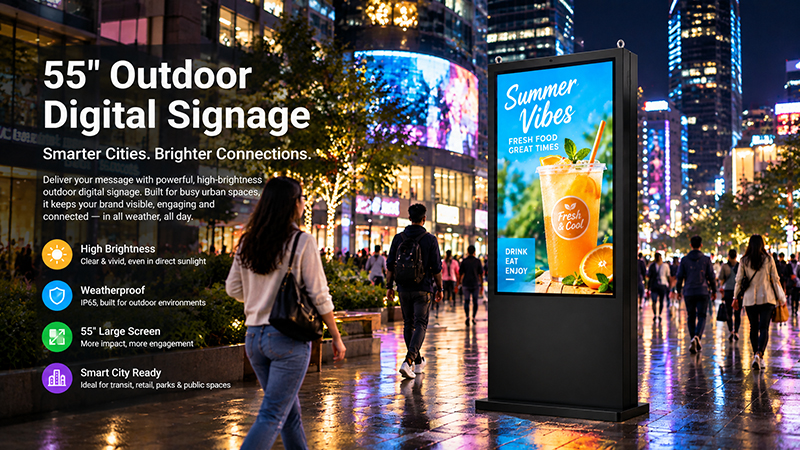
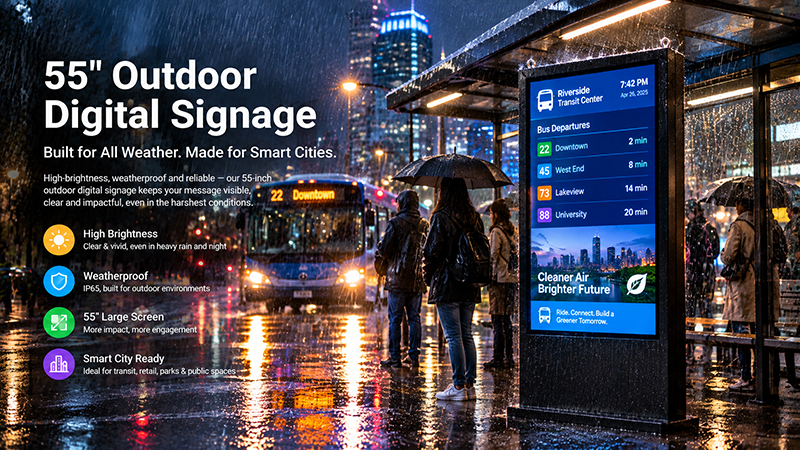
55 inch outdoor digital signage display
5. Elevator and Escalator Areas
Elevator waiting zones and escalator entrances serve as effective venues for brief promotional messages, as visitors often have a moment to glance at the screen.
Displays can advertise nearby shops, dining options, entertainment venues, or forthcoming events.
For these areas, the content should be quickly comprehensible. Concise headlines, easily recognizable product images, and straightforward promotional messages typically outperform complex designs.
Key Features to Consider When Selecting a Floor Standing Display
After determining the installation sites, the subsequent step is to choose appropriate display hardware.
1. Screen Size and Orientation
The size of the screen should be based on the viewing distance, the available floor space, and the content needs.
Portrait displays are frequently utilized for floor standing advertising as they offer a vertical format suitable for posters, product images, and promotional videos.
A 43-inch display might be appropriate for smaller retail entrances or corridors, whereas a 55-inch display can deliver a more expansive visual area for larger shopping environments.
The optimal choice is contingent upon the specific setting. A large screen may draw more attention in a spacious atrium, but it could pose challenges in a confined corridor.
Prior to placing an order, measure the installation space and take into account:
- The distance between the screen and incoming visitors
- The width of the available floor space
- The height of adjacent storefronts and signage
- Whether visitors approach from one or multiple directions
- Access for transport, elevators, and installation clearance
For deployments across multiple locations, it is beneficial to standardize display sizes where feasible while permitting different configurations for particular sites.
2. Brightness and Display Readability
Brightness stands as a crucial specification for digital signage in shopping malls.
Most displays within indoor shopping malls function under artificial lighting; however, the brightness levels can significantly differ across various locations. For instance, an entrance adjacent to a large glass façade may receive considerably more natural light compared to an internal corridor.
A display lacking adequate brightness may appear faded, diminishing the effectiveness of promotional content. Conversely, excessive brightness in a relatively dim indoor setting can create discomfort for visitors.
For instance, Portworld’s 55-inch indoor floor-standing digital signage model is equipped with a 350 cd/m² display. This setup is tailored for standard indoor commercial environments rather than exposure to direct sunlight.
In cases where displays are positioned near bright windows or subjected to direct sunlight, a higher-brightness solution may be necessary. The appropriate brightness specification should be determined based on the assessed lighting conditions and the intended placement of the display.
Resolution also holds significant importance. A Full HD resolution of 1920 × 1080 is adequate for many typical promotional uses, while higher-resolution alternatives may be explored when the project demands more intricate imagery or specific content formats.
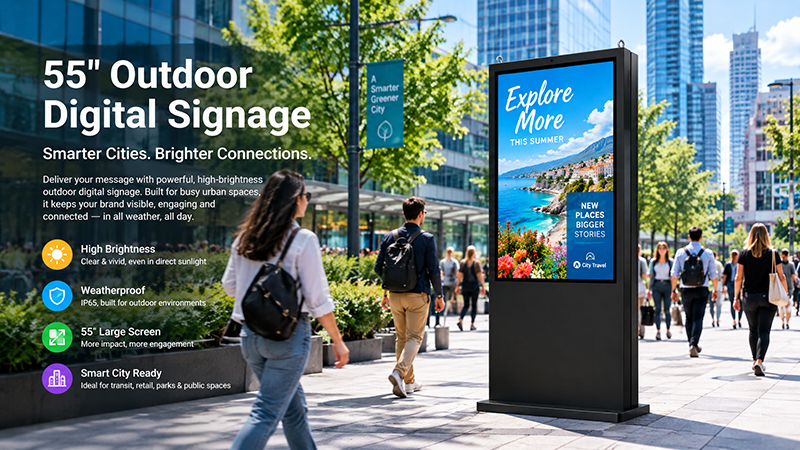
55 inch outdoor digital signage display
3. Android or Windows Operating System
The operating system determines which applications and content management platforms can run on the display.
Android is often suitable for digital signage applications that play scheduled advertisements, promotional videos, images, and web-based content. It can also support compatible custom applications.
Windows may be preferable when the project depends on existing Windows software or specialized interactive applications.
| Consideration | Android | Windows |
|---|---|---|
| Standard advertising playback | Suitable | Suitable |
| Digital signage applications | Compatible Android applications | Compatible Windows applications |
| Custom interactive software | Depends on Android compatibility | Suitable for compatible Windows software |
| Hardware configuration | ARM-based or other supported platforms | x86-based platforms |
| Typical project focus | Digital content playback and customized Android applications | Existing Windows software and specialized applications |
The appropriate selection is determined by the software rather than the popularity of the operating system.
For a mall advertising screen that solely needs to display scheduled content, Android hardware could serve as a practical solution. Conversely, if the display is required to operate a specific Windows-based application, a Windows setup may be more suitable.
4. Touchscreen or Non-Touch Display
Not every floor-standing digital signage initiative necessitates touchscreen capabilities.
A non-touch display is ideal for advertising, promotional videos, brand messaging, and event announcements. It can automatically play content without the need for visitor interaction with the screen.
Touchscreen models are more advantageous for applications such as:
- Interactive mall directories
- Store and restaurant searches
- Floor maps and navigation
- Product catalogs
- Event information systems
- Self-service information terminals
Touch hardware entails additional requirements, including touch accuracy, screen durability, user interface design, and software support.
If visitors only need to view advertisements, a non-touch display may represent the more economical choice. Touch functionality should be incorporated only when it significantly enhances the user experience.
5. Embedded Hardware and Playback Performance
The embedded motherboard or media player governs the display’s capability to execute applications and present digital content.
For typical advertising applications, the hardware must accommodate the necessary video formats, image resolution, and content management software.
For more intensive applications, it is advisable to assess processor performance, RAM, storage, and available interfaces.
Portworld’s 55-inch indoor floor-standing display exemplifies an integrated Android configuration:
- Screen size: 55 inches
- Resolution: 1920 × 1080
- Brightness: 350 cd/m²
- Processor: Rockchip RK3566, quad-core Cortex-A55 up to 1.8 GHz
- Memory: 2GB RAM
- Storage: 16GB ROM
- Operating system: Android 11
- Connectivity: Wi-Fi and Bluetooth
- Audio: Dual 5W stereo speakers
- Housing: Metal enclosure with cooling holes and moving handle
This product is tailored for indoor commercial applications and offers optional touch configurations.
Such integrated hardware can facilitate deployment by merging the display and computing platform into a single unit. For projects that necessitate different processor platforms, memory capacities, operating systems, or interfaces, exploring a customized hardware configuration may be beneficial.
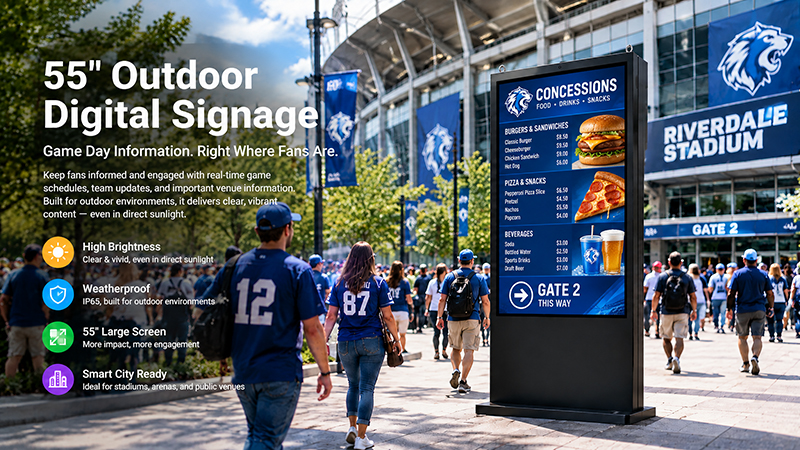
55 inch digital signage display
6. Cabinet Design and Physical Stability
In contrast to wall-mounted screens, floor-standing displays necessitate a robust physical structure.
Shopping malls are subject to constant pedestrian movement, and displays may be positioned in proximity to shopping carts, luggage, cleaning equipment, and other mobile items.
When assessing the enclosure and base, take into account:
- Overall dimensions and weight
- Base size and stability
- Metal enclosure construction
- Ventilation and heat dissipation
- Cable routing
- Screen protection
- Maintenance access
- Branding and cabinet finish
The base must be appropriate for the installation environment and should not introduce unnecessary obstacles.
In areas with high foot traffic, mall operators might mandate additional safety precautions, such as approved fixing methods or limitations on the placement of freestanding equipment.
A well-constructed cabinet should also facilitate easy access to internal components for maintenance without necessitating the complete disassembly of the unit.
Developing the Digital Signage Content Management System
The effectiveness of a floor-standing display is directly linked to the quality of the content it showcases.
In shopping malls, the significance of content management is heightened when numerous screens are deployed across various floors, zones, or tenant spaces.
Centralized Content Distribution
An appropriate content management system (CMS) enables administrators to upload promotional content and disseminate it to designated displays.
For instance, the marketing team might launch a holiday campaign across all screens in the mall, while individual departments oversee content for their specific promotional areas.
Depending on the software, beneficial features may encompass:
- Remote content uploads
- Scheduled advertising playlists
- Device categorization by floor or location
- Tailored content for distinct displays
- Automated playback
- Device status tracking
- Remote application oversight
These features are contingent upon the chosen CMS and its compatibility with the display hardware.