Android vs Linux which is better for a smart control panel
Smart control panels are increasingly becoming a vital component of contemporary smart homes, smart buildings, industrial automation, and IoT systems. A critical decision in the development of a touchscreen control panel is selecting the appropriate operating system.
The two predominant options are Android and Linux.
Each platform offers distinct advantages; however, the optimal choice is contingent upon your specific application requirements, software environment, and customization needs.
What Is an Android Smart Control Panel?
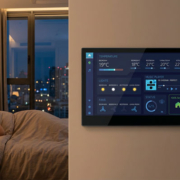
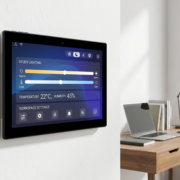
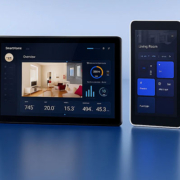
An Android smart control panel operates on the Android operating system, delivering a user-friendly touchscreen experience akin to that of smartphones and tablets.
Android panels are commonly utilized for:
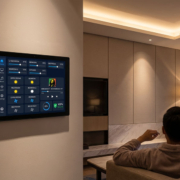
- Smart home control
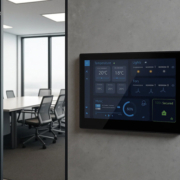
- Building automation
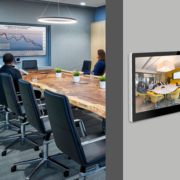
- Meeting room panels
- Access control terminals
- Commercial kiosks
- Retail interactive displays
Thanks to Google’s extensive application ecosystem, Android facilitates rapid application development and seamless user interaction.
A Linux Smart Control Panel is a device that operates on embedded Linux systems, which include:
- Debian
- Ubuntu
- Buildroot
- Yocto Linux
Linux is frequently utilized in:
- Industrial automation
- Embedded IoT devices
- Machine control systems
- Professional automation platforms
The advantages of Linux include enhanced system customization and improved management of hardware resources.
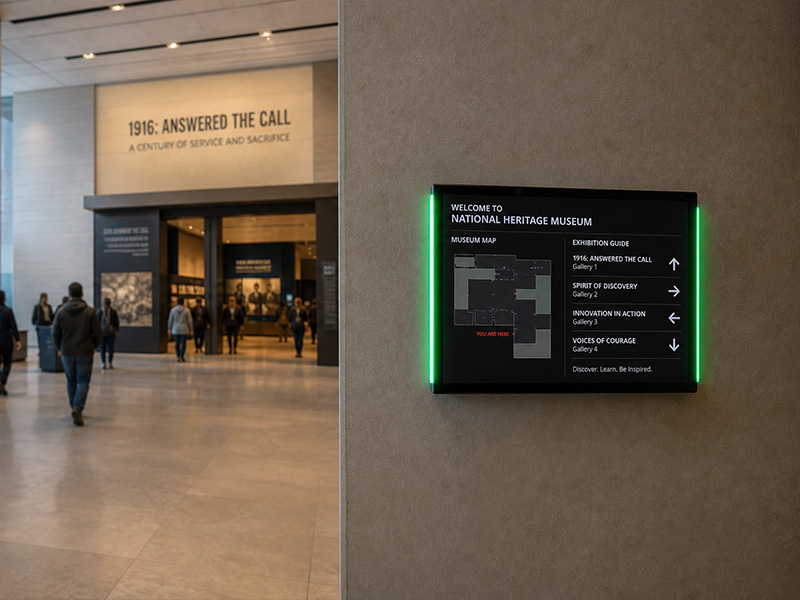
Museum Exhibit Interactive Touch Digital Signage Screen
Android vs Linux Smart Control Panel Comparison
| Feature | Android | Linux |
|---|---|---|
| User Interface | ⭐⭐⭐⭐⭐ Easy and familiar | ⭐⭐⭐⭐ Highly customizable |
| App Development | Android SDK / Java / Kotlin | C/C++ / Qt / Web applications |
| Touch Experience | Excellent | Depends on development |
| Application Ecosystem | Large app ecosystem | More developer-oriented |
| Hardware Control | Good | Excellent |
| Customization | Medium to high | Very high |
| Security Control | Good | Excellent with customization |
| Development Speed | Faster | Requires more engineering |
| Industrial Integration | Good | Excellent |
| Long-Term Embedded Use | Good | Excellent |
Advantages of Android Smart Control Panels
1. Accelerated Application Development
Android offers well-established development tools and frameworks.
Developers can swiftly create:
- Touch interfaces
- Smart home applications
- IoT dashboards
- Control applications
This leads to a reduction in project development time.
2. Enhanced Touchscreen Experience
Android is specifically designed for touch-enabled devices.
The advantages include:
- Smooth gesture control
- Multi-touch capability
- Contemporary UI design
- User-friendly interaction
This makes Android particularly suitable for:
- Wall-mounted smart home panels
- Hotel control tablets
- Room booking displays
3. Extensive Application Compatibility
Android is compatible with a wide range of existing applications and third-party platforms.
It can seamlessly integrate with:
- Smart home applications
- Video communication tools
- Cloud services
- Digital signage software
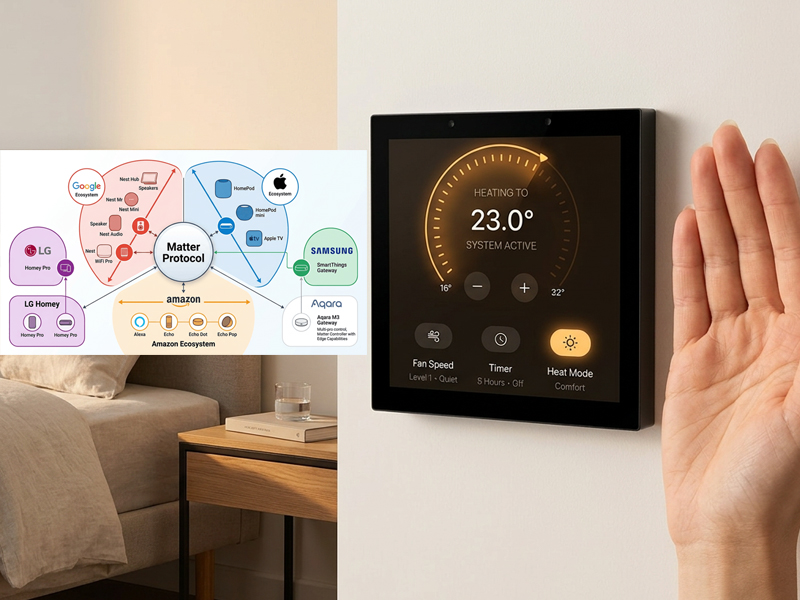
smart home control panel
Benefits of Linux Smart Control Panels
1. Extensive Hardware Customization
Linux offers comprehensive control over:
- Drivers
- Kernel
- Hardware interfaces
- Communication protocols
This capability is crucial for industrial applications that necessitate specialized functions.
2. Enhanced Industrial Integration
Linux is frequently utilized with:
- RS485
- Modbus
- CAN bus
- MQTT
- BACnet
- Industrial sensors
This makes it ideal for automation and IoT systems.
3. Improved System Optimization
Using platforms such as Yocto Linux or Buildroot, developers can construct a streamlined operating system tailored specifically for their hardware.
Advantages include:
- Quicker boot time
- Reduced memory consumption
- Increased security
- Extended product lifecycle
Which Option Should You Select?
Select Android If You Require:
- Rapid software development
- User interface designed for touch interaction
- Applications tailored for mobile devices
- Control of smart home devices
- Commercial touch screen panels
- Functions for video and multimedia
Common Applications:
- Smart home control panels
- Controllers for hotel rooms
- Displays for scheduling in meeting rooms
- Interactive terminals for retail
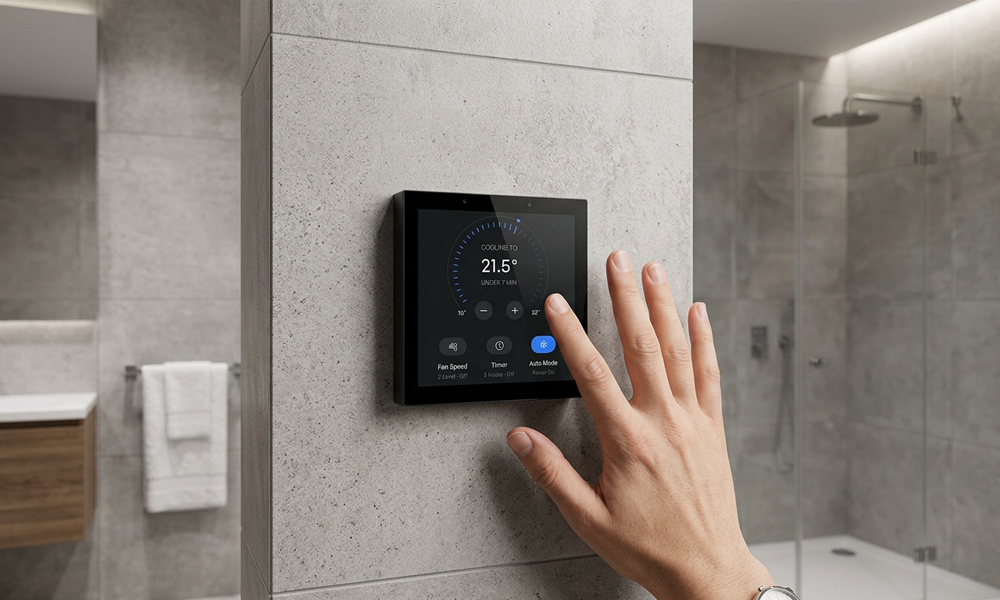
smart home control panel
Select Linux If You Require:
- Extensive hardware customization
- Protocols for industrial communication
- Deployment in long-term embedded systems
- High levels of security
- Optimization of custom systems
Common Applications:
- Panels for factory automation
- Human-Machine Interfaces (HMIs) for industrial use
- Systems for smart energy management
- Gateways for the Internet of Things (IoT)
Portworld Smart Control Panel Solutions
Portworld offers tailored smart control panels that are compatible with both Android and Linux operating systems.
The hardware platforms available include:
- Rockchip RK3566
- RK3568
- RK3576
- RK3588
The supported systems are:
- Android
- Linux Debian
- Ubuntu
- Yocto Linux
- Buildroot
Customization options encompass:
- Touchscreen size adjustments
- UI/UX design development
- Integration of hardware interfaces
- Support for RS485/Modbus
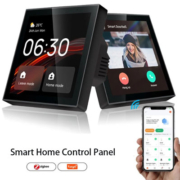
- Integration of Zigbee, Matter, and KNX
- Power over Ethernet (PoE) support
- OEM/ODM manufacturing services
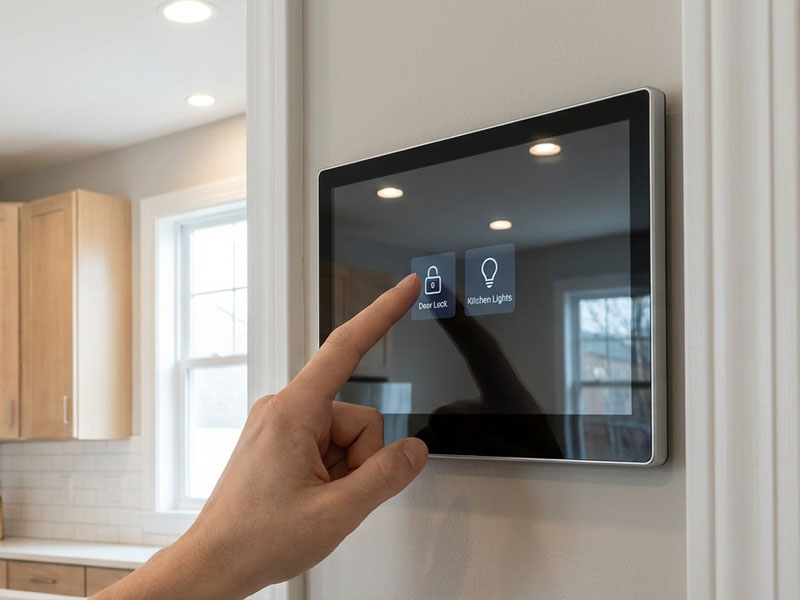
smart home control panel
Products like Portworld’s smart home touch panels and industrial touch displays can be tailored for various IoT and automation initiatives.
There is no universally superior operating system for all smart control panel projects.
Android is preferable for user-friendly touchscreen applications and expedited development, whereas Linux is more suitable for industrial applications that demand extensive customization and hardware management.
For commercial smart panels, Android excels in usability. Conversely, for industrial IoT and automation systems, Linux provides enhanced flexibility and control.