Which Home Automation System Is Best?
The right solution depends on your mobile operating system, technical proficiency, budget, privacy needs, and whether you prefer a plug-and-play setup or deep customization with local, autonomous control. Below is an overview of the major platforms (as of 2026), along with their target audiences:
1. Apple HomeKit (Home app)
Best for: Apple device users (iPhone, iPad, Mac) who value privacy and prioritize stability
Pros
- Strong official privacy protection; supports operation on local area networks; some devices do not rely on the internet
- Seamless ecosystem integration; stable Siri voice control; supports adaptive lighting and security automation
- Simple interface; low learning curve
Disadvantages
- Limited hardware selection; devices with similar specifications are generally more expensive
- Limited customization capabilities for automations; poor scalability for advanced setups
- Cannot be controlled natively from Android phones
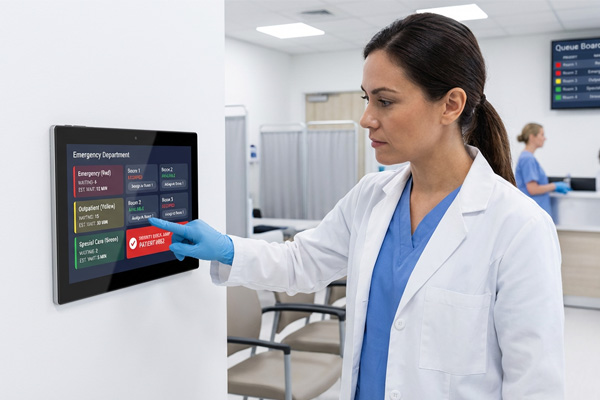
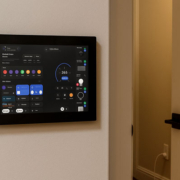
digital signage display for hospital waiting rooms
2. Mi Home (Xiaomi Smart Home)
Best for: Users prioritizing value for money, beginners, and those with a large number of smart devices throughout the home
Pros
- Extremely wide range of hardware categories at affordable prices; largest selection of accessories
- Feature-rich app with simple, easy-to-understand automation rules
- Supports both cloud-based and partial local execution
Cons
- Heavily reliant on the cloud; many device functions are limited when offline
- Privacy data is stored on the manufacturer’s cloud; limited cross-brand interoperability
- The system occasionally lags when there are many devices
3. Home Assistant (HA)
Best for: DIY enthusiasts and tech enthusiasts seeking local operation, maximum privacy, and cross-brand interoperability
Pros
- Open-source and free; compatible with nearly all smart device brands on the market (Mi Home, HomeKit, Tuya, YiweiLian, etc.)
- The vast majority of automations can run locally and continue functioning even without an internet connection, eliminating reliance on manufacturers’ servers
- Unparalleled flexibility in automation, capable of implementing extremely complex trigger-and-action logic
Disadvantages
- Some learning curve; requires basic setup (mini PC, Raspberry Pi, etc.)
- No official hardware bundles; users must assemble their own setup
- Initial debugging can be time-consuming for beginners
4. Huawei HarmonyOS Connect
Best for: Users of Huawei phones, tablets, and the HarmonyOS ecosystem
Pros
- Excellent experience with seamless content handoff and pop-up notifications between HarmonyOS devices
- Distributed linking ensures smooth cross-device coordination
- Comprehensive selection of security and home appliance categories
Cons
Compatibility with non-Huawei devices is generally limited
Fewer third-party brands supported compared to Mi Home
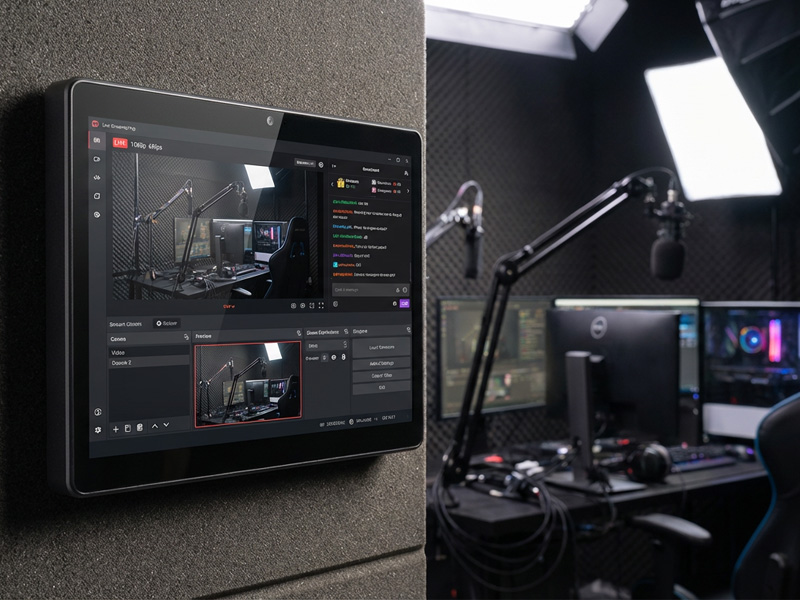
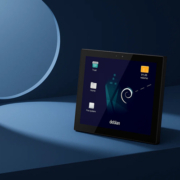
smart home control panel
5. Tuya Smart
Best for: Renters; those who purchase third-party niche smart switches/outlets individually
Pros
A large number of affordable, unbranded smart devices are equipped with Tuya modules, offering strong versatility
Cons
Mostly cloud-dependent, with frequent privacy concerns; advanced automation capabilities are average
Quick Selection Guide
Only use iPhones, don’t want to tinker, prioritize privacy → HomeKit
Limited budget, buying a large number of smart home switches, beginners or those who prefer convenience → Mi Home
Willing to do some basic setup, want to integrate multiple brands, prioritize local control, value privacy → Home Assistant
Use a full suite of Huawei phones and computers, prioritize HarmonyOS ecosystem appliances → HarmonyOS Smart Link
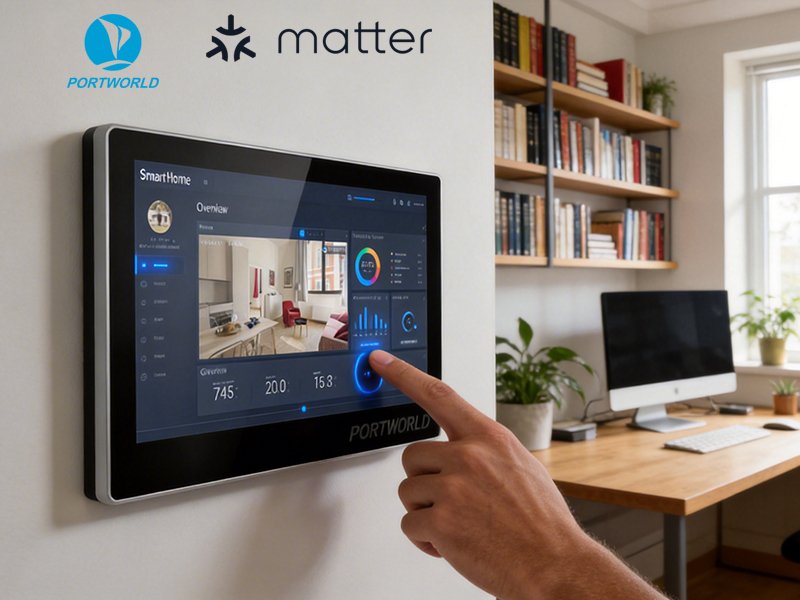
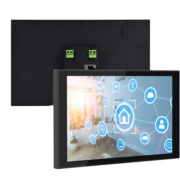
smart home control panel
| Project Type | Recommended Solution |
|---|---|
| Small apartment | Apple HomeKit / Google Home |
| DIY smart home | Home Assistant + Zigbee2MQTT |
| Voice-controlled home | Alexa / Google Home |
| Luxury villa | KNX + Smart Touch Panel |
| Hotel automation | KNX + Customized Smart Panel |
| Commercial building | KNX / BACnet / Industrial protocols |
For professional smart home and building automation projects, combining a powerful automation platform with a customized smart touch panel creates a more complete and user-friendly solution.
With smart panel hardware development, Linux/Android customization, and OEM/ODM manufacturing capabilities, Portworld helps global partners build advanced smart home control solutions for residential and commercial markets.