Best Meeting Room Scheduling Displays for Enterprise Offices
A meeting room scheduling display offers an intelligent solution for managing conference rooms by providing real-time availability, facilitating digital reservations, and enabling employees to swiftly locate and book available spaces.
For enterprise offices, selecting the appropriate meeting room scheduling display can enhance workspace utilization, minimize conflicts, and foster a more organized workplace environment.
The Necessity of Meeting Room Scheduling Displays in Enterprise Offices
In large organizations, managing meeting rooms can become quite complex. Employees may face issues such as:
- Double-booked conference rooms
- Ambiguous room availability
- Reserved spaces that go unused
- Time lost in searching for available rooms
A smart scheduling display positioned outside each meeting room offers immediate visibility of the room’s status.
Employees can easily verify:
- Available time slots
- Current meetings
- Upcoming reservations
- Room details
This enhances office efficiency and assists businesses in optimizing their meeting spaces.
Essential Features of Top Meeting Room Scheduling Displays
A professional meeting room display for enterprises should offer more than just a basic calendar interface. It must include dependable hardware, adaptable software integration, and a design that is appropriate for long-term commercial application.
Interactive Touchscreen Operation
The functionality of touchscreens enables employees to:
- Reserve meeting rooms directly
- Check schedules
- Extend meetings
- Cancel bookings
- Confirm attendance
Capacitive touch technology offers a seamless user experience akin to that of smartphones and tablets.
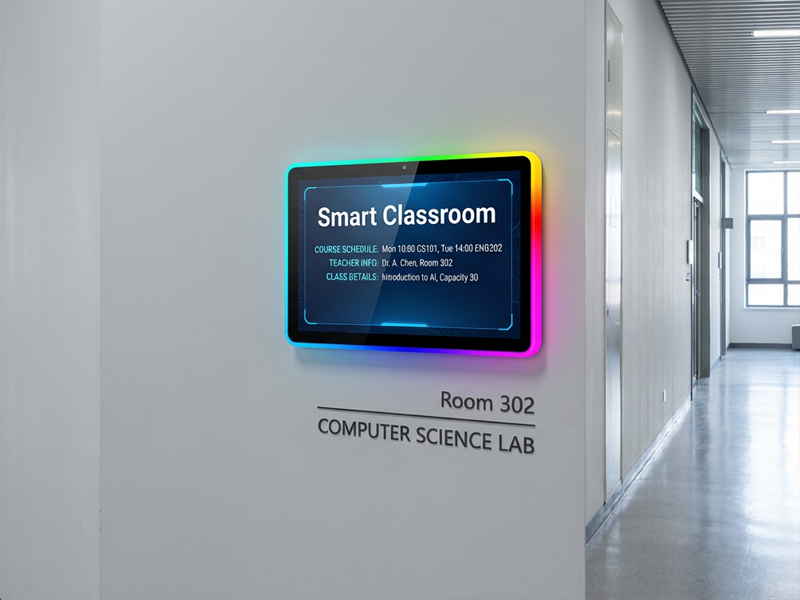
YC-LE156
15.6″ Meeting Room Display Panels
Real-Time Calendar Integration
Enterprise offices frequently utilize platforms such as:
- Microsoft Teams
- Zoom Rooms
- Google Workspace
- Exchange Calendar systems
A high-quality scheduling display must support integration with existing booking systems to instantly synchronize room availability.
LED Status Indicators
Numerous modern meeting room displays feature LED light indicators to deliver quick visual information.
For instance:
- Green: Room available
- Red: Room occupied
- Blue: Upcoming meeting
RGB LED frames or side lighting can enhance visibility in bustling office environments and foster a more contemporary workplace atmosphere.
PoE Power Support
Power over Ethernet (PoE) streamlines installation by transmitting both power and data through a single network cable.
Advantages include:
- Reduced wiring complexity
- Cleaner installation
- Easier maintenance
- Centralized network management
PoE-powered scheduling displays are particularly well-suited for enterprise offices with numerous meeting rooms.
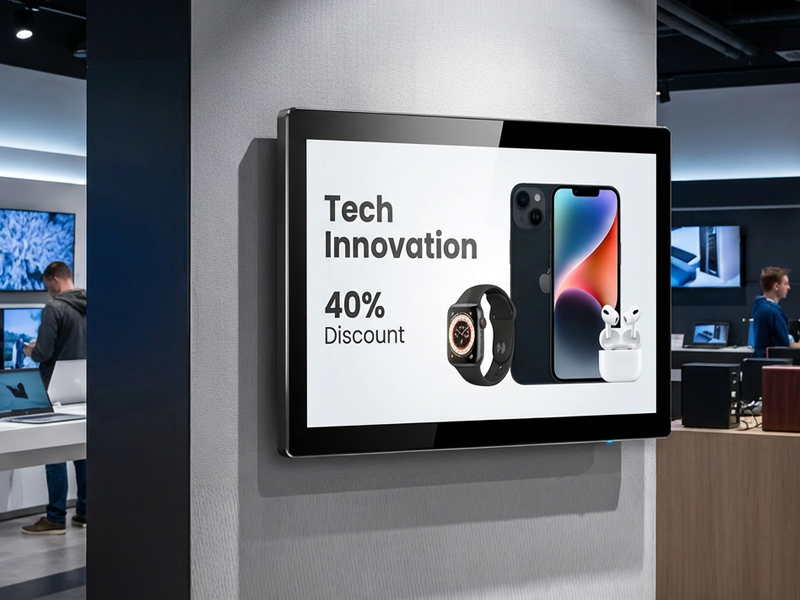
digital signage display-1
OEM/ODM Customization for Enterprise Projects
Every enterprise has unique needs regarding software platforms, aesthetics, and integration.
Portworld offers comprehensive OEM/ODM customization services, which include:
Hardware Customization
- Adjustments to screen size
- Design of custom housing
- Integration of touch panels
- Configuration of PoE
- Integration of NFC/RFID modules
- Camera integration
Software Customization
- Customization of Android firmware
- Support for Linux systems
- Development of custom launchers
- Integration of APIs/SDKs
- Integration with third-party booking platforms
Manufacturing Support
Portworld provides assistance with:
- Development of prototypes
- Mass production
- CKD/SKD assembly
- Global logistics
- Supply of long-term spare parts
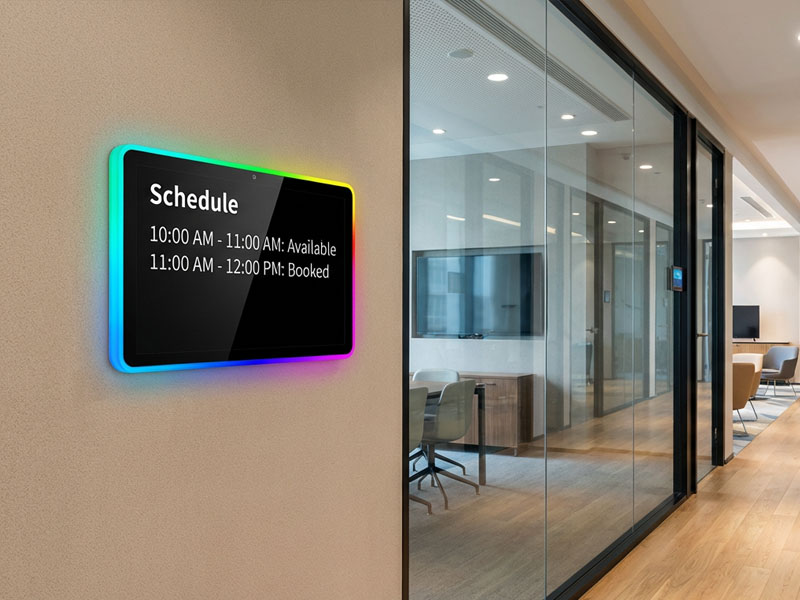
Meeting Room Display Panels
How to Choose the Right Meeting Room Scheduling Display
When selecting a scheduling display for enterprise offices, consider the following:
Compatibility
Verify that the display is compatible with your current calendar and meeting management systems.
Installation Requirements
Decide between:
- Wall-mounted installation
- Desktop installation
- PoE-powered deployment
Screen Size
Compact displays may suffice for small meeting rooms, while larger screens may be advantageous for extensive conference areas.
Future Expansion
For enterprise implementations, opting for a customizable hardware platform facilitates easier upgrades and future integration.
Creating Smarter Enterprise Workspaces
Meeting room scheduling displays are increasingly vital to smart office infrastructure. By integrating touchscreen functionality, real-time booking capabilities, LED status indicators, and enterprise software, these devices assist organizations in developing more efficient and interconnected workplaces.