
How to Request an RFP for Custom Embedded Touch Displays
As industries progress towards more intelligent, interconnected, and interactive solutions, custom embedded touch displays have emerged as a crucial element in numerous contemporary products. These displays are utilized in various sectors, including industrial automation, medical devices, smart retail terminals, transportation systems, and IoT devices, offering users an intuitive interface that facilitates efficient control and data interaction.
Nevertheless, identifying the appropriate embedded display solution is not always straightforward, as it often involves more than merely selecting a standard product. Many projects necessitate tailored screen sizes, unique mounting designs, specific interfaces, customized operating systems, or integration with pre-existing hardware platforms.
This is where a meticulously crafted Request for Proposal (RFP) becomes vital.
A well-structured RFP assists manufacturers in comprehending your project requirements, assessing feasibility, and delivering an appropriate technical and commercial solution. Whether you are creating a new product or enhancing an existing system, knowing how to request an RFP for custom embedded touch displays can greatly enhance communication with suppliers and expedite your project development.
What Is an RFP for Custom Embedded Touch Displays?
A Request for Proposal (RFP) is a document designed to solicit manufacturers or suppliers to propose solutions based on your project specifications.
In contrast to a basic product inquiry that merely seeks pricing and availability, an RFP encompasses comprehensive details regarding:
- Product requirements
- Technical specifications
- Customization needs
- Production expectations
- Project timeline
- Quality standards
For projects involving embedded touch displays, an RFP enables manufacturers to grasp not only the display requirements but also the entire application context.
A reputable display manufacturer can then suggest the most suitable solution, encompassing hardware configuration, mechanical design, touch technology, and integration options.
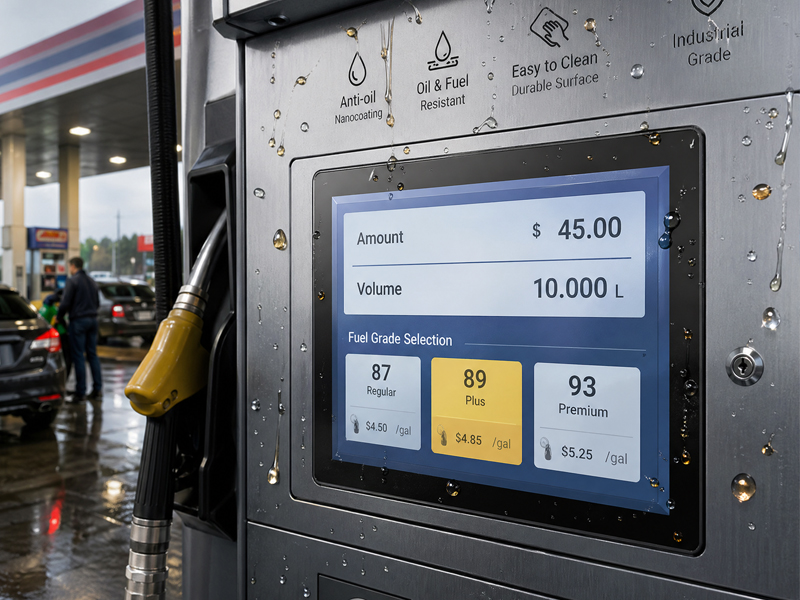
Embedded Touch Screen Monitor
Step 1: Define Your Application and Project Goals
The initial section of your RFP should clarify the intended use of the embedded touch display.
Manufacturers must comprehend the application context, as various industries possess distinct requirements.
For instance:
- Industrial Automation
- Requirements may encompass:
- Continuous 24/7 operation
- Components of industrial-grade quality
- RS232/RS485 communication capabilities
- Support for a wide temperature range
- Protection against dust and water
Medical Equipment
Requirements may include:
- High reliability
- Surfaces that are easy to clean
- Precise touch response
- Stable integration of software
Smart Retail and Kiosks
Requirements may consist of:
- An appealing design
- A bright display
- Rapid touch interaction
- Network connectivity
By providing detailed application information, manufacturers can suggest the most suitable technology rather than merely aligning with basic specifications.
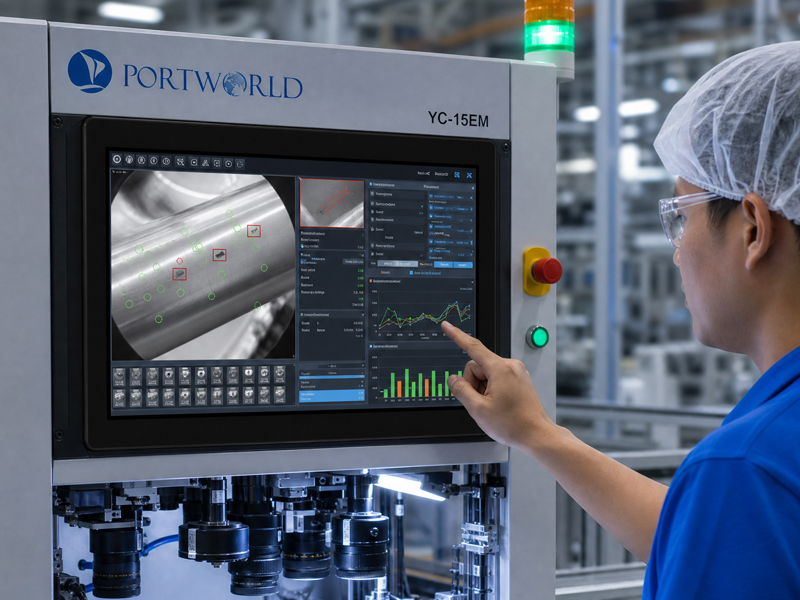
industrial embedded PC
Step 2: Provide Comprehensive Display Specifications
The display serves as the fundamental element of an embedded touch solution.
Your Request for Proposal (RFP) should encompass essential display criteria such as:
Screen Size
Indicate the necessary display dimensions, for instance:
- 7 inches
- 10.1 inches
- 10.4 inches
- 15.6 inches
- 21.5 inches
Various sizes may necessitate distinct mechanical frameworks and installation techniques.
Resolution Requirements
Articulate the anticipated image clarity:
- HD
- Full HD
- 4K
Displays with higher resolutions may be essential for applications that involve intricate graphics, monitoring systems, or visual data interpretation.
Brightness Requirements
Take into account the environment of installation.
Indoor applications might require standard brightness, whereas outdoor or brightly lit settings may demand displays with enhanced brightness.
Touch Technology
Common alternatives include:
- Capacitive touch
- Resistive touch
- Multi-touch capability
For contemporary interactive systems, 10-point capacitive touch is frequently utilized due to its ability to deliver smooth and responsive performance.
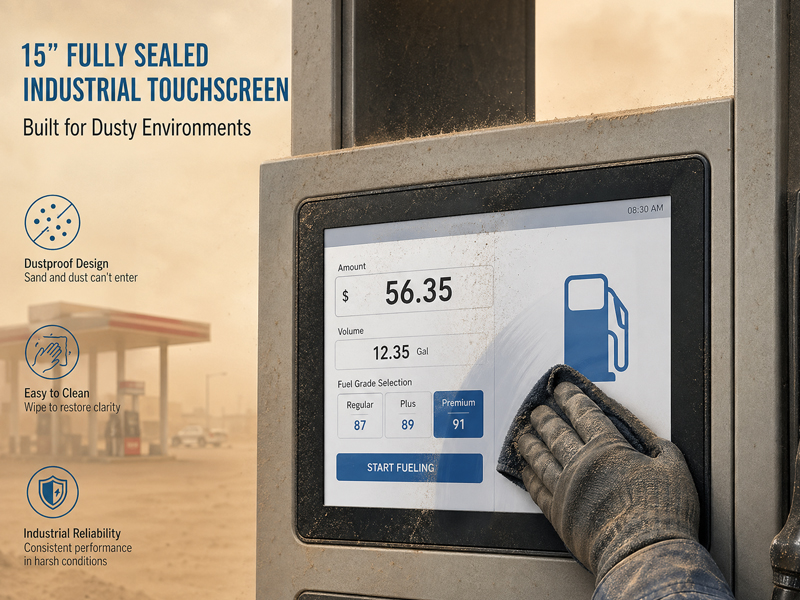
YC-15EM All-IN-ONE Industrial PC
Step 3: Outline Mechanical and Installation Specifications
Embedded touch displays are frequently incorporated into larger machinery, making mechanical design essential.
Your Request for Proposal (RFP) should encompass:
- Mounting technique
- Panel size
- Installation depth
- Front bezel specifications
- Cable placement
- Housing materials
Typical installation techniques consist of:
- Embedded mounting
- Wall mounting
- Panel mounting
- Desktop installation
In industrial settings, clients may also necessitate:
- Metal casing
- Water-resistant front panel
- IP65 rating
- Shockproof design
Providing mechanical specifications at an early stage aids in preventing compatibility issues during subsequent integration.
Step 4: Define Hardware and Interface Specifications
A custom embedded touch display typically necessitates more than just a screen.
Depending on your specific application, the system might require:
- HDMI input
- USB touch interface
- Ethernet
- RS232
- RS485
- GPIO
- WiFi
- Bluetooth
- PoE
For instance, an industrial control system might need RS485 communication, whereas a smart terminal could require wireless connectivity.
Your Request for Proposal (RFP) should explicitly outline:
- Required interfaces
- Connector types
- Communication protocols
- External device compatibility
This enables manufacturers to create a solution that integrates seamlessly with your current system.
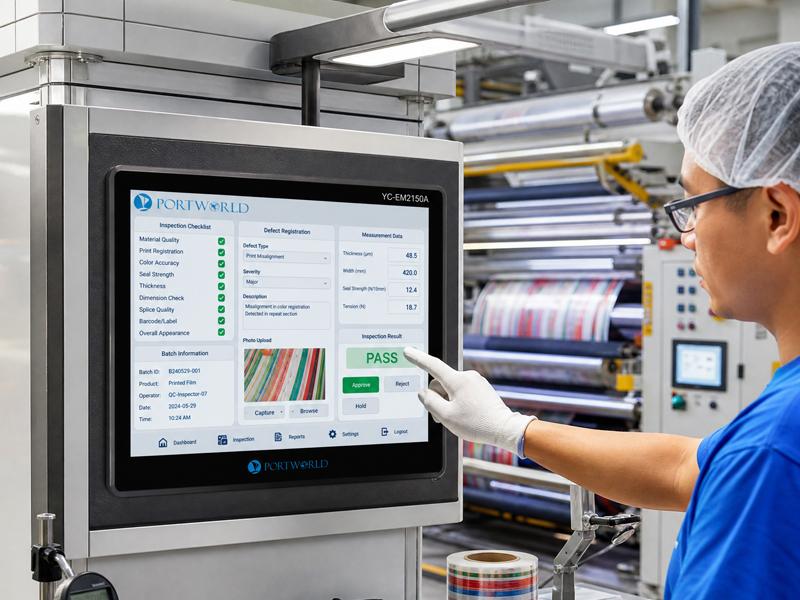
Embedded Touch Screen Monitor
Step 5: Specify Operating System and Software Requirements
Embedded touch displays are evolving into sophisticated computing terminals rather than mere monitors.
Your RFP should outline the software requirements, which include:
- Windows compatibility
- Android version
- Linux compatibility
- Application compatibility
- Firmware specifications
Certain projects may necessitate:
- Custom Android firmware
- Auto-launch applications
- API/SDK support
- Remote management capabilities
A manufacturer with expertise in embedded software can offer more comprehensive support.
Step 6: Outline Customization and OEM Requirements
For companies creating their own products, customization frequently represents a critical requirement.
When submitting an RFP, explicitly state whether you require:
Hardware Customization
Such as:
- Custom motherboard
- Processor selection
- Memory/storage alternatives
- Additional interfaces
Appearance Customization
Such as:
- Custom housing
- Logo printing
- Color variations
- Packaging design
Functional Customization
Such as:
- Camera integration
- Barcode scanner
- RFID/NFC module
- Speaker
- Battery support
A comprehensive customization request enables manufacturers to deliver a more precise proposal.
Step 7: Inquire About Manufacturing Capabilities and Support
An effective RFP should assess the capabilities of the supplier.
Key questions to consider include:
Manufacturing Experience
Inquire about:
- Production capacity
- Industry experience
- Quality control procedures
- Engineering Support
Verify if the supplier offers:
Hardware engineers
- Software engineers
- Technical documentation
- Testing assistance
- Product Lifecycle Management
For industrial products, inquire about:
- Long-term availability
- Component management
- Future upgrades
A dependable manufacturer should be equipped to support the product throughout its entire lifecycle.
Common Errors When Submitting an Embedded Display RFP
Numerous companies submit incomplete requests that merely state:
“Require a 10-inch touchscreen display. Kindly provide a quotation.”
This information is typically insufficient.
Frequent mistakes include:
Focusing Solely on Price
The lowest price does not necessarily equate to the optimal solution. Industrial projects demand reliability and ongoing support.
Failing to Describe the Application
Without understanding the usage context, manufacturers are unable to suggest appropriate hardware.
Neglecting Future Expansion
A product may require additional interfaces or performance enhancements in the future.
A comprehensive RFP aids in preventing these complications.
Why Opt for a Seasoned Custom Embedded Touch Display Manufacturer?
Collaborating with a seasoned manufacturer offers numerous benefits:
- Quicker project assessments
- Enhanced hardware suggestions
- Minimized development risks
- Expert customization assistance
- Consistent mass production
Portworld delivers tailored embedded touch display solutions for both industrial and commercial sectors, accommodating projects that necessitate:
- Embedded touch monitors
- Industrial panel PCs
- Android touch terminals
- Bespoke display solutions
With OEM/ODM capabilities, Portworld facilitates the customization of:
- Display dimensions
- Touch technology
- Connectivity options
- Operating systems
- Enclosure design
- Hardware setup
From prototype creation to large-scale production, a knowledgeable embedded display partner can assist in converting product ideas into dependable solutions.

