How to Choose Between a Linux vs Android OS KNX Smart Home Hub
As KNX emerges as a leading standard for smart home and building automation, selecting the appropriate KNX smart home hub has become increasingly crucial. A significant decision that system integrators and homeowners must make is the choice of operating system: Linux or Android.
Both Linux and Android-based KNX smart home hubs offer robust automation control for lighting, HVAC, curtains, and security systems. Nevertheless, they exhibit notable differences in terms of performance, flexibility, user experience, and application scenarios.
This article aims to clarify these distinctions and assist you in selecting the most suitable option for your smart home or commercial project.
A KNX smart home hub serves as a central control unit that connects and oversees all KNX-compatible devices within a building automation framework.
It generally manages:
- Lighting systems
- HVAC and air conditioning
- Underfloor heating
- Smart curtains and blinds
- Security systems
- Energy monitoring
- Scene automation
Typically, a contemporary KNX hub features a touchscreen interface and allows for remote access through IP networks or mobile applications.
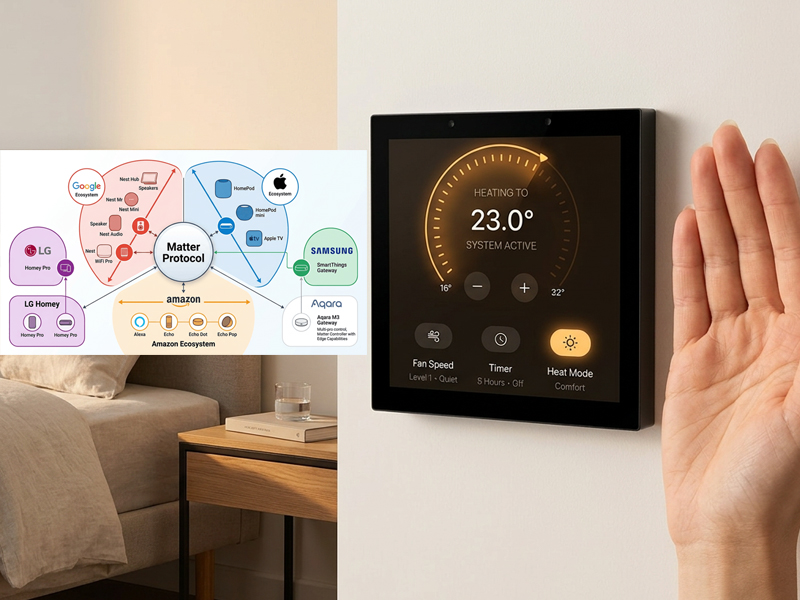
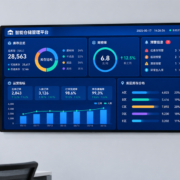
smart home control panel
The primary distinction between Linux and Android KNX hubs is rooted in their design philosophies and priorities:
Linux = Stability + Industrial Control
Android = User Experience + Flexibility
Let us examine these differences in greater detail.
Linux OS KNX Smart Home Hub
Linux-based KNX hubs are predominantly utilized in professional and industrial automation settings.
Advantages of Linux KNX Hubs
1. Exceptional Stability and Reliability
Linux is renowned for its enduring stability and capability to operate continuously without interruptions. This characteristic renders it ideal for:
- Hotels
- Office buildings
- Commercial facilities
- Extensive smart home systems
2. Reduced Resource Consumption
Linux systems are both lightweight and efficient:
- Quicker boot times
- Lower CPU utilization
- Minimized power consumption
These features make them appropriate for embedded KNX control devices.
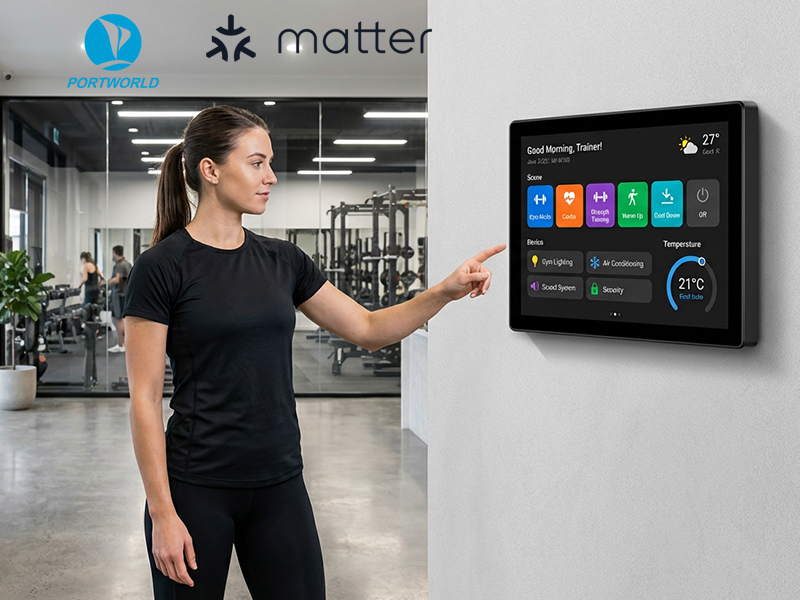
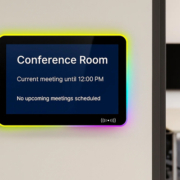
smart home control panel
3. Robust Industrial Compatibility
Linux seamlessly integrates with various industrial protocols such as:
- KNX
- RS485 / Modbus
- BACnet (in certain systems)
- IoT gateways
It is frequently employed in building automation controllers.
4. Long-Term Stability for Essential Systems
In mission-critical scenarios where downtime is intolerable, Linux is typically the preferred choice.
Android OS KNX Smart Home Hub
Android-based KNX hubs are tailored for contemporary smart home environments, emphasizing user-friendliness and interface aesthetics.
Advantages of Android KNX Hubs
1. Intuitive User Interface
Android offers a user-friendly touchscreen experience akin to that of smartphones and tablets.
Users enjoy:
- Effortless navigation
- Touch gestures (swipe, tap, zoom)
- Personalized UI design
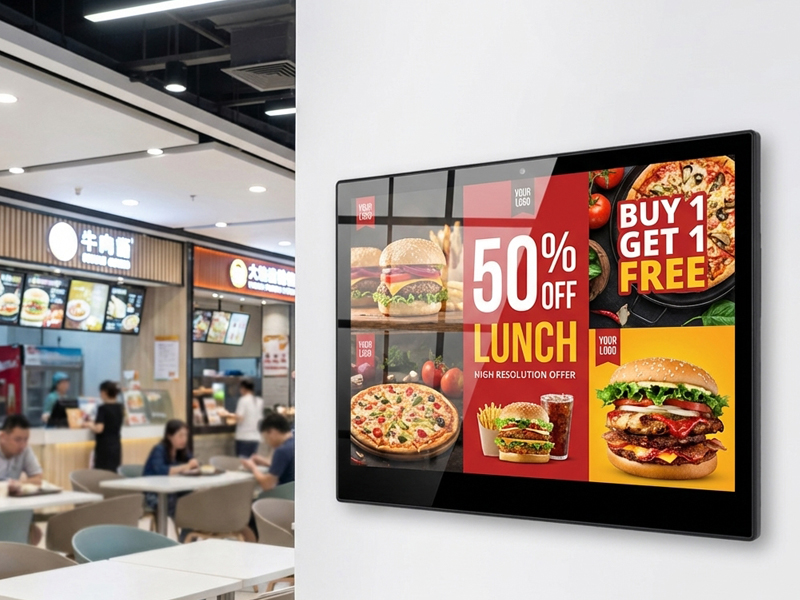
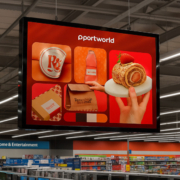
digital signage display
2. Extensive Application Ecosystem
Android facilitates integration with a variety of smart home platforms:
- Home automation applications
- KNX visualization tools
- Video intercom systems
- Security monitoring applications
- IoT dashboards
3. Enhanced Multimedia and Visualization
Android KNX hubs are capable of displaying:
- Camera feeds
- Energy dashboards
- Interactive floor plans
- Video intercom interfaces
This functionality renders them perfect for modern smart homes and hospitality settings.
4. Versatile Customization
Manufacturers have the ability to tailor Android systems with:
- Custom launcher UI
- Brand-specific interfaces
- Over-the-air firmware updates
- KNX control applications
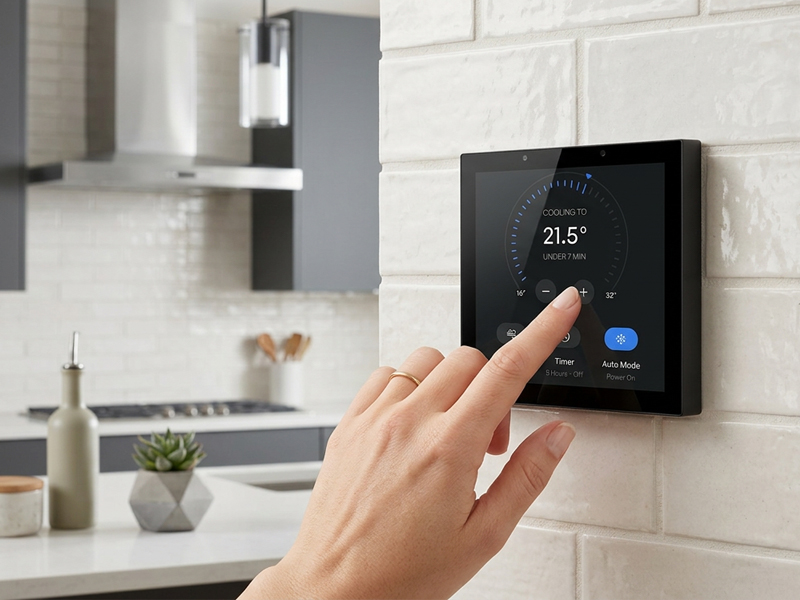
smart control panel
Linux vs Android KNX Hub Comparison Table
| Feature | Linux KNX Hub | Android KNX Hub |
|---|---|---|
| Stability | Very High | High |
| User Experience | Basic UI | Advanced Touch UI |
| App Support | Limited | Extensive |
| Multimedia Features | Basic | Strong |
| System Resource Usage | Low | Medium |
| Custom UI Design | Limited | Highly flexible |
| Industrial Use | Excellent | Moderate |
| Smart Home Use | Good | Excellent |
Which One Should You Choose?
Choose Linux KNX Smart Home Hub if:
- You need maximum system stability
- You are building commercial or industrial projects
- You prioritize long-term reliability
- You need lightweight embedded systems
- You use mainly KNX + industrial protocols
Typical applications:
- Hotels
- Office buildings
- Commercial automation systems
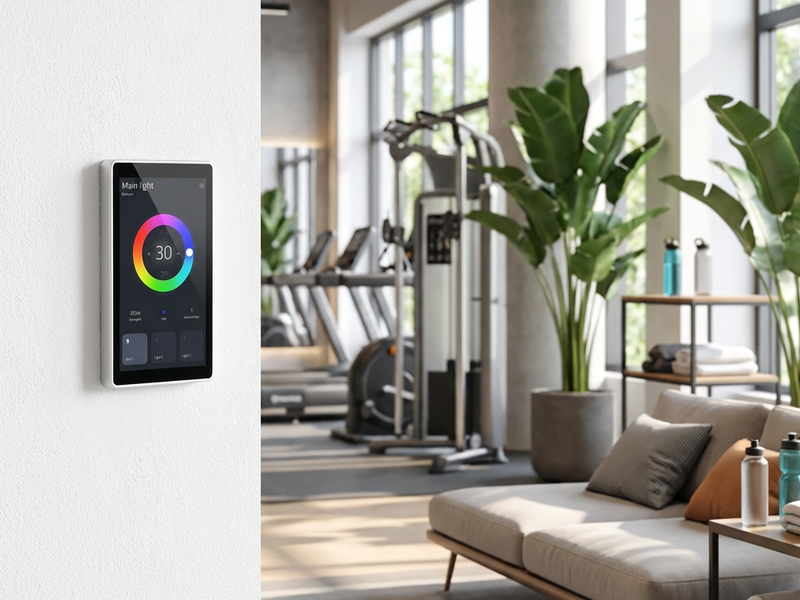
sm55p smart control panel
Choose Android KNX Smart Home Hub if:
- You want a modern touchscreen interface
- You need app integration and multimedia features
- You are building smart home or villa systems
- You require flexible UI customization
- You want a user-friendly experience
Typical applications:
- Smart homes
- Luxury apartments
- Smart hotels
- Modern offices
The Best Approach: Hybrid Android + Linux Strategy
In many advanced smart building projects, the best solution is not choosing one over the other—but combining both:
- Linux = backend stability and KNX communication
- Android = frontend user interface
This hybrid approach provides:
- Stable automation control
- Rich user experience
- Flexible integration with smart ecosystems
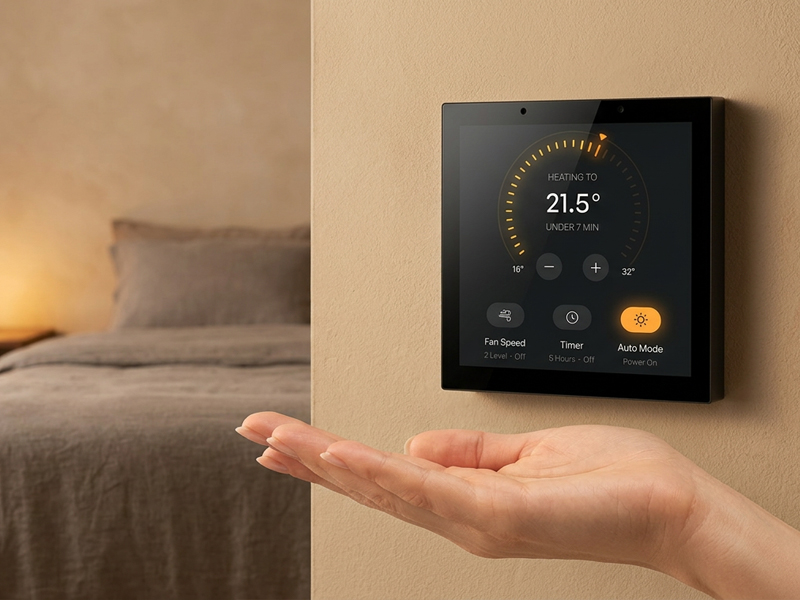
smart control panel1
Portworld KNX Smart Control Panel Solutions
Portworld offers professional KNX smart control panels that support both Android and Linux operating systems, designed for smart home and building automation projects.
YC-SM41P-KNX Smart Control Panel
A compact and powerful KNX wall-mounted solution:
- Android 13 / Linux Debian support
- PX30 or RK3566 processor options
- 480×480 capacitive touchscreen
- KNX integration support
- RS485 + Ethernet connectivity
- PoE (IEEE 802.3af/at) support
- Embedded wall installation design
Suitable for smart homes, hotels, classrooms, and offices.
YC-SM10P 10.1-Inch Smart KNX Panel
A larger control interface for centralized automation:
- 10.1-inch IPS touchscreen
- Android-based UI system
- KNX scene control support
- Multi-device integration
- PoE power supply
- Smart building dashboard
Ideal for villas, commercial buildings, and enterprise automation systems.
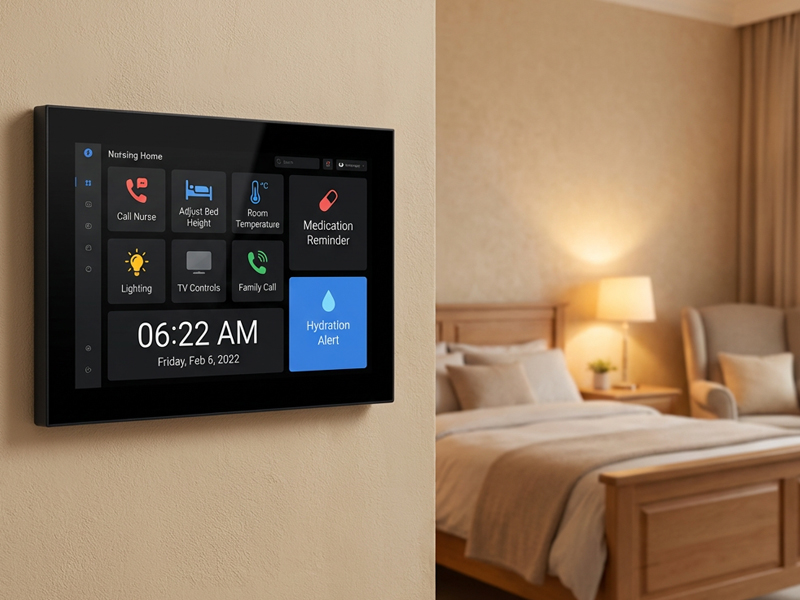
sm55p-smart home control panel
OEM/ODM Customization for KNX Smart Hubs
Portworld provides full OEM/ODM customization services for KNX smart control systems:
Hardware Customization
- Display size options
- PCBA design and optimization
- KNX interface integration
- RS485 / Zigbee / IoT expansion
- Sensor modules integration
Software Customization
- Android and Linux system development
- KNX protocol optimization
- Custom UI and launcher design
- SDK and BSP support
Branding Customization
- Logo printing
- Boot animation
- Packaging design
- Private label manufacturing
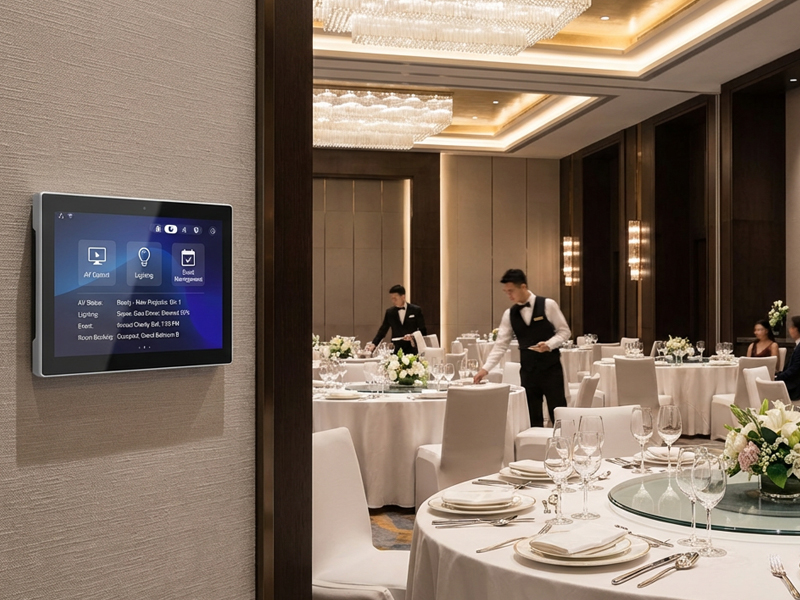
smart home control panel6
Choosing between a Linux and Android KNX smart home hub depends on your project goals:
- Linux is best for stability, industrial automation, and long-term reliability
- Android is best for user experience, smart home interaction, and multimedia control
For most modern smart home and hotel projects, Android KNX panels are becoming the preferred choice, while Linux remains essential for backend automation systems.
With flexible dual-OS support and OEM/ODM capabilities, Portworld provides complete KNX smart control solutions for global smart home and building automation markets.