Integrating KNX and Zigbee Systems via a Single Smart Home Control Panel
1. Why KNX and Zigbee Must Coexist (Instead of Choosing One)
-
KNX: Mature, stable, and reliable. Ideal for core building infrastructure like lighting, shutters, HVAC, and security. It is primarily wired (TP, IP), offering high interference resistance and unified standards. However, it is expensive, less flexible, and has a thinner ecosystem for simple sensors.
-
Zigbee: Low-power, wireless, and boasts a rich ecosystem. It excels in sensors (temp/humidity, motion, door/window), smart bulbs, smart plugs, and retrofit curtain motors. It is cost-effective and easy to expand, but prone to 2.4GHz interference and requires mesh routing for large areas.
The Reality: Many high-end residences use KNX for the backbone while owners purchase cost-effective Zigbee devices (from Xiaomi, Aqara, Philips Hue, IKEA, etc.). Without integration, these systems operate in silos, leading to a fragmented user experience. A unified smart home control panel is the key to bridging this gap.
2. Technical Paths to Unified Control
Option 1: Integrated KNX + Zigbee Gateway Panels (Hardware Fusion)
High-end panels with built-in Zigbee 3.0 chips that act as KNX devices on the bus.
- Mechanism: The panel performs protocol conversion internally, mapping Zigbee devices as “Virtual KNX Group Addresses.”
- Pros: No external server needed, fast response, works offline.
- Cons: High cost; limited Zigbee device capacity (usually 20–30); brand lock-in.
Option 2: Third-Party Home Automation Servers (Central Logic)
Using a middleware hub (e.g., Home Assistant, Loxone, iRidium, Control4) with a touch panel as the interface.
- Connection: KNX connects via an IP Router/Interface; Zigbee connects via a Universal Coordinator (e.g., Sonoff ZBDongle-P).
- Workflow: Panel → Server (Logic Engine) → Command sent to KNX or Zigbee.
- Pros: Extremely flexible; supports complex logic (e.g., Zigbee sensor triggers KNX light); integrates other protocols (Matter, MQTT).
- Cons: Single point of failure (requires reliable hardware); complex initial setup.
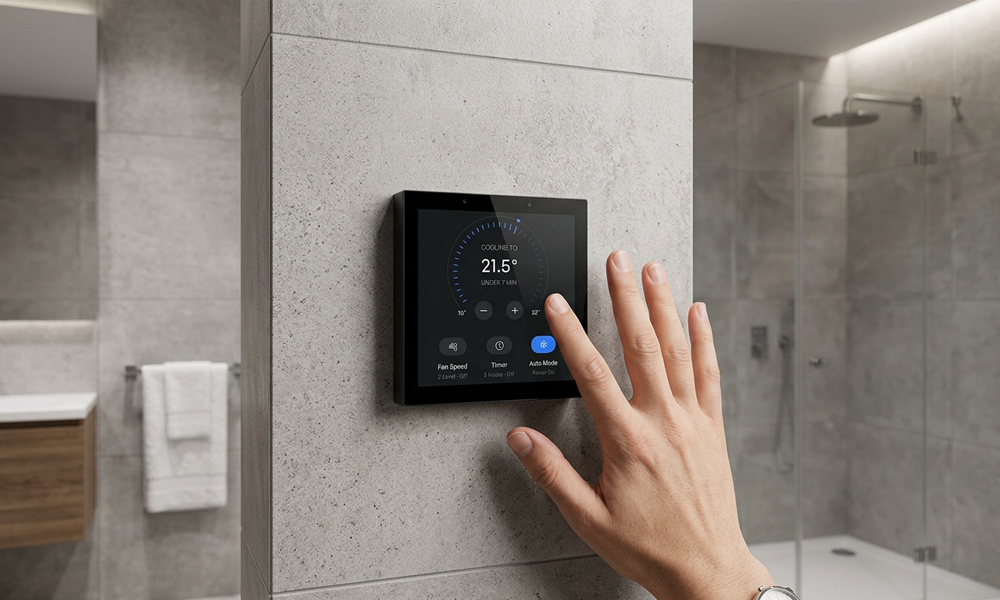
smart home control panel
Option 3: Cloud Bridging
Using IFTTT, HomeKit, or Alexa to link a KNX Cloud Gateway with a Zigbee Hub.
-
Cons: High latency, internet dependency, poor stability for core functions like lighting.
3. Practical Implementation: Making KNX “See” Zigbee
Using the Home Assistant (HA) + KNX IP Router + Zigbee Dongle route.
3.1 Hardware Requirements
- KNX IP Router: (e.g., Weinzierl 730 or MDT SCN-IP100.02).
- Zigbee Coordinator: (e.g., Sonoff ZBDongle-P running Zigbee2MQTT).
- Control Panel: Android Tablet, Raspberry Pi Touchscreen, or specialized Wall Panels.
- Host Device: NUC, Raspberry Pi 4, or NAS (Docker).
3.2 Core Configuration Steps
- KNX Integration: Add the “KNX” integration in HA, point to the Router IP, and import your
group_addresses.csvfrom ETS. - Zigbee Integration: Use Zigbee2MQTT for the widest device support. Once paired, Zigbee devices appear as “Entities” in HA.
- Cross-System Automation:
-
Logic: If Zigbee Motion Sensor detects movement $\rightarrow$ Trigger KNX Group Address (e.g.,
1/1/1) for hallway light.
-
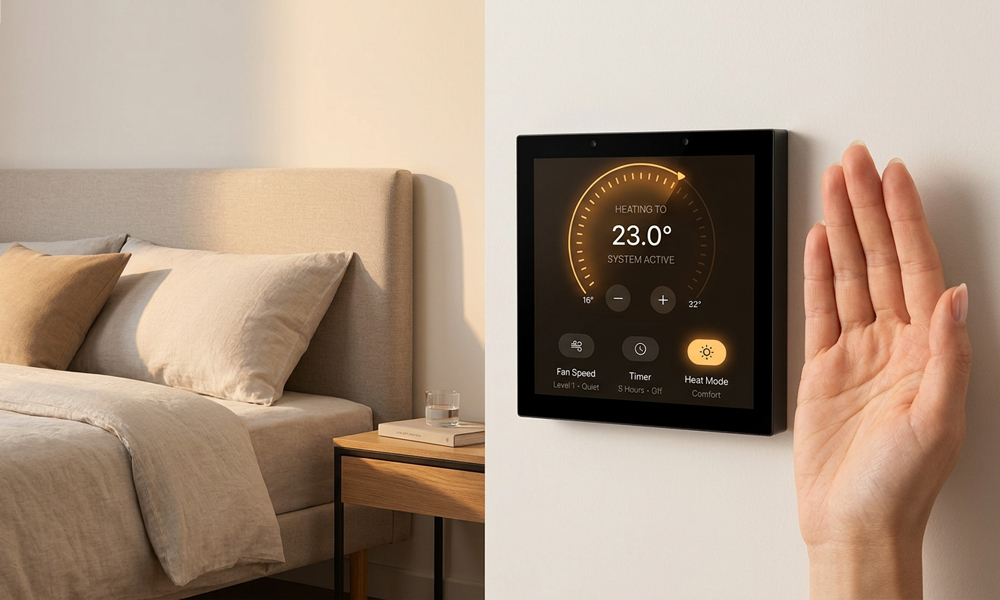
- UI Design: Use Mushroom Cards or Floorplan to create a unified dashboard that hides the underlying protocol from the end-user.
smart home control panel
4. Commercial Integrated Solutions (No-Host Scenarios)
| Brand/Model | Integration Method | Key Features | Price Tier |
| Gira X1 | KNX + Plug-ins | Supports Conbee II for Zigbee; great UI | Mid-High |
| Loxone Miniserver | KNX + Air (Zigbee-like) | Requires Loxone Extension modules | High |
| Thinka | Zigbee/KNX Bridge | Hardware bridge, supports MQTT/HomeKit | Niche/Premium |
| Smart Panel (e.g. Aqara) | Proprietary Dual-Protocol | Easy setup but lacks openness/upgradability | Mid-Low |
5. Critical Use Cases for Linkage
- KNX Lighting + Zigbee Wireless Switches: Add switches to bedside or sofas without rewiring to control KNX circuits.
- HVAC Efficiency: Use cheap Zigbee Window Sensors to automatically turn off KNX AC/Underfloor Heating when a window is opened.
- Environmental Logic: Use a high-precision KNX Brightness Sensor to trigger Zigbee Battery-powered Blinds.
- Safety: Zigbee Leak/Smoke Sensors (low cost) triggering a KNX Main Water Valve shutoff or Power Disconnect.
6. Summary: Should You Integrate?
- Do you have many Zigbee devices? If only a few, use a simple hardware bridge. If many, use a central server (Option 2).
- Do you need complex automation? If yes (delays, conditions, multi-device scenes), a central host is mandatory.
- Are you okay with occasional maintenance? Wireless devices (Zigbee) may occasionally drop off; if you require 100% “no-touch” reliability (e.g., commercial lobbies), stick to wired KNX.
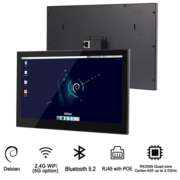
sm55p-smart home control panel
Portworld Smart Home Control Panels: Seamless Integration with KNX and Zigbee Systems
In the world of smart homes, seamless connectivity and collaboration between devices are the keys to creating a truly intelligent living experience. Portworld’s Smart Home Control Panels provide exactly that—by integrating KNX and Zigbee systems, offering an efficient and flexible smart home experience.
Intelligent Control, Anytime, Anywhere
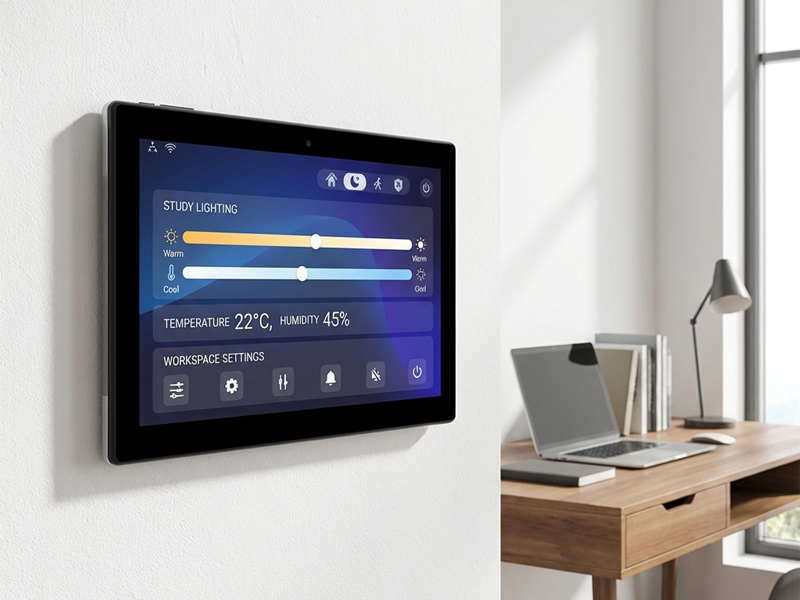
Portworld’s smart control panels support multiple smart home protocols, including KNX and Zigbee, allowing you to easily manage various devices in your home. Whether it’s lighting, air conditioning, curtains, or security systems, all can be controlled through a single, intuitive touch panel.
KNX Integration: The Perfect Choice for Building Automation
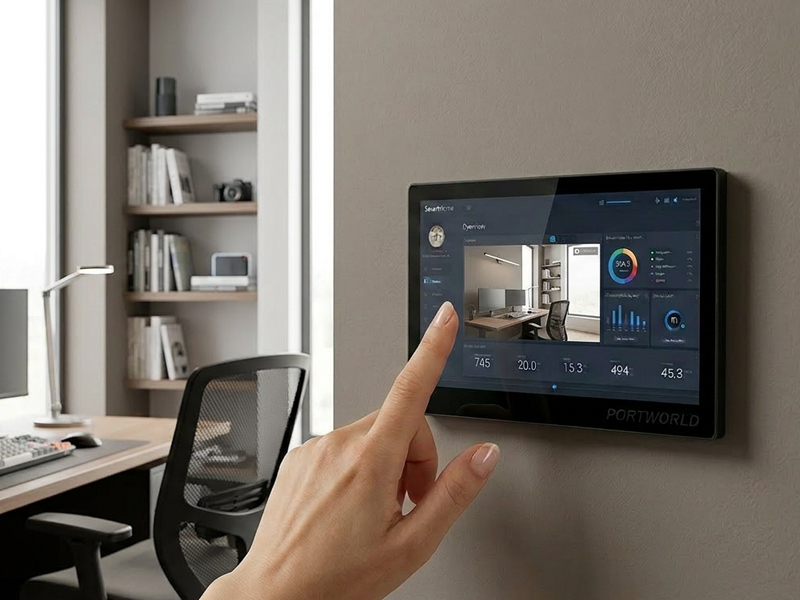
Portworld’s control panels seamlessly integrate with the KNX system, ideal for smart building environments such as homes, offices, and hotels. The KNX protocol enables control over lighting, temperature regulation, curtain movement, and more, all from a unified interface, improving comfort and energy efficiency in your smart building.
smart home control panel-1
Zigbee System: Seamless Connectivity Between Devices
Portworld’s smart home control panels also support the Zigbee protocol, ensuring stable interconnection between devices. Whether you’re using bulbs, outlets, or sensors, all can be easily managed through the same panel. The low-power consumption of Zigbee ensures longer battery life for devices and boosts system efficiency.
Control Multiple Smart Devices
- Smart Lighting: Adjust brightness and color temperature with ease, creating the perfect atmosphere for any occasion.
- Smart Climate Control: Automatically adjust the temperature for ultimate comfort while reducing energy consumption.
- Smart Security: Integrate various security devices, monitor home safety in real-time, and view camera feeds remotely.
- Environmental Sensors: Automatically regulate HVAC systems based on temperature and humidity readings.