Embedded Zigbee 3.0 coordinator in Linux touch panel
The world of smart home automation continues to evolve with new technologies, offering consumers more power and flexibility over their environments. Zigbee 3.0, a leading wireless communication protocol for IoT devices, is one of the key drivers in the development of interoperable smart systems. With Zigbee 3.0’s ability to seamlessly connect a wide range of smart devices—from lighting and security systems to sensors and appliances—it’s clear why this protocol is favored for home automation.
At the heart of any Zigbee-powered smart home lies the Zigbee coordinator, the device responsible for managing the network and facilitating communication between devices. Traditionally, a Zigbee coordinator was a standalone unit, but the latest Linux-based touch panels now come with embedded Zigbee 3.0 coordinators, allowing users to integrate their entire smart home ecosystem into a single, centralized touch interface.
In this article, we explore how an embedded Zigbee 3.0 coordinator in a Linux touch panel enhances smart home automation, the benefits it brings, and how to integrate it into your existing smart system.
What is Zigbee 3.0 and Why is It Important?
Zigbee 3.0 is a wireless communication protocol designed for low-power, low-cost, secure, and reliable connectivity among a wide range of IoT devices. As an open standard, it is designed to offer cross-compatibility between devices from different manufacturers, making it an ideal solution for smart homes and commercial automation systems.
- Interoperability: Zigbee ensures that devices from different brands can work together in harmony, simplifying the integration of new products into an existing smart system.
- Low Power Consumption: Zigbee devices are designed to consume minimal energy, ensuring that devices can run for years on small batteries without frequent replacements.
- Scalability: Zigbee’s mesh network allows devices to extend the range of communication, making it possible to cover large buildings and even outdoor spaces.
- Security: Zigbee 3.0 comes with built-in encryption and authentication, ensuring that communication between devices remains secure.
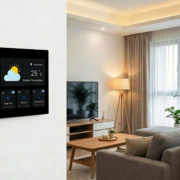
By integrating a Zigbee 3.0 coordinator into a Linux touch panel, users gain a powerful centralized control system that simplifies interaction with all Zigbee-based smart devices in the home or office.
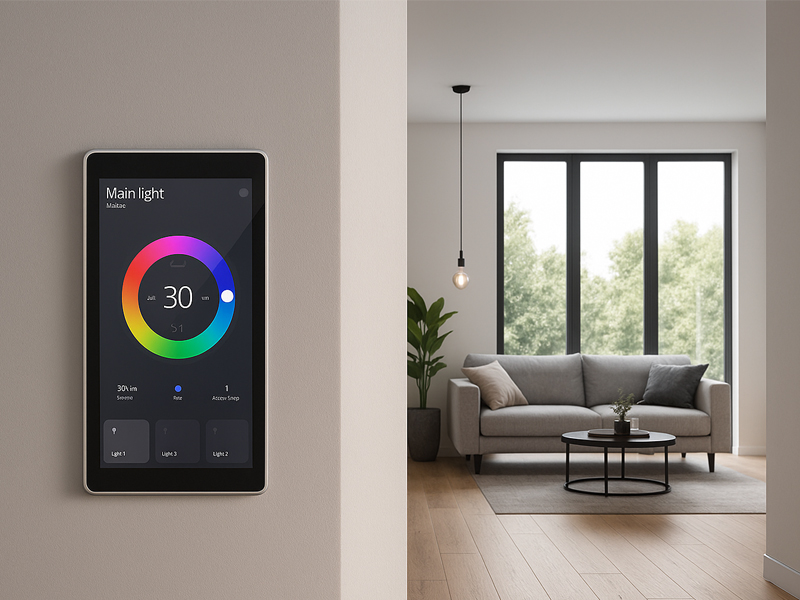
smart home control panel1
Benefits of an Embedded Zigbee 3.0 Coordinator in Linux Touch Panels
1. Centralized Control with a Single Interface
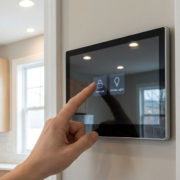
One of the most significant advantages of embedding a Zigbee coordinator in a Linux-based touch panel is the ability to control all Zigbee-enabled devices from a single, intuitive interface. Whether you need to adjust your lighting, set your thermostat, or view security cameras, everything can be done directly from the touch panel.
- User-Friendly Control: The touchscreen interface allows for intuitive, easy control of all connected Zigbee devices.
- Centralized Dashboard: With all your devices controlled from one place, the need for multiple apps or interfaces is eliminated, making your smart system more streamlined and accessible.
2. Simplified Installation with Embedded Coordinator
In the past, setting up a Zigbee network required a separate Zigbee hub or gateway. However, with the Zigbee 3.0 coordinator embedded directly into the Linux-based touch panel, installation is significantly simplified. The control panel is able to serve as the central hub for the Zigbee network, reducing wiring and complexity during installation.
- No External Hub Needed: The embedded Zigbee coordinator eliminates the need for external gateways or hubs.
- Faster Setup: With the control panel as the central hub, adding new devices to the network becomes quicker and easier.
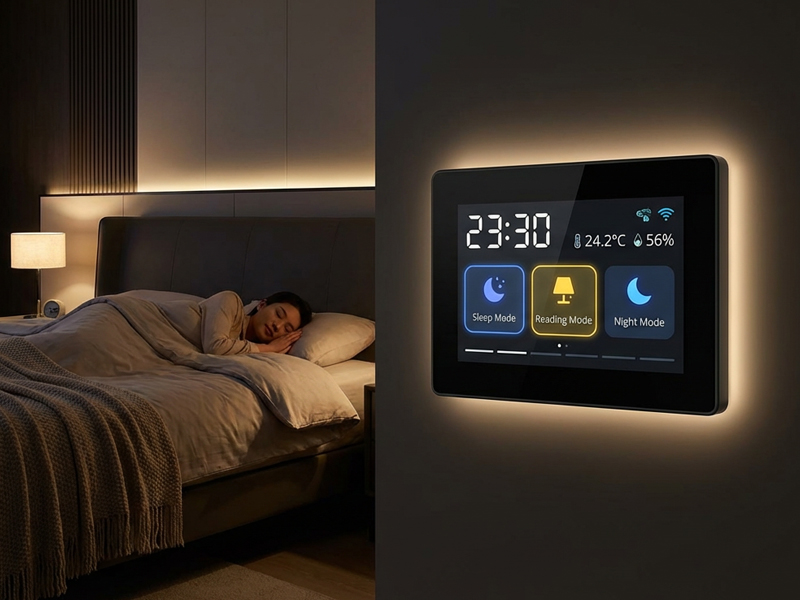
smart home control panel3
3. Enhanced Interoperability Across Devices
Because Zigbee is an open standard, it ensures that devices from different manufacturers can work together seamlessly. By embedding a Zigbee 3.0 coordinator in a Linux touch panel, users can control and manage devices from multiple brands within a single system. This interoperability makes it easy to expand and customize your smart home network.
- Multiple Device Integration: Whether you have smart lights from one brand, motion sensors from another, and smart locks from yet another, everything can be controlled from the touch panel.
- Easy System Expansion: Add new Zigbee devices to your network without worrying about compatibility issues.
4. Future-Proof and Scalable
As Zigbee is a widely supported protocol with ongoing development, incorporating a Zigbee 3.0 coordinator into your system ensures that you’re ready for future smart devices. Whether it’s adding a new smart home gadget or expanding into commercial applications, Zigbee’s mesh network and scalability ensure that your system can grow as your needs evolve.
- Scalable Network: Zigbee’s mesh network design allows each new device to extend the range and coverage of the system.
- Upgradable Software: The Linux-based panel allows for easy software updates and the integration of new features, ensuring your system stays current with the latest innovations.
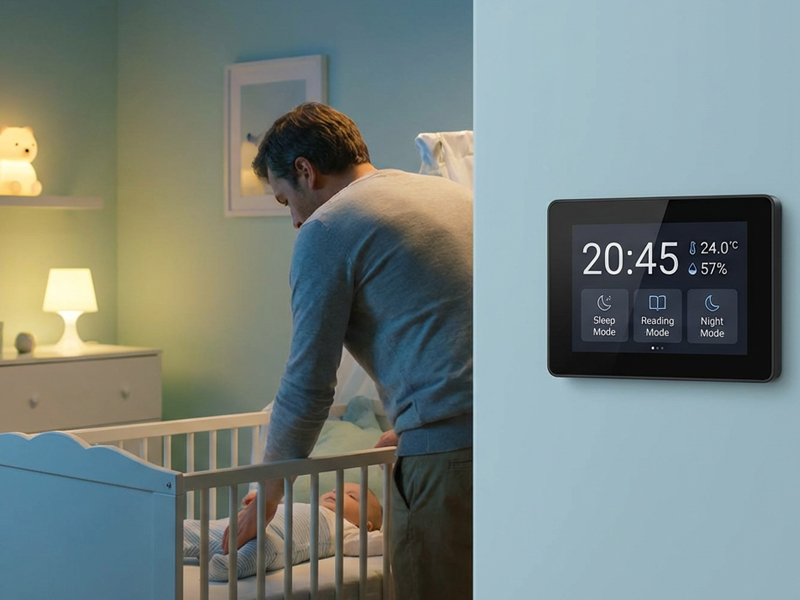
smart home control panel4
5. High Security
Security is a key consideration in any smart home system. Zigbee 3.0 incorporates encryption and secure authentication, ensuring that your devices remain safe from external threats. The Linux touch panel also benefits from regular security updates and robust protection, ensuring that your entire system remains secure over time.
- Encrypted Communication: Zigbee 3.0 uses AES-128 encryption to secure data transmission between devices.
- Secure Device Authentication: Devices must authenticate before joining the Zigbee network, preventing unauthorized access.
How to Integrate an Embedded Zigbee 3.0 Coordinator into Your Smart System
Step 1: Choose the Right Linux Touch Panel
When selecting a Linux-based touch panel with an embedded Zigbee 3.0 coordinator, ensure that the panel supports your smart home automation needs. Features to look for include:
- Zigbee 3.0 support for full compatibility with Zigbee devices.
- High-resolution capacitive touchscreen for smooth and intuitive control.
- Multi-protocol support, allowing integration with other IoT standards like Bluetooth, Wi-Fi, and Z-Wave.
- PoE (Power over Ethernet) capability for easy installation and wiring.
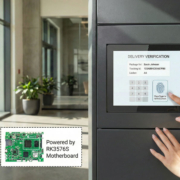
Portworld offers a range of Linux-based panels that support Zigbee 3.0, perfect for smart home and building automation.
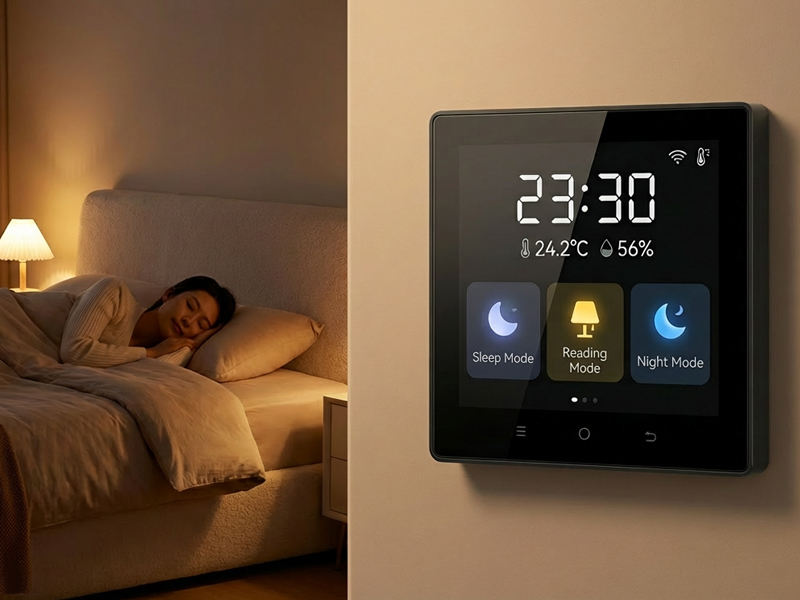
smart home control panel7
Step 2: Set Up the Zigbee Network
To set up the Zigbee network, follow these simple steps:
- Connect the Linux touch panel to your home or office network via Ethernet or Wi-Fi.
- Use the panel’s interface to pair Zigbee devices (lights, sensors, locks, etc.) with the coordinator.
- Assign device roles: In Zigbee, each device in the network has a specific role (coordinator, router, or end device). The embedded coordinator manages all other devices and routes data within the network.
Step 3: Customize the Interface
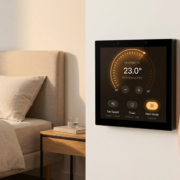
Customize the user interface to control and monitor your Zigbee devices. This could involve creating control dashboards, setting up automated actions, and adjusting device settings like brightness, temperature, and security modes.
- Drag-and-drop configuration: Customize the control layout based on personal preferences and ease of access.
- Smart automation: Set triggers or schedules to automate device actions, such as turning off lights when a room is unoccupied.
Step 4: Monitor and Control
Once the system is set up, you can begin controlling and monitoring all connected Zigbee devices through the Linux touch panel’s user-friendly interface. Whether at home or remotely, you can easily interact with your smart system and manage all devices from a single point of control.
Integrating an embedded Zigbee 3.0 coordinator into a Linux-based touch panel brings numerous benefits to the world of smart home automation. By centralizing control, improving interoperability, and simplifying installation, users can enjoy a more seamless, efficient, and secure smart home environment.
With Portworld’s customizable Linux-based panels featuring Zigbee 3.0 integration, businesses and consumers alike can enjoy an easier-to-install, future-proof smart home that’s designed to grow alongside evolving technologies. Whether you’re looking to expand your smart home ecosystem or build a new automation system, embedding a Zigbee coordinator in your Linux touch panel provides the ideal foundation for seamless integration and control.