
Smart office room booking display with LED status bar
In today’s fast-paced, digital-driven work environment, efficient space utilization and streamlined scheduling are critical for productivity. With many companies moving toward flexible working models and shared office spaces, it’s essential to have tools that can simplify the process of managing meeting rooms and office spaces. This is where smart office room booking displays with LED status bars come into play.
These intelligent systems not only provide easy-to-use interfaces for booking meeting rooms but also use real-time data to display availability status and ensure optimal space utilization. The LED status bar adds an extra layer of convenience by visually indicating room availability, making it easier for employees to quickly determine if a space is free or occupied.
In this article, we will explore the key features, benefits, and applications of smart office room booking displays with LED status bars and how they can enhance the management of meeting spaces in modern office environments.
What is a Smart Office Room Booking Display with LED Status Bar?
A smart office room booking display is a digital screen that is typically mounted outside meeting rooms to show real-time availability and allow employees to easily reserve the room. These systems are often integrated with popular calendar software such as Microsoft Outlook, Google Calendar, or Office 365, allowing seamless synchronization between the room’s schedule and the display.
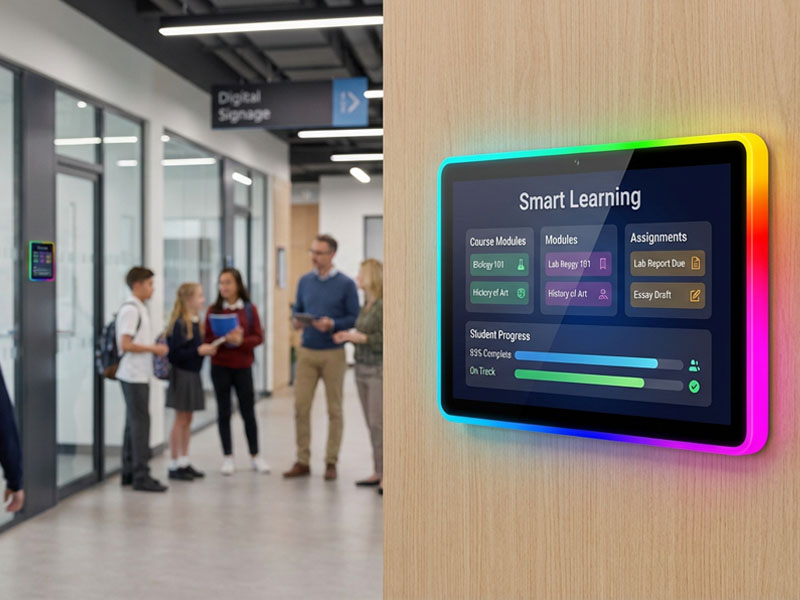
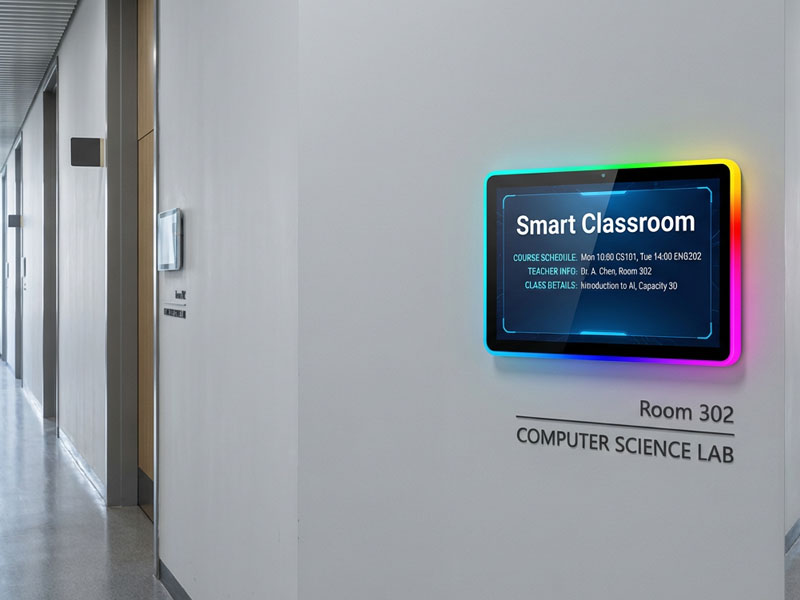
The addition of an LED status bar makes it even easier to understand the room’s availability at a glance. The LED bar changes color depending on the room’s status—often using green for available, red for occupied, and yellow for reserved but not yet in use.
These displays are designed to enhance user experience and ensure smooth room booking processes while offering other useful features like instant room booking, schedule updates, and customizable notifications.
Digital Scheduling Systems-1
Key Features of Smart Office Room Booking Displays with LED Status Bar
1. Real-Time Room Availability
The main feature of these displays is the ability to show the real-time availability of meeting rooms. This ensures that employees can see exactly when a room is free or booked without the need to constantly check calendars or wait for a response from colleagues.
- Instant Updates: Room bookings made through calendar software are instantly reflected on the display, ensuring accurate availability.
- Color-Coded LED Status Bar: The LED status bar quickly indicates whether a room is available (green), occupied (red), or reserved (yellow), allowing users to make decisions without delay.
2. Seamless Integration with Calendar Systems
A smart room booking display system is typically integrated with office calendar systems such as Google Calendar, Microsoft Outlook, or Office 365. This ensures that room bookings are automatically updated across all platforms, providing a unified scheduling experience for employees.
- Auto-Sync with Room Calendars: Any changes to room bookings are reflected on the display in real time, preventing double bookings or confusion.
- Easy Booking: Employees can schedule, modify, or cancel meetings directly from the display or via their mobile devices, enhancing flexibility and convenience.
Meeting Room Display Panels
3. Touchscreen Interface
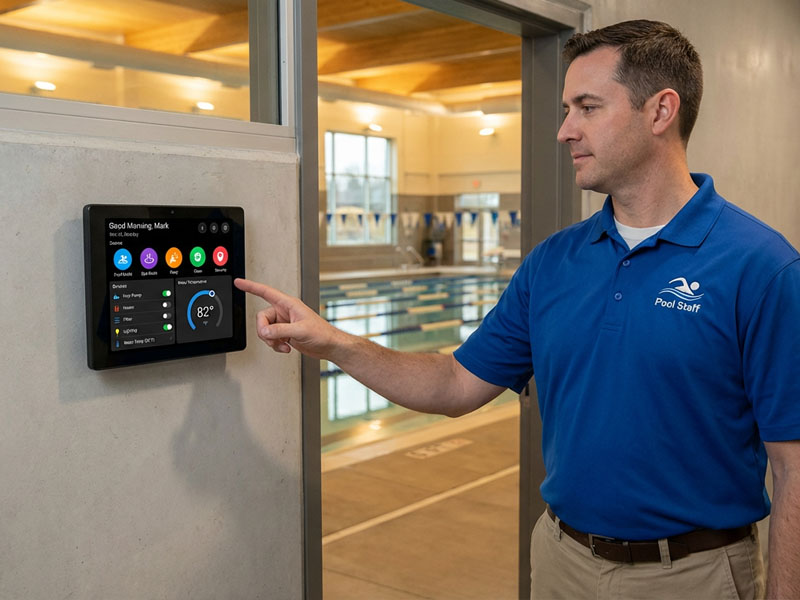
Most modern smart office room booking displays come with touchscreen functionality. This makes it simple for users to interact with the system, whether they’re booking a room on the spot, checking the schedule, or modifying an existing reservation.
- Quick Booking: Touch-based interfaces allow users to book rooms immediately or extend bookings if the room is available.
- Intuitive Interface: The easy-to-use interface ensures that employees can quickly find and book available rooms without confusion.
4. LED Status Bar for Instant Visibility
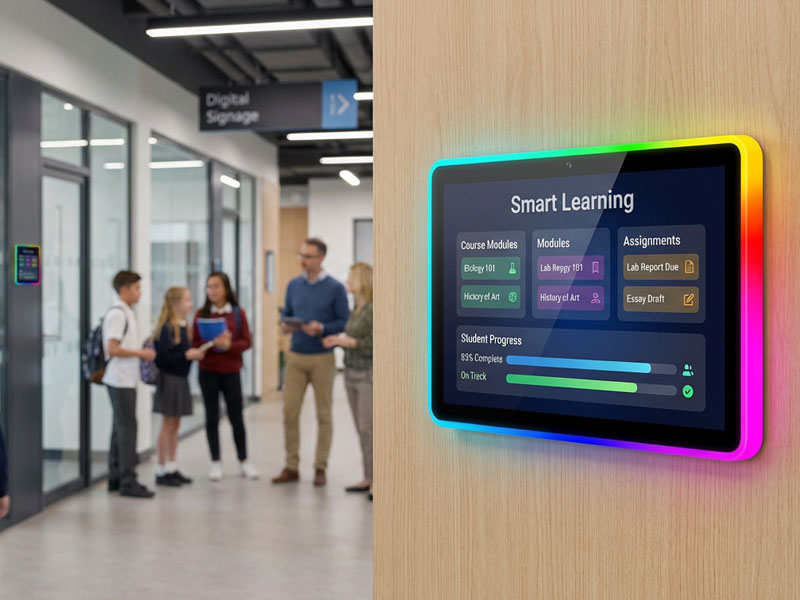
The LED status bar is one of the most valuable features of a smart room booking display. It provides a quick, at-a-glance visual cue that makes it easy to determine if a meeting room is available, occupied, or reserved.
- Bright and Color-Coded: The LED bar lights up in different colors (typically green for available, red for in use, and yellow for reserved), ensuring that employees can instantly see the room’s status without needing to read small text.
- Additional Features: Some LED bars also display time indicators, such as a countdown to the meeting’s end or start time, adding further clarity for meeting participants and organizers.
5. Smart Scheduling Features
In addition to basic booking, smart displays often come with advanced scheduling features that optimize room usage and streamline office management.
- Recurring Bookings: Users can book rooms for recurring meetings or events, making long-term planning more straightforward.
- Booking Limitations: Admins can set rules such as booking windows, minimum or maximum booking times, and restrictions on room access to ensure fair and efficient room usage.
Meeting Room Display Panels
6. Energy Efficiency
Many smart room booking displays are designed to be energy-efficient, ensuring they have minimal power consumption when not in use.
- Motion Sensors: Some systems include motion sensors that activate the display when someone is near, saving energy when the room is empty or when no one is interacting with the system.
- Auto-Dimming: Displays can also feature auto-dimming capabilities, adjusting the brightness based on the surrounding ambient light, which reduces power consumption during non-peak hours.
Benefits of Smart Office Room Booking Displays with LED Status Bar
1. Improved Space Utilization
By displaying real-time availability and making room bookings easy, these systems help businesses make better use of their meeting rooms. Employees are more likely to reserve rooms they need and avoid booking spaces that are already occupied.
- Reduce Wasted Space: With instant updates on availability, it becomes easier to manage underutilized rooms and ensure that meeting spaces are used efficiently.
- Maximize Room Availability: Flexible booking times and immediate modifications help avoid double-booking or unused reserved spaces, ensuring rooms are booked for the right times.
2. Enhanced Productivity
When booking rooms is easy and efficient, employees spend less time dealing with room-related issues and more time focusing on their tasks. Smart office room booking displays save time by providing up-to-date availability and eliminating the need to check calendars or send multiple emails.
- Fewer Scheduling Conflicts: Real-time updates and accurate room status reduce the risk of double-booking, ensuring that meetings run smoothly.
- Immediate Availability: Touchscreen functionality allows employees to book, modify, or cancel meetings on the spot, ensuring that meeting spaces are used as needed.
4 inch smart control panel
3. Better Communication and Coordination
With room availability clearly displayed, communication around meeting spaces becomes more transparent and efficient. Employees know exactly when rooms are available, allowing them to make decisions quickly.
- Clarity for All: The LED status bar provides instant clarity about room usage, so employees don’t need to ask around or check with others before booking.
- Effective Resource Management: Having an overview of room usage enables managers to ensure that spaces are booked equitably and effectively, reducing the chances of resource wastage.
4. Streamlined Office Operations
By reducing room booking conflicts and making scheduling more efficient, these systems contribute to smoother office operations. Smart scheduling features like recurring bookings and booking rules allow businesses to maintain organized and efficient office spaces.
- Easy Updates: Changes to meeting schedules are automatically synced across the display and calendar, ensuring that employees always have access to the latest room availability.
- Integration with Other Systems: Room booking displays can integrate with other office management systems, such as room lighting, temperature control, and AV equipment, ensuring that everything is set up for the meeting.
Applications of Smart Office Room Booking Displays with LED Status Bar
- Corporate Offices: These systems are perfect for companies that have multiple meeting rooms and need a way to manage room availability in real-time.
- Co-working Spaces: Shared office spaces benefit from these displays, as they help tenants find and reserve available rooms quickly.
- Educational Institutions: Universities and schools can use these systems for classrooms and lecture halls to ensure rooms are scheduled and utilized efficiently.
- Conference Centers: Large conference centers with multiple meeting spaces can use these displays to manage booking, ensuring seamless coordination of events.
Smart office room booking displays with LED status bars are a modern solution for managing meeting spaces in today’s fast-paced work environment. By providing real-time availability, easy booking, and instant updates, these systems help businesses optimize office space, increase productivity, and reduce scheduling conflicts. The added LED status bar provides instant visual clarity, allowing employees to quickly check room availability without hassle.
Whether in a corporate office, co-working space, or educational institution, smart room booking displays are essential for efficient office management. At Portworld, we offer a range of customizable meeting room booking displays designed to fit your unique office needs. Contact us today to learn how our solutions can improve your office space management and enhance workplace efficiency.

