Android conference room scheduling touch screen
As organizations strive for increased productivity and efficiency, conference room management becomes a vital part of everyday operations. In modern offices, ensuring that meeting spaces are utilized effectively, without scheduling conflicts or wasted time, is a must. This is where the Android conference room scheduling touch screen comes into play — offering a simple, intuitive, and efficient solution to optimize the use of meeting rooms and ensure smooth collaboration across teams.
In this article, we will explore how an Android-based conference room scheduling panel can transform the way your office manages meetings and bookings. We’ll look at its features, benefits, and how Portworld’s smart touch control panels can provide the perfect solution for conference room management.
What is an Android Conference Room Scheduling Touch Screen?
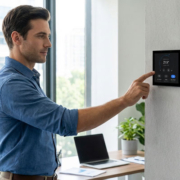
An Android conference room scheduling touch screen is a dedicated control panel installed outside meeting rooms or on a desk within the office. The device runs an Android operating system and serves as an interactive interface for employees to view room availability, book meetings, or check-in/out of scheduled sessions.
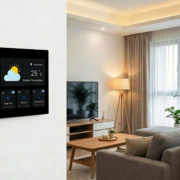
These panels often feature a touchscreen interface, which makes it easy for users to manage and reserve meeting spaces with just a few taps. The Android OS provides additional flexibility, allowing for custom applications, integration with other office management tools, and seamless synchronization with calendar systems such as Google Calendar, Microsoft Outlook, and Office 365.
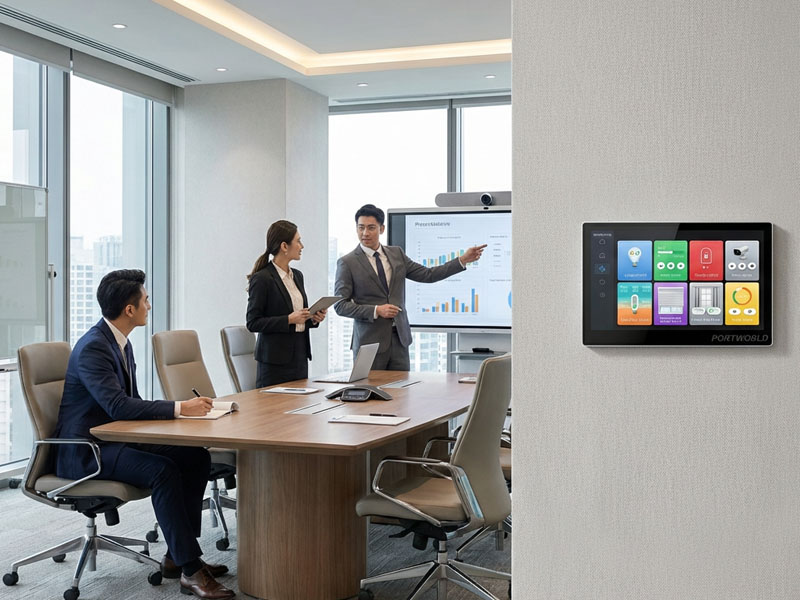
smart control panel
Key Features of an Android Conference Room Scheduling Touch Screen
Real-Time Room Availability
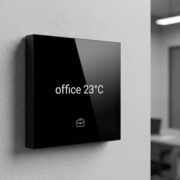
- The Android conference room scheduling touch screen allows employees to view the real-time availability of meeting rooms. Whether you’re looking for a quick meeting space or a larger conference room, the touchscreen provides clear information about room status (available, occupied, or pending).
- Users can book the room on the spot or check in/out to ensure efficient management of the office space.
Simple Booking & Reservation System
- The intuitive interface makes it easy to schedule meetings with a few taps. By integrating with your company’s calendar system (Google, Microsoft, etc.), users can check for open time slots, view meeting details, and even extend or shorten their meetings as needed.
- Users can reserve rooms in advance or even cancel bookings if their plans change, ensuring that meeting spaces are not left unused.
Customizable Interface for Office Branding
- Android’s flexible interface allows companies to customize the design of the scheduling panel according to their brand guidelines. This could include logos, color schemes, and background images to create a consistent corporate identity across all devices.
- Customizable interfaces also provide the option to add additional functionalities, such as displaying company announcements, room-specific information, or even event schedules.
Integration with Office Tools and Equipment
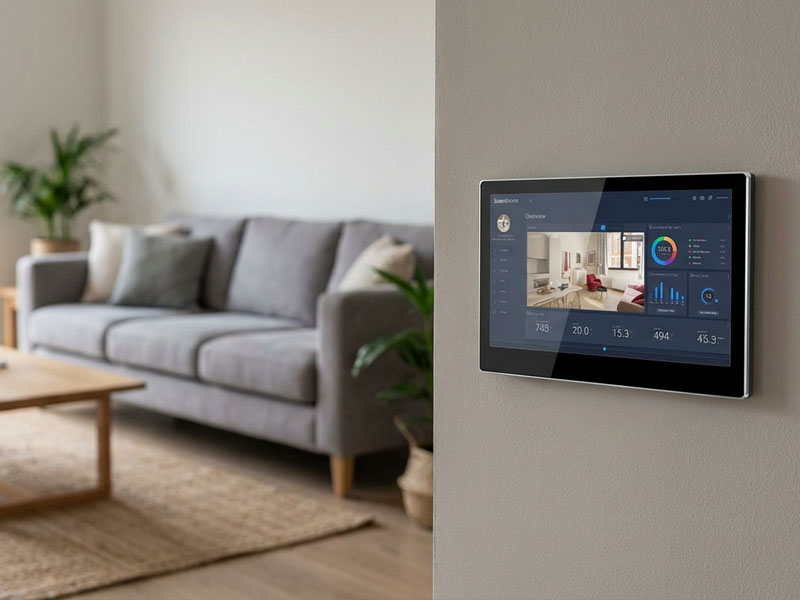
- The Android-based scheduling panel can integrate with other office systems, such as AV equipment, lighting controls, and HVAC systems, allowing users to control these devices directly from the touch screen. For instance, users can turn on the projector or adjust the lighting before a meeting starts, creating a fully automated meeting experience.
smart home control panel
Multi-Room Management
- For larger offices with multiple meeting spaces, the Android touch panel can manage multiple rooms from a single device or sync across several panels. Managers and employees can easily find available rooms, check booking status, and ensure that overlapping bookings don’t happen.
Advanced Notifications and Alerts
- The touch panel can send notifications when a meeting is about to begin, ensuring that attendees are reminded of their scheduled appointments. It can also send out alerts when a meeting room is nearing the end of its allotted time, prompting the next group to start preparing for their meeting.
Easy Room Check-In & Check-Out
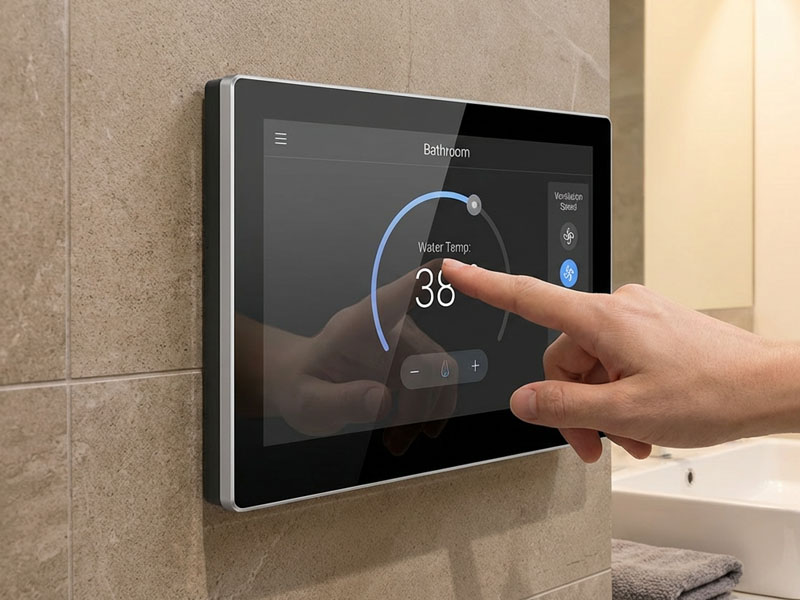
- Some Android scheduling panels are equipped with check-in systems, allowing employees to quickly check in when they arrive for a meeting. If no one checks in within a designated time frame, the room booking is automatically canceled, making the space available for others to use.
- Similarly, check-out options allow employees to indicate when their meeting is over, freeing up the space for the next team.
smart home control panel
Benefits of Using an Android Conference Room Scheduling Touch Screen
Increased Efficiency and Productivity
- By offering real-time visibility into room availability and ensuring that bookings are managed effectively, Android scheduling touch screens reduce conflicts and make it easier to find available spaces. This reduces the time wasted on back-and-forth scheduling and boosts overall productivity.
Enhanced User Experience
- With its easy-to-use touchscreen interface, employees can quickly and effortlessly reserve a room, check availability, and manage their meeting space without having to search for a meeting coordinator. This user-friendly experience ensures that the focus stays on the meeting itself, rather than on room management logistics.
Seamless Integration with Existing Office Systems
- The Android OS allows for easy integration with existing office tools and calendars. For companies already using software like Google Calendar or Microsoft Outlook, these scheduling touch screens integrate seamlessly, making it easy to sync meetings and appointments with the panel.
Cost Savings
- With the help of scheduling panels, companies can ensure that their meeting spaces are used efficiently. This can help reduce the number of unused meeting rooms and avoid underutilization of office space, leading to better resource management and cost savings.
Space Optimization
- By offering detailed insights into room occupancy, these panels help optimize space utilization, ensuring that rooms are used effectively and not left empty or double-booked. This is especially useful for offices with a limited number of meeting spaces and large teams.
smart touch control panel8
Portworld’s Android-Based Smart Control Panels for Conference Room Scheduling
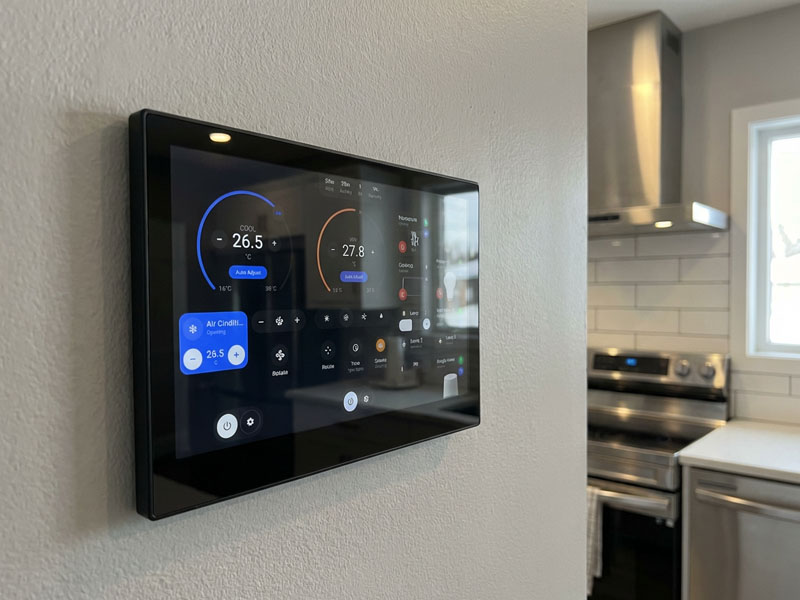
At Portworld, we specialize in providing high-quality, Android-based smart control panels that are perfect for conference room scheduling. Our range of smart touch control panels is designed to provide seamless integration with smart building systems, calendar tools, and office management software, ensuring that your meeting rooms are always booked and used efficiently.
Our product lineup includes:
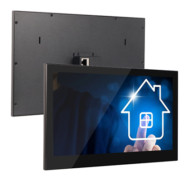
- YC-SM10P: A 10.1-inch Android-based smart touch panel that offers excellent display quality and supports integration with smart building systems like HVAC, lighting, and audio-visual devices. It’s perfect for conference rooms that require centralized control.
- YC-SM41P: A 4-inch smart touch control panel ideal for smaller meeting rooms or compact spaces. This panel provides essential room scheduling features and is built for easy wall-mounted installation.
- YC-P5: A 5-inch smart control panel that provides a simple, intuitive interface for scheduling, managing, and controlling meeting rooms. It’s a great fit for both small and large office environments.
These panels can be integrated with your existing systems, including Google Calendar, Microsoft Outlook, and other booking tools, to streamline the scheduling process and make your workplace more efficient.
Optimize Your Office with an Android Conference Room Scheduling Touch Screen
Investing in an Android conference room scheduling touch screen offers a range of benefits, from increased efficiency and productivity to better space management and cost savings. With the right hardware, such as Portworld’s smart control panels, you can ensure that your meeting rooms are always available when needed, improving collaboration and workflow in your organization.
For more information on how Portworld’s smart control panels can help manage your office spaces, contact us today and let us help you optimize your office’s meeting room management system.