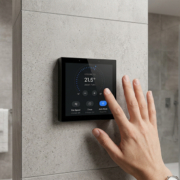
Custom UI/UX design for smart touch control panels
In the world of smart home and office automation, smart touch control panels have become the central hub for managing devices such as lighting, HVAC systems, security cameras, and entertainment systems. While these panels offer powerful functionalities, it is the User Interface (UI) and User Experience (UX) design that plays a critical role in ensuring they are not just functional, but also easy to use, efficient, and aesthetically pleasing.
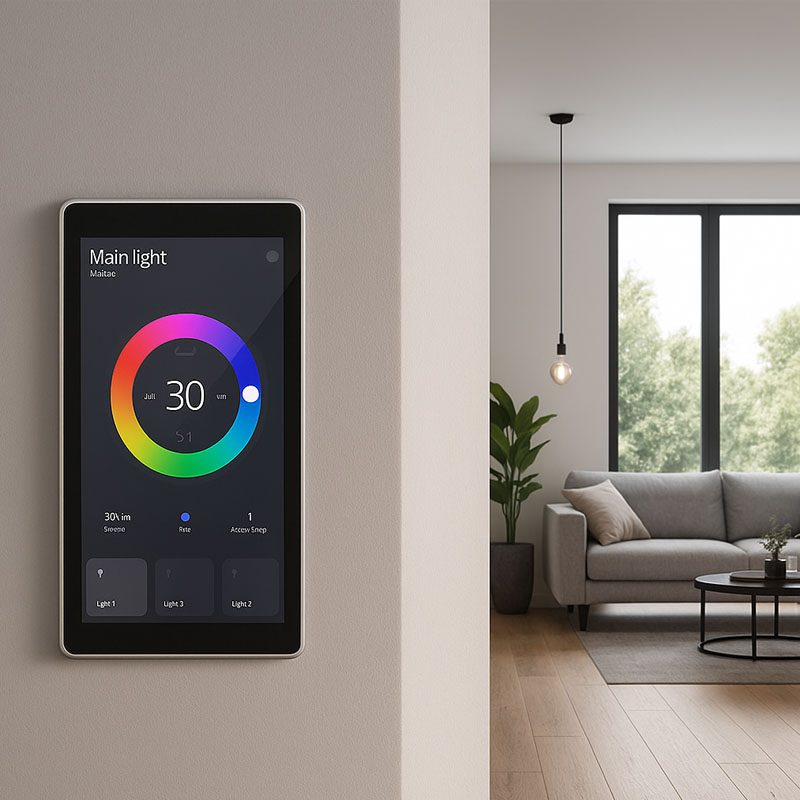
Custom UI/UX design for smart touch control panels is about creating a seamless, intuitive, and personalized experience for the end-user. It ensures that the control panel’s interface is not only visually appealing but also delivers enhanced performance, accessibility, and user satisfaction. This article explores the importance of custom UI/UX design for smart touch control panels and how it can significantly improve the smart home or office automation experience.
What is UI/UX Design for Smart Touch Control Panels?
UI (User Interface) and UX (User Experience) design refer to the elements and principles used to create the layout, functionality, and overall experience of the touchscreen interface that users interact with.
- UI Design focuses on the visual aspects of the interface. This includes the design of buttons, icons, menus, colors, fonts, and other interactive elements that users can see and touch.
- UX Design, on the other hand, focuses on the user’s experience while interacting with the device. It involves making sure the interface is easy to navigate, intuitive, and functional, enhancing the overall satisfaction of the user.
When creating a custom UI/UX for smart touch control panels, both aspects are crucial to ensure that the device is user-friendly, responsive, and elegantly integrated into the environment.
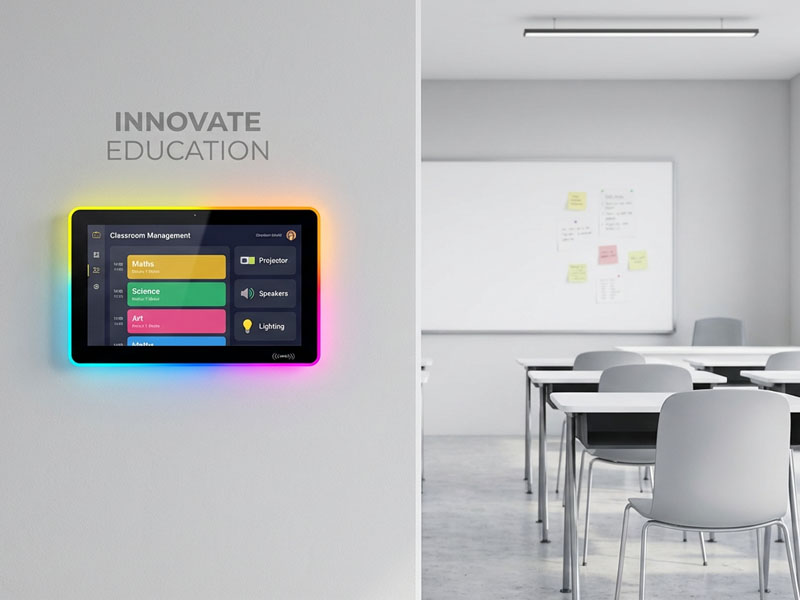
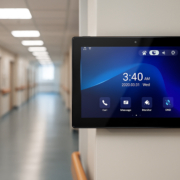
Meeting Room Display Panels
Why Custom UI/UX Design Matters for Smart Control Panels
1. Enhanced User Interaction
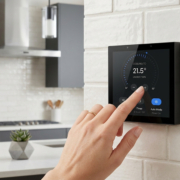
Smart control panels are often the primary interface through which users interact with their automation systems. A well-designed UI/UX ensures that the user can easily control lights, temperature, security systems, shades, and more without confusion or frustration. For example, a simple and intuitive interface allows users to turn lights on and off or adjust the temperature with just a few taps, making the process smooth and quick.
2. Personalized Experience
Every user has different preferences when it comes to design layout and interaction flow. With custom UI/UX design, the interface can be tailored to meet the unique needs of users in different environments (homes, offices, hotels, etc.). For example:
- Smart home owners may want easy access to lighting, curtain control, and security cameras.
- Hotel guests may prefer a personalized welcome screen with quick access to room temperature, lighting, and entertainment controls.
Custom designs can include personalized themes, icons, and branding elements to make the experience unique and visually appealing.
3. Streamlined Functionality and Ease of Use
Incorporating intuitive navigation and logical flow into the design makes it easier for users to operate their control panels efficiently. For example:
- Using drag-and-drop or swipe gestures to control devices makes the panel more interactive and faster to use.
- Easy access to frequently used features reduces the time users spend searching for functions, improving productivity in smart offices and enhancing user satisfaction in homes.
A well-structured UI/UX ensures that complex systems are accessible, even for users with minimal tech experience.
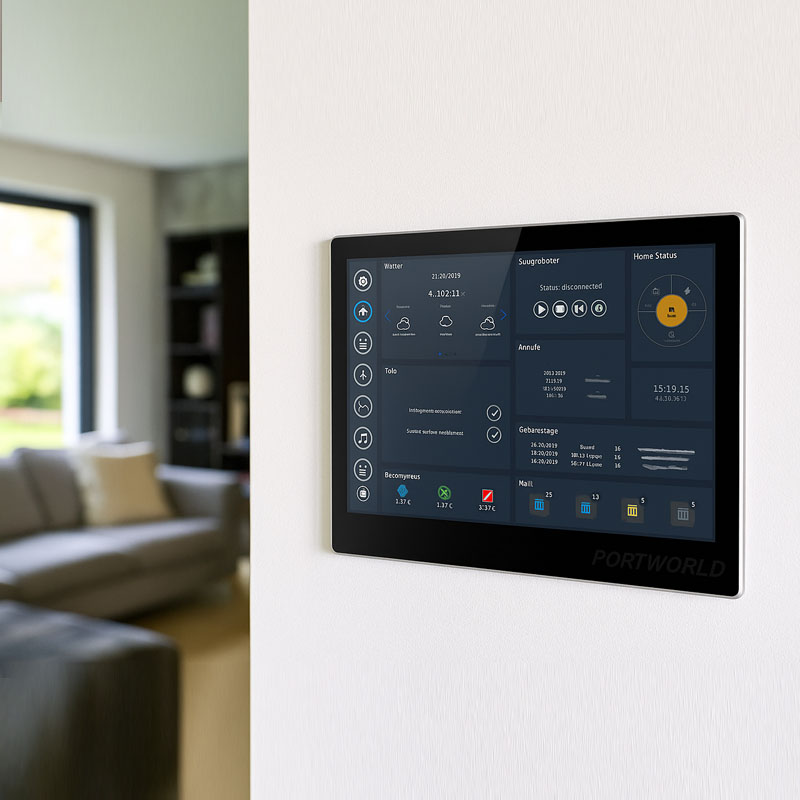
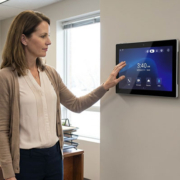
YC-SM116P smart control panel
4. Consistency Across Devices
For smart home or office automation systems, it is important that the UI/UX design is consistent across all devices (smartphones, tablets, and control panels). When users switch from using a mobile app to a smart control panel, they should find that the controls, layout, and functionality are familiar. Custom UI/UX ensures consistent branding and uniform design language, creating a seamless and cohesive experience across all platforms.
5. Brand Identity and Aesthetics
Custom UI/UX design offers the opportunity to infuse branding elements into the touch control panels. Whether it’s a logo, a specific color palette, or unique icons, a branded user interface elevates the product, making it not only functional but visually integrated with the space.
A luxury hotel may opt for a high-end, minimalist design, while a corporate office may prefer a sleek, professional look with sophisticated icons and layouts. The ability to tailor the aesthetic elements of the design ensures that the control panel matches the overall style of the environment.
Key Elements of Custom UI/UX Design for Smart Touch Control Panels
1. Clear and Concise Layout
The layout of a smart touch control panel should be organized and logical. It should prioritize the most-used controls in an easily accessible area. This could involve placing commonly used functions, such as lighting control or thermostat settings, within the first few taps to avoid long navigation paths.
Best practices include:
- Using large, easy-to-read fonts.
- Grouping similar features together (e.g., security features like cameras, alarms, and locks in one section).
- Employing clean icons that are easy to understand at a glance.
2. Touchscreen Responsiveness
The touch panel must be responsive, with fast reaction times. An unresponsive or slow touchscreen can frustrate users and detract from the overall experience. Custom UI/UX design can optimize touch responsiveness, ensuring that users can interact with the panel effortlessly, even with multiple devices being controlled simultaneously.
3. Color Schemes and Contrast
Colors play a significant role in user interaction. The right color scheme not only enhances the aesthetics but also guides the user’s eye and highlights important actions. For example:
- Green might indicate something is active, while red could represent a warning or error.
- High contrast between the background and text ensures readability, especially in brightly lit environments or low light settings.
4. Customizable Themes
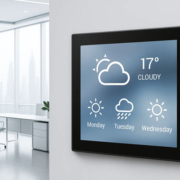
Providing users with the ability to choose between light or dark themes, or even adjust brightness settings, makes the interface adaptable to different environments. Custom themes that match the décor or branding of the home, hotel, or office add a layer of personalization.
5. Accessibility
Custom UI/UX design must also cater to people with various accessibility needs. Features like voice control, high-contrast modes, and large fonts make the smart control panel accessible to a wider range of users, including those with visual or mobility impairments.
5.5″ Android Smart Home Touch Control Panel
Portworld’s Custom UI/UX Solutions for Smart Control Panels
At Portworld, we offer custom UI/UX design services for our smart touch control panels, ensuring that each panel is optimized for your specific needs. Our design team works closely with clients to develop intuitive, aesthetically pleasing, and functional control panels that enhance user interaction.
Our custom design services include:
- Tailored UI/UX design based on your brand and requirements.
- Touchscreen optimization for smooth, responsive interaction.
- Seamless integration with third-party apps, devices, and smart home systems.
- Branding integration with logo placement, color schemes, and iconography.
- Multi-language support for global clients and international markets.
The Power of Custom UI/UX Design in Smart Control Panels
Custom UI/UX design plays a pivotal role in elevating the functionality, accessibility, and overall experience of smart touch control panels. By creating an intuitive, visually appealing interface, businesses and homeowners can take full advantage of the powerful automation capabilities that these devices offer. With Portworld’s custom design services, you can ensure that your smart touch control panels provide a seamless, personalized, and professional user experience.
Whether you need a luxurious, sleek design for a smart home, a professional layout for an office, or a branded interface for your business, Portworld is here to help you create the perfect solution tailored to your needs.
Contact Portworld today to learn more about our custom UI/UX design services and elevate your smart touch control panel experience.